
Participant
September 2, 2020
Answered

Snap to Glyph option grayed out in Illustrator

  • September 2, 2020
  • 2 replies
  • 1995 views

Hi,


wondering if someone can help me, I've just updated illustrator and was looking forward to using all the snap to glyph features. however, the snap to glyph for one character is always greyed out. Ayone know how to help? i've adjusted my settings as recommended...
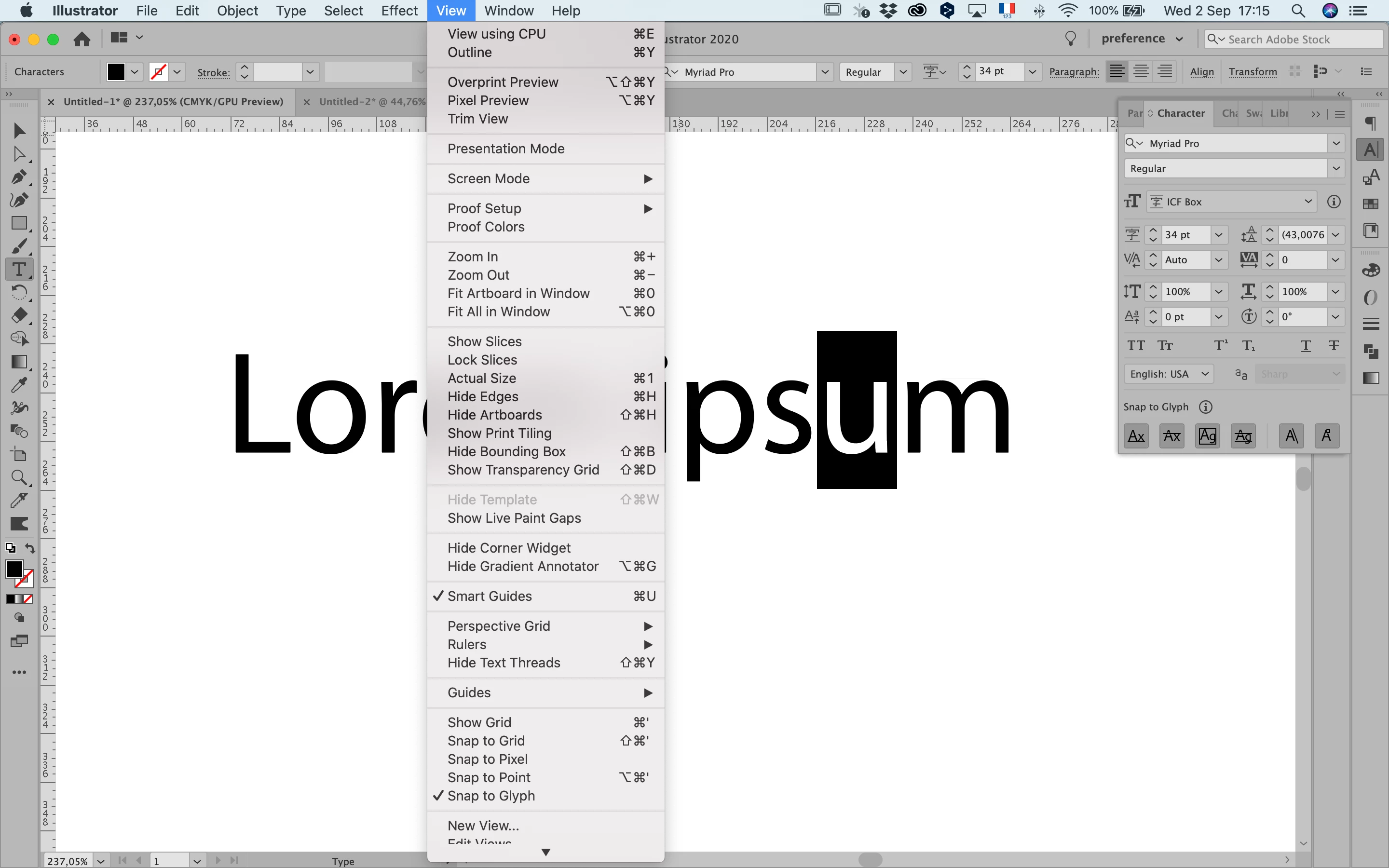
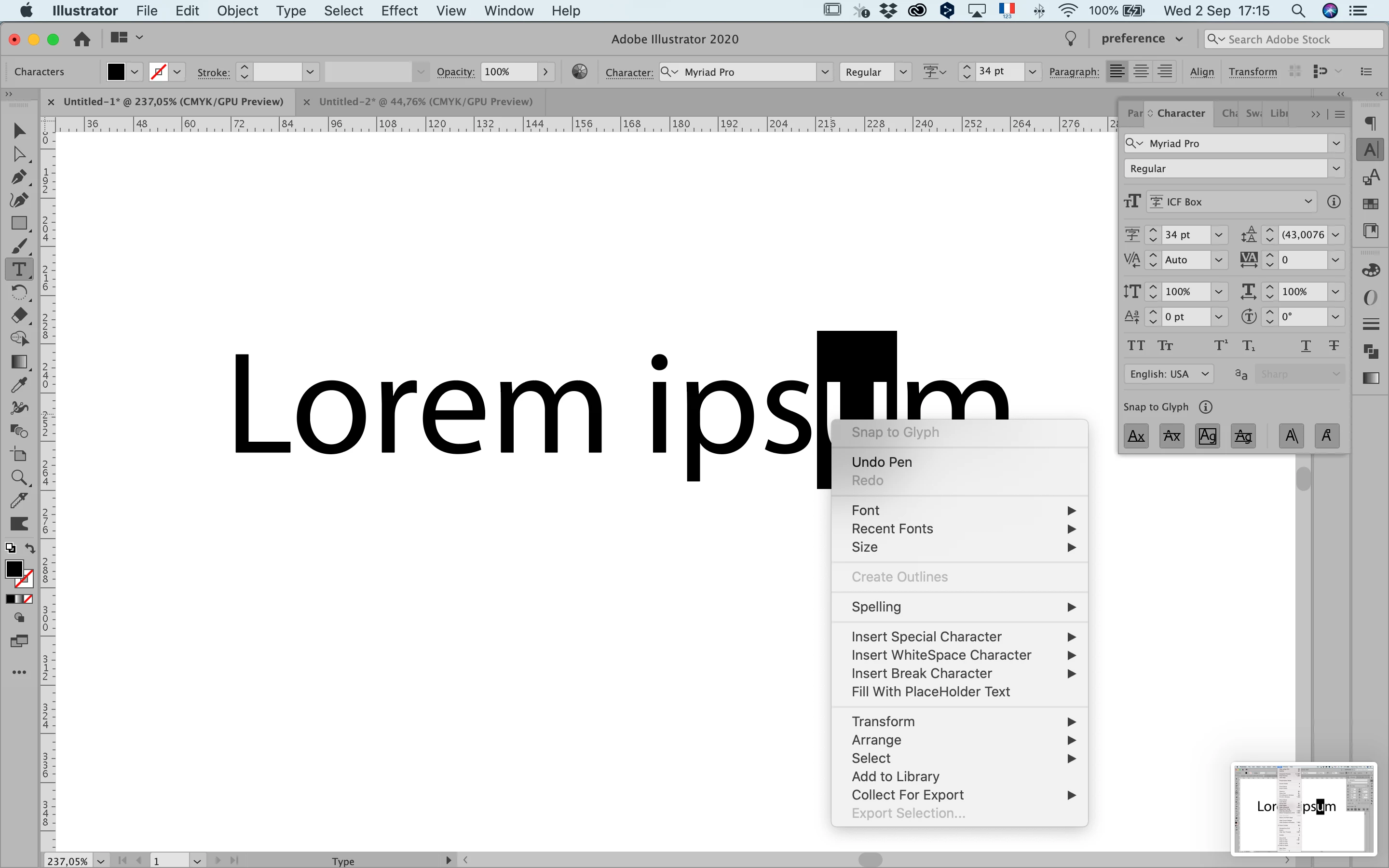
 

{Renamed by MOD}

This topic has been closed for replies.
Correct answer Monika Gause

You have to select the text object with the selection tool and then right click the letter.

2 replies

Ashutosh_Mishra
Inspiring
September 2, 2020

Hi there,


Thanks for reaching out. In addition to what Monika has suggested, please check out this help article to know how "Snap Objects to Glyph" works.

Hope it helps.


Regards,

Ashutosh

Monika Gause
Community Expert
Monika GauseCommunity ExpertCorrect answer
Community Expert
September 2, 2020

You have to select the text object with the selection tool and then right click the letter.