



MossyMoss
Participating Frequently
September 11, 2022
Answered

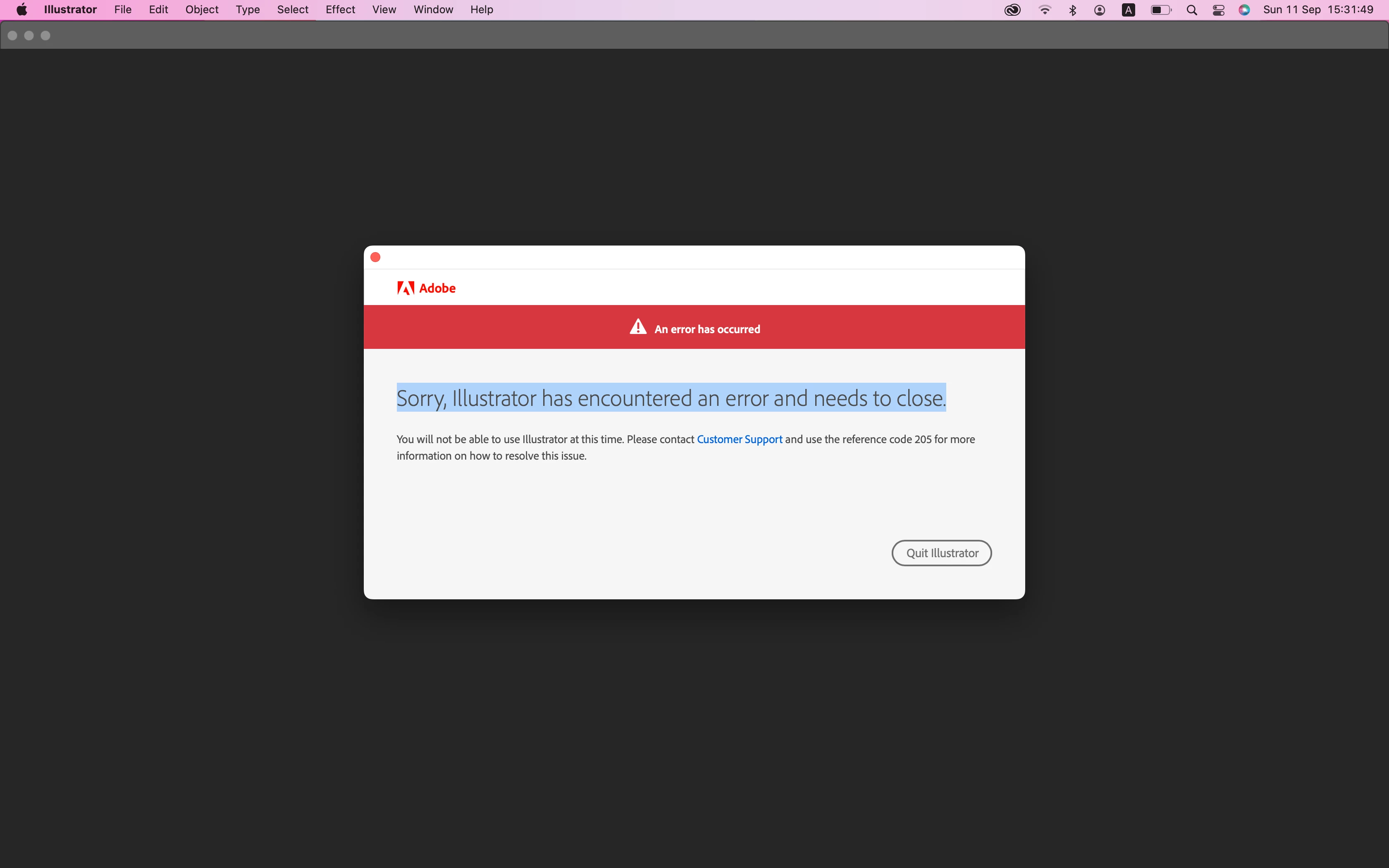
Sorry, Illustrator has encountered an error and needs to close. Error 205

  • September 11, 2022
  • 1 reply
  • 3900 views

Can anyone help me step by step how to fix this? I done all others like, unistall-install, using other connection, turn off the Firewall and lock and unlock the Keychain.... An I dont have antivirus,  I am not sure if this happent after my update to Monterey Version 12.5.1 😞 


Thank you


This topic has been closed for replies.
Correct answer Anubhav M

No. Nothing change. Done evrything as you suched still not working snd getting the same message...


Hello @MossyMoss,


Thanks for confirming that. Kindly try the suggestions shared in this help article (https://helpx.adobe.com/download-install/kb/adobe-license-issues-keychain-credential-mgr.html) and share your observations.


Looking forward to your response.


Regards

1 reply

Monika Gause
Community Expert
Community Expert
September 11, 2022

Other threads state that this might be related to the Creative Cloud app. Can you try and log out and then in to your account?

MossyMoss
MossyMossAuthor
Participating Frequently
September 11, 2022

Oh yes I forgot to mention that I did this as well 😞 

Anubhav M
Community Manager
Community Manager
September 13, 2022
Dear Anubhav,
 
So thank you for your email. I am so stressed with this issue. 
I try to follow your steps. Is it possible to not have in my macbook these files? I can't find the "library" or the SLStore or the SLCach. I only found the  "OOBE" by searching the name... 😞
 Could you please help me more?

Hello MossyMoss,

Thanks for confirming that, and sorry for the confusion.
Kindly try the following steps to navigate to the library and the user library folders, and try renaming the OOBE, SLStore, and SLCache folders from there:

In the Finder, choose Go > Go to Folder.
In the Go To Folder dialog box, type /Library
Click Go

Similarly, to access the user library:
In the Finder, choose Go > Go to Folder.
In the Go To Folder dialog box, type ~/Library
Click Go
 

Looking forward to your response.
Regards
