
Answered
Spelling
HI All. I need my spell check to be English UK. I changed my settings under character but still says french when i do spell check. How can i fix this?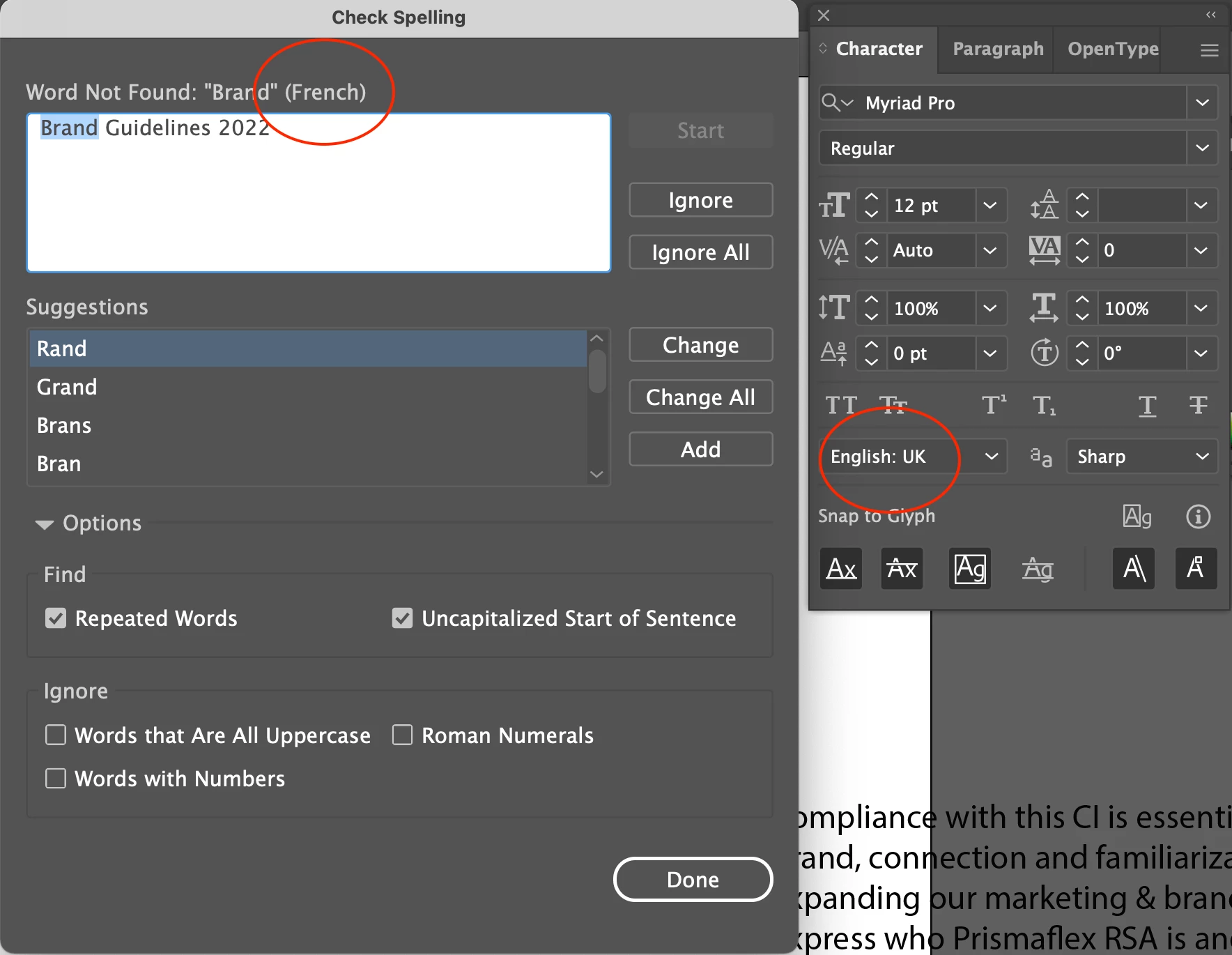

HI All. I need my spell check to be English UK. I changed my settings under character but still says french when i do spell check. How can i fix this?
Go to the Hyphenation Section of your Illustrator preferences and change the Default Language there to English UK. Do this with no documents open and then quit the program to make it the program's default. Any new documents that you will then create will have that language as the default. Previously created documents will retain their previous language until you change them.
Already have an account? Login
Enter your E-mail address. We'll send you an e-mail with instructions to reset your password.
 AdChoices