Community Expert
August 31, 2021
Answered

Spot Colour - not showing up when Layer set to Not Print

  • August 31, 2021
  • 4 replies
  • 729 views

1. Setup a spot colour

2. Apply it to any object

3. Set your layer to no printing

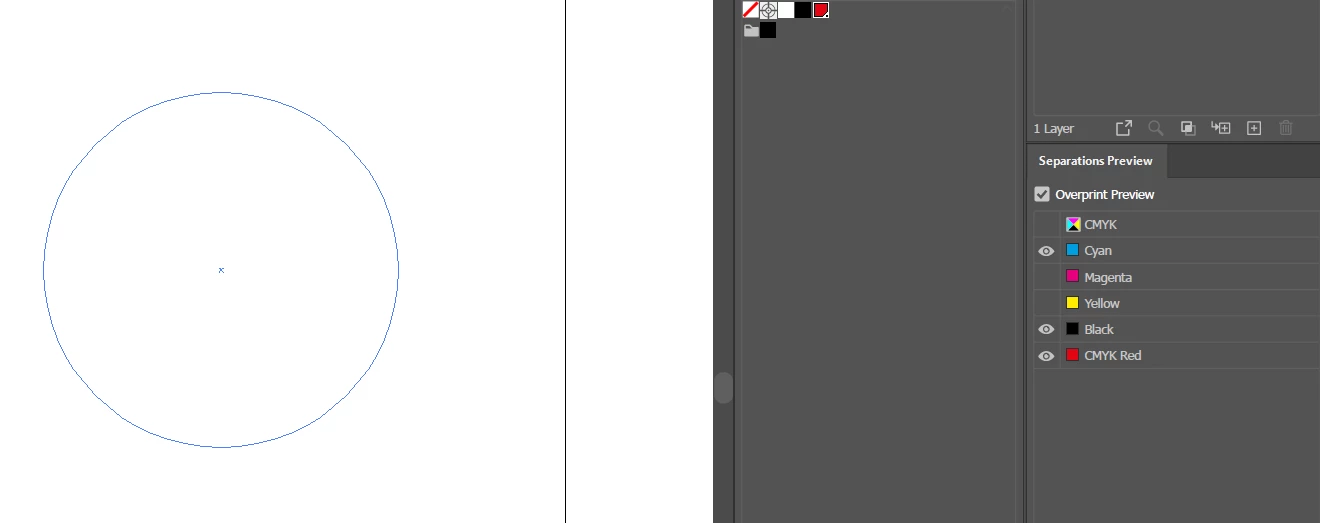
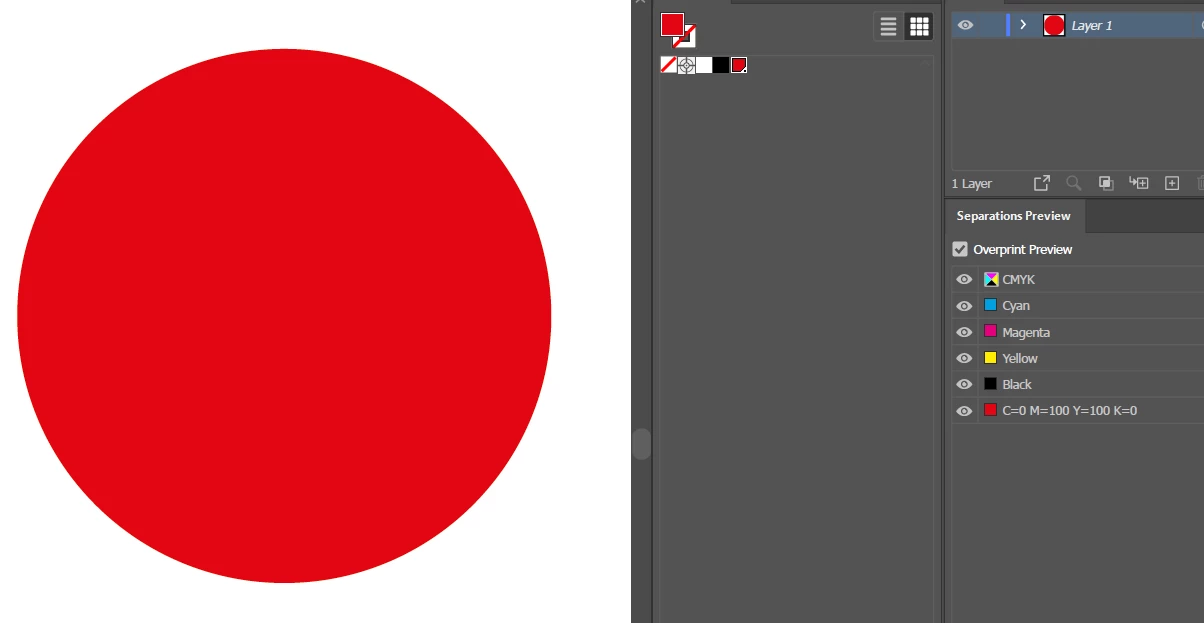
4. Check the separations


I must admit - the first time I clicked the separations colour it was ok. But further clicking resulted in it breaking.

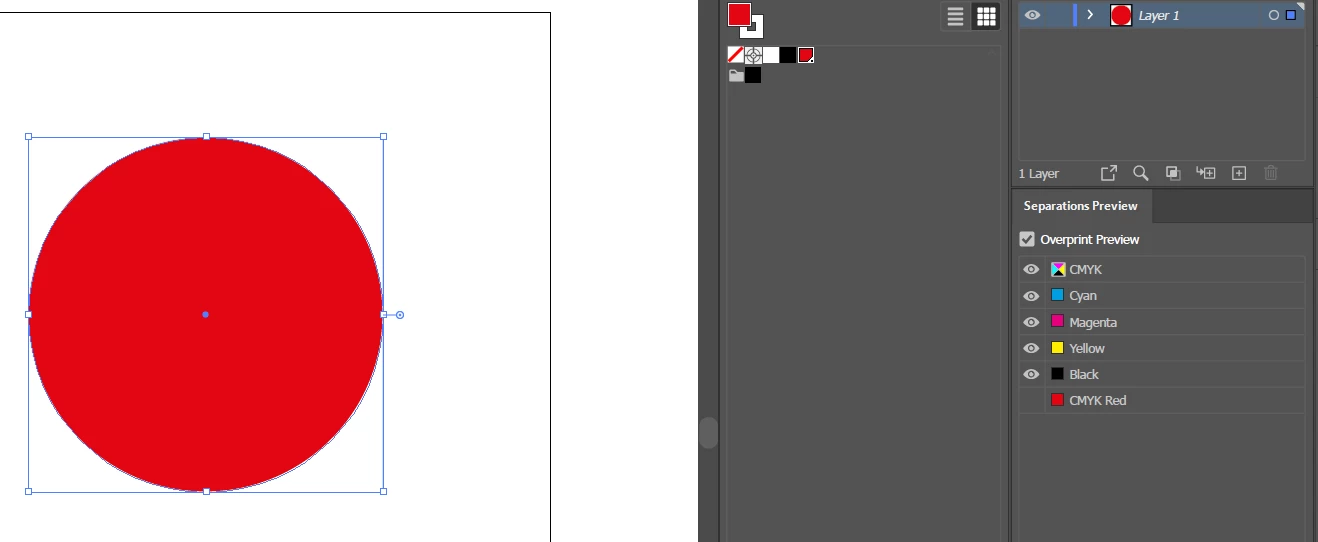
It shows the spot colour as CMYK.

Until you set the layer to Print again.


Do you reckon it's a bug or something else?

I've tested this on Mac and Windows.


This topic has been closed for replies.
Correct answer Ton Frederiks

But then I would not expect the spot color in the Separations Preview.

Let's call it a bug.

4 replies

Ton Frederiks
Community Expert
Community Expert
September 1, 2021

Voted.

Community Expert
August 31, 2021

Thanks for confirming - I'll file it as a bug in the morning.

Kurt Gold
Community Expert
Community Expert
August 31, 2021

Yes, it is confusing and one may call it a bug.


Interestingly, the issue does not occur if the non-printing layer is a sublayer inside a printing main layer.


Ton Frederiks
Community Expert
Ton FrederiksCommunity ExpertCorrect answer
Community Expert
August 31, 2021

But then I would not expect the spot color in the Separations Preview.

Let's call it a bug.

Ton Frederiks
Community Expert
Community Expert
August 31, 2021

It does not seem to affect printing as separations or saving as PDF, but it is confusing