Participating Frequently
April 15, 2021
Answered

Spot colour used with transparency

  • April 15, 2021
  • 3 replies
  • 2471 views

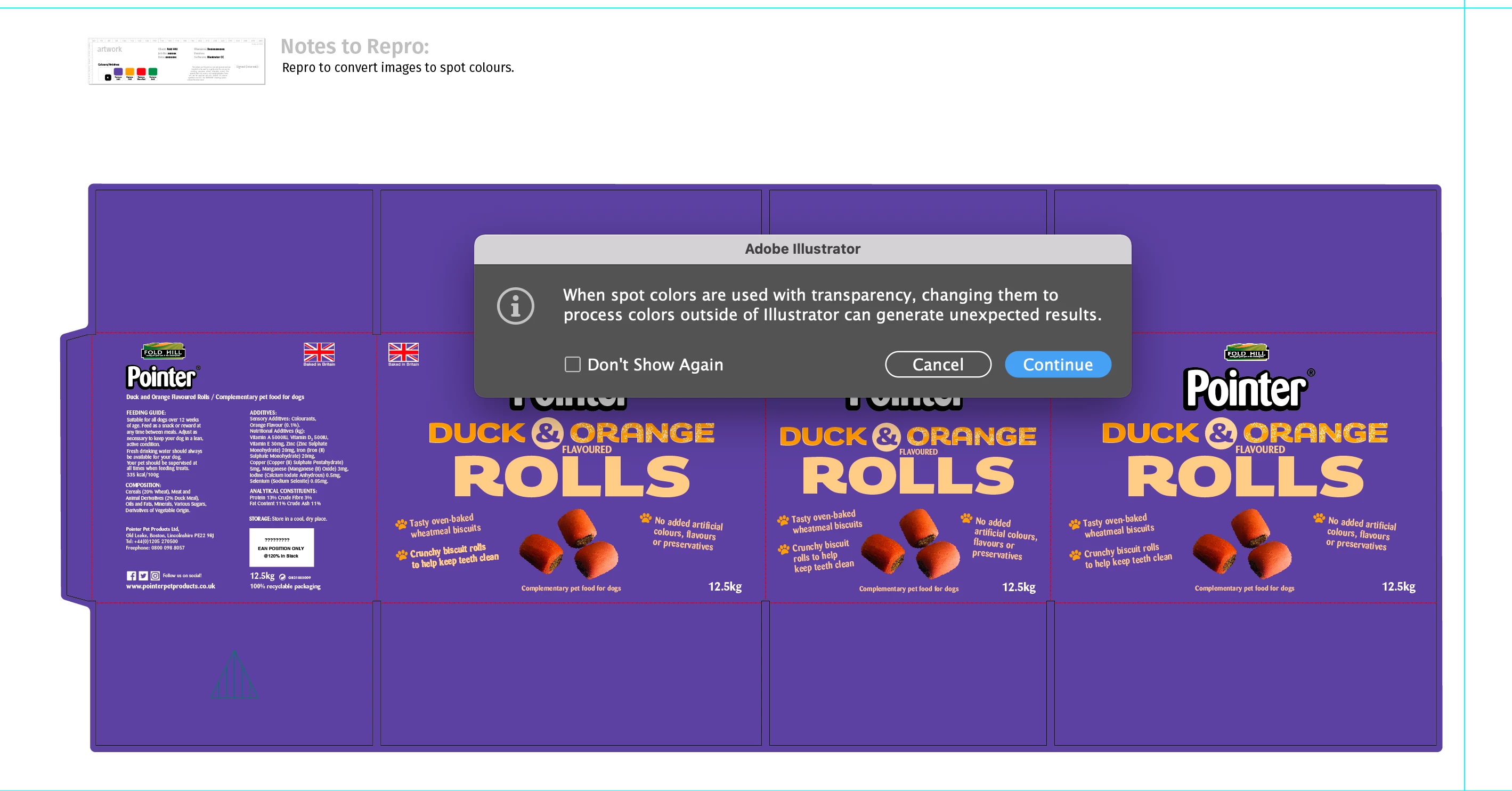
What does this warning mean


This topic has been closed for replies.
Correct answer Mike_Gondek10189183

This means you have colors that are specified as spot so the would in print separate in an ink other than the process of combining CMYK. Though printing for example a spot color of  f field of PMS 320 at 50% is nto an issue, a problem occurs when you have for example a blending mode as that spot has to be converted to CMYK, in the conversion there will likely be innacuraccies.

If you need more help please provide screens shots of your individual separations preview for each spot color you have. Windows >. separation preview is some I recommend you like into to explain what is going n here.

3 replies

Ton Frederiks
Community Expert
Community Expert
April 15, 2021

Check the separations preview to see if your spot colors are still separated as separate plates.

Participating Frequently
April 15, 2021

Thank you - this simple explanation, made it clear what I was missing. It's my first time designing packaging in Illustrator, and I wanted to make sure I understood all the warnings.


J

Mike_Gondek10189183
Community Expert
Mike_Gondek10189183Community ExpertCorrect answer
Community Expert
April 15, 2021

This means you have colors that are specified as spot so the would in print separate in an ink other than the process of combining CMYK. Though printing for example a spot color of  f field of PMS 320 at 50% is nto an issue, a problem occurs when you have for example a blending mode as that spot has to be converted to CMYK, in the conversion there will likely be innacuraccies.

If you need more help please provide screens shots of your individual separations preview for each spot color you have. Windows >. separation preview is some I recommend you like into to explain what is going n here.

Participating Frequently
July 15, 2022

Participating Frequently
July 16, 2022

And what's your question?


WHEN EVER I CREATE A DESIGN IN ILLISTRATOR . WHEN I GO TO SAVE AS, I\THAT ERROR POPS UP . AND WHEN I SAVE IT IT CREATES MULTIPLE CUT LINES, I DON'T KNOW HOW TO MAKE IT CUT ONLY ONCE? 

Mylenium
Legend
April 15, 2021

It means what it says - any conversion to CMYK may yield a drastically different color result. unless you are 100% certain it actually gets printed with the colors you defined at the given densities, you may want to dig out your pantone swatch and find substitutes that giver the same coloration without relying on transparencies, as clearly would be preferable for package printing under most conditions.


Mylenium

Participating Frequently
April 15, 2021

Thank you - My first time designing packaging.
I was hoping to keep the design to four colours which I've achieved and yes, I have used Pantone for the colour choices