
Inspiring
July 19, 2019
Answered

Squares in the background of my Illustrator file

  • July 19, 2019
  • 1 reply
  • 4454 views

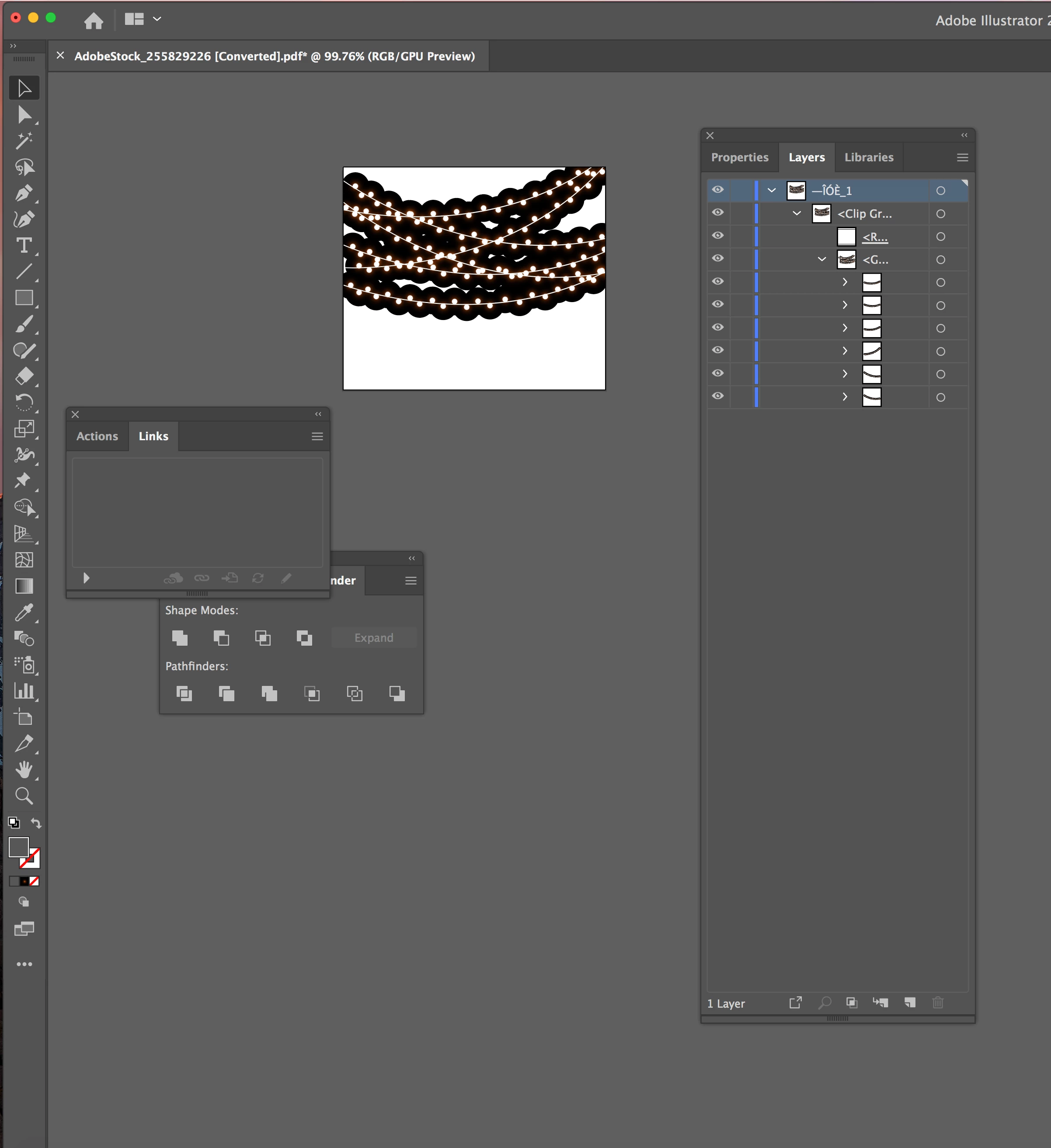
I downloaded artwork from Adobe Stock.  It is an .ai file.  It has the squares in the background like a transparency would in Photoshop.  I can take the squares out individually, but then the rest of the artwork isn't correct.  It is string lights, so it looks like the lights are glowing, until you remove the squares, then it's just circles with black outlines around them.

Is there anything i can do to correct this?

I honestly don't use Illustrator that often anymore, so not sure if it's an effect or something that can just be turned off.

Thanks for any help.
    This topic has been closed for replies.
    Correct answer footprint DESIGN & PRINT

    And this is what happens when I remove the squares.


    The lights in the images use transparency and blend modes to create the glows.

    These effects can only be seen when there is a background behind them, hence the squares.

    You've removed the squares so now there is no background, put a white/grey square, the size of the pasteboard behind the lights and they should have a nice glow.

    1 reply

    Mike_Gondek10189183
    Community Expert
    Community Expert
    July 19, 2019

    You did not post anything showing  how the file is constructed. or a copy of the file. How are you expecting anyone to be able to assist ?

    Inspiring
    July 19, 2019

    I wasn't sure if I could since it's a file that I had to buy.