

Stop Envelope Distort from distorting fonts when fitting words to the same width
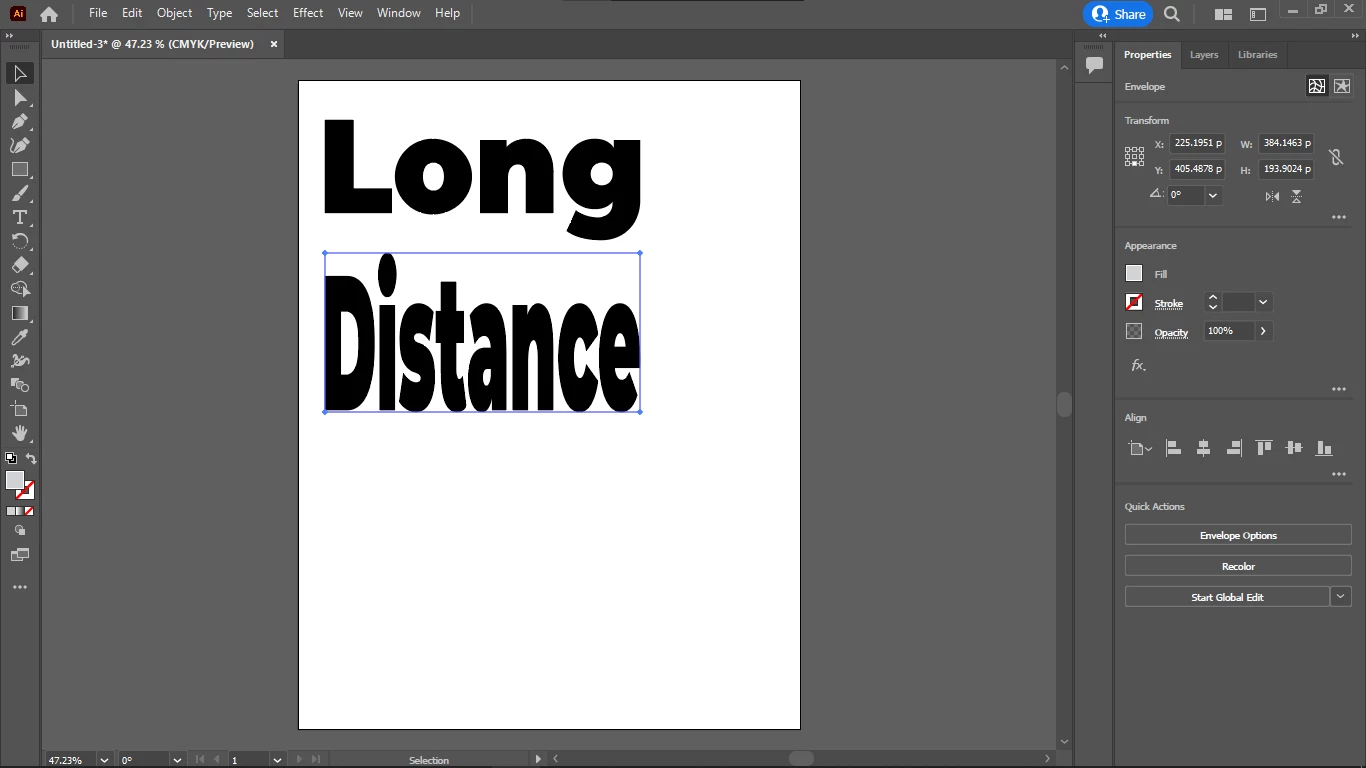
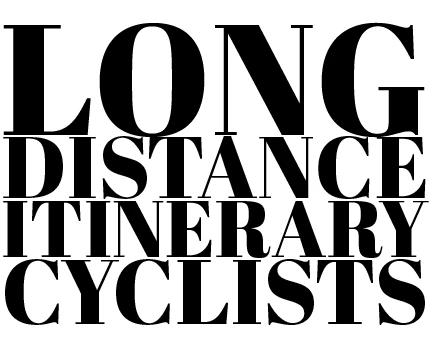
I want to fit words in rectangle shapes with Illustrator (each word is a rectangle but the words together are also a rectangle) with one word in each row so that Envelope Distort would make the text into the selected shape without distorting the font height.
Instead, it should automatically adjust the rectangle height, to fit the text to the width.
In fact, I don't want to allow horizontal distortion of the font either.
And I don't want to allow to distort the tracking (distance between the characters) either.
The only thing I want to allow to the Envelope Distort, is to resize the second word's font until the width of the word matches the width of the first word, and so on.
So only the font size is allowed to change until it matches the width.
And the vertical distance between the words should also be the same, so their frame should perfectly fit the word so I can space them evenly, vertically.
How do I do that?
Thanks in advance.
 AdChoices