Cute Drawings
Participating Frequently
July 27, 2019
Answered

STOP eyedropper tool from picking on LOCKED layers

  • July 27, 2019
  • 2 replies
  • 2597 views

My scenario:

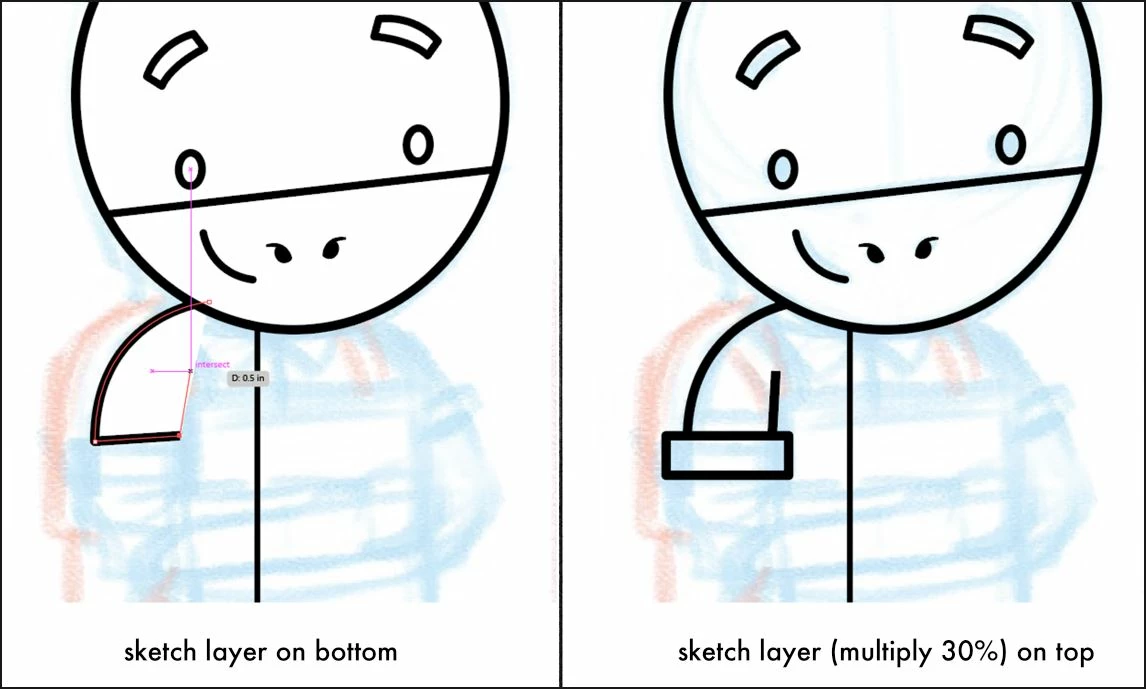
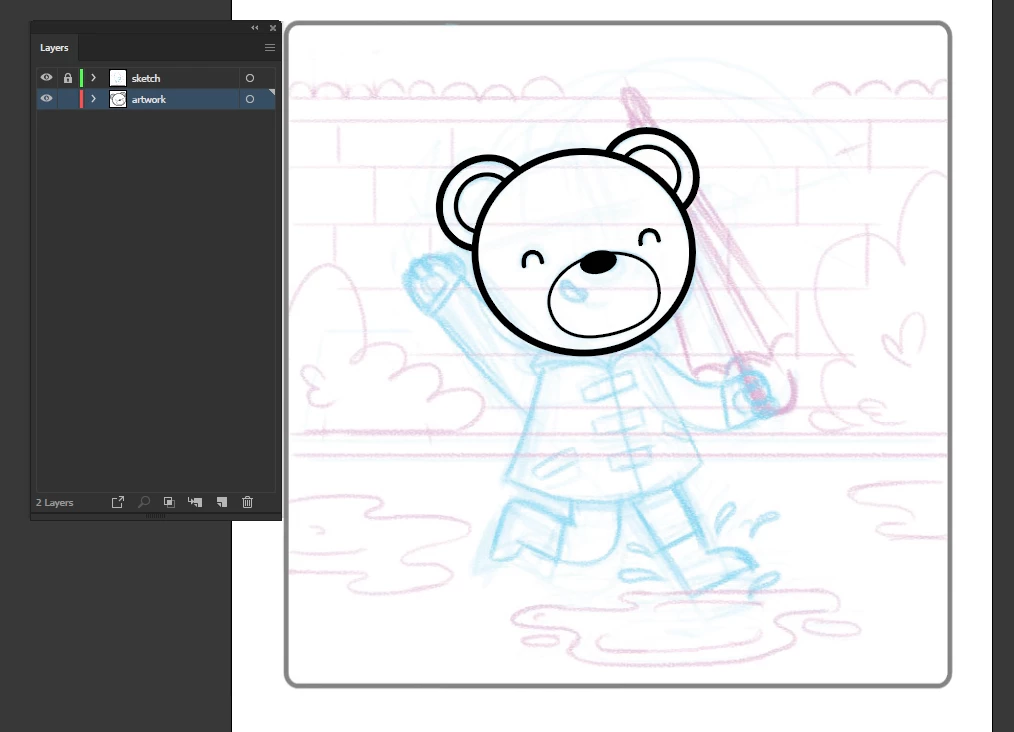
I'm making an illustration based on my a image sketch. Sketch layer is set to multiply and opacity to 50%.
Problem:

My artwork layer is composed of different line weight stroke, and I want to easily use the eyedropper tool and pick from my desired lined weight. BUT Illustrator is picking from my sketch layer, even though it's locked.

Moving the sketch layer on the bottom is non-negotiable, I need it set to multiply to see my artwork as I go along.

Question:

Is there a way for Illustrator to stop picking from LOCKED layers. Any tips and suggestions to go through this?

Thanks in advanced!

This topic has been closed for replies.
Correct answer Monika Gause


https://forums.adobe.com/people/Creative+Kitty  schrieb

Set the drawing layer to multiply (the layer itself not the single objects) and this would be solved.

2 replies

Ton Frederiks
Community Expert
Community Expert
July 27, 2019

Maybe change the Eyedropper settings to pick up and apply only the stroke and turn off the other options?

Cute Drawings
Participating Frequently
July 29, 2019

Nope, it still doesn't work. If the locked layer on top doesn't have a stroke, it picks up the "no stroke" appearance of that layer I came across a tutorial on Skillshare that showed a workaround, I just can't seem to find that tutorial. So this forum is my last resort.

Monika Gause
Community Expert
Community Expert
July 29, 2019

Why do you have the sketch in front?

Jacob Bugge
Community Expert
Community Expert
July 27, 2019

Kitty,

Maybe too silly (to ask), how about hiding the locked layers, just while picking, and then showing again?

I am afraid what you see is what you pick.

Apart from that, it is never nice to be picked on (sorry, it was stronger than I).

Cute Drawings
Participating Frequently
July 29, 2019

That's what I'm doing right now. It's just easier if I didn't have to add an extra tip to the process -- because layers do stack up, and it's a little bit of a hassle to find my sketch layer and have to turn it off every now and again.

I came across a tutorial on skillshare to remedy this, but unfortunately, I can't find the tutorial & I forgot the tip

Monika Gause
Community Expert
Community Expert
July 29, 2019

WHat about setting the sketch layer to "Template"?