


Question
Strange Kerning Behavior in Newest Illustrator
I'm noticing this issue consistently with the newest iteration of Illustrator:
If I have text that is close to the edge of the text box, and I try to make kerning between two characters tighter/smaller, Illustrator temporarily shows the text breaking into two lines, as if it won't fit on one, before readjusting to one line again. It's making it very difficult to fine-tune kerning, as I can't see the progress I'm making. Is this due to some feature I can turn off? I've tried resetting preferences and seen no difference.
How the text is supposed to look:

When I try to decrease the kerning between two letters (which should free up some space on the line, not increase it):
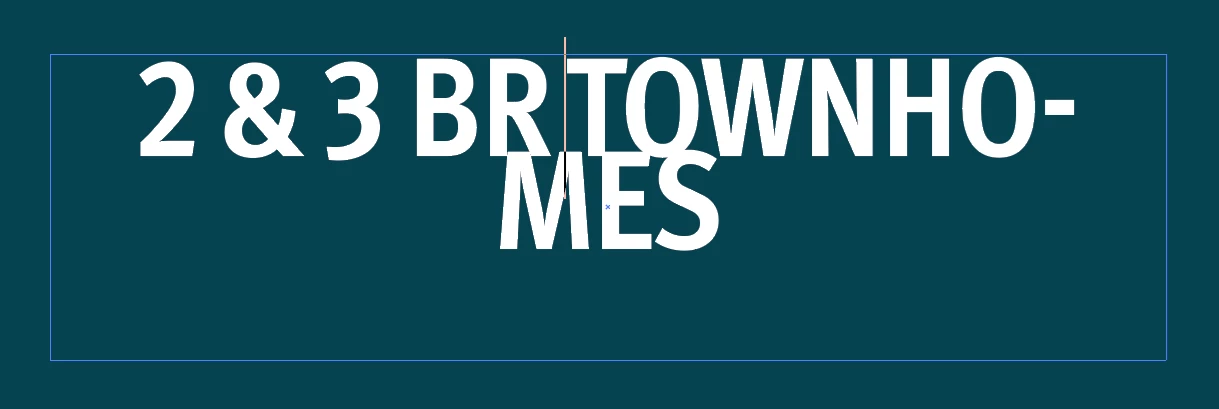
After about half a second, it reverts back to one line again.
 AdChoices