
Participant
July 10, 2020
Answered

Stroke end caps won't apply to new brush stroke

  • July 10, 2020
  • 1 reply
  • 1547 views

Hello, I'm giving Illustrator another try after a few years away, but have hit a brick wall almost immediately. If I draw a stroke with the brush tool (or the blob brush tool), I'm unable to change the end caps to be square. None of the other stroke options work either - dashed line, corner options etc. The internet tells me that going to Appearance > Clear Appearance works, which it indeed does for that stroke, but I can't do that for every single stroke I make. I've attached a couple of screenshots - nothing changes between the two.
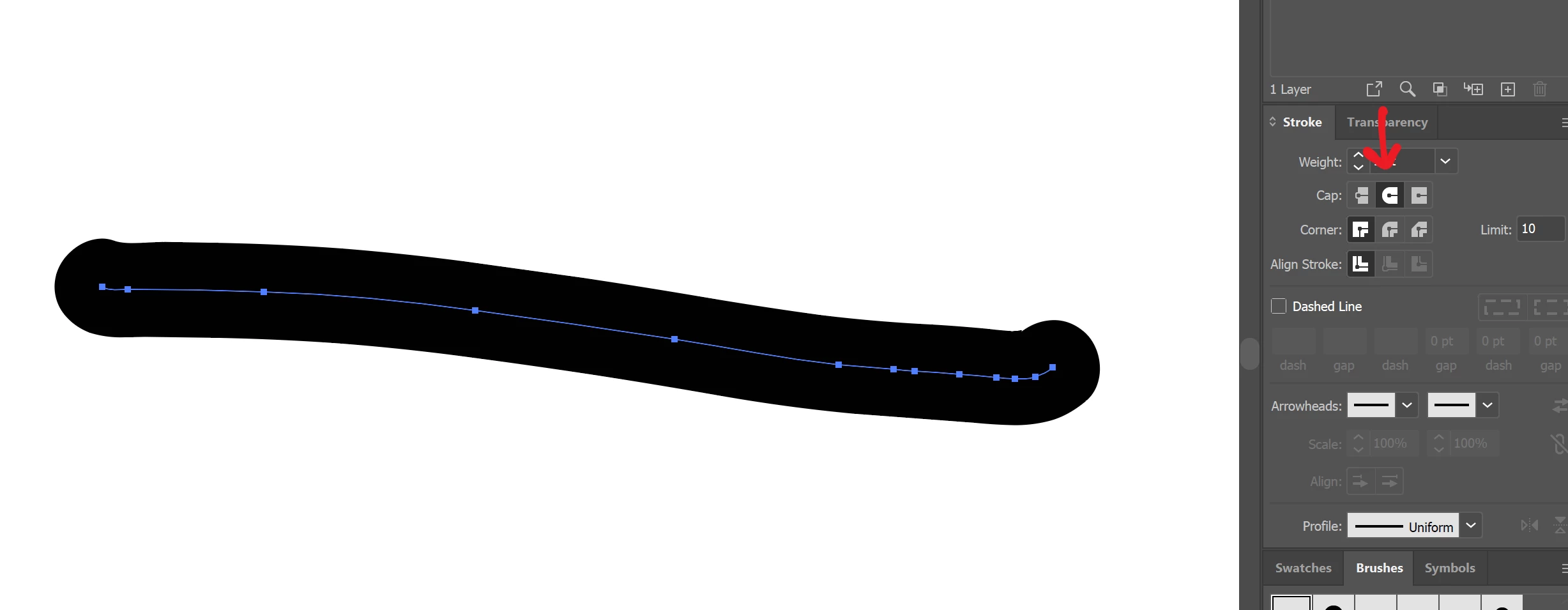
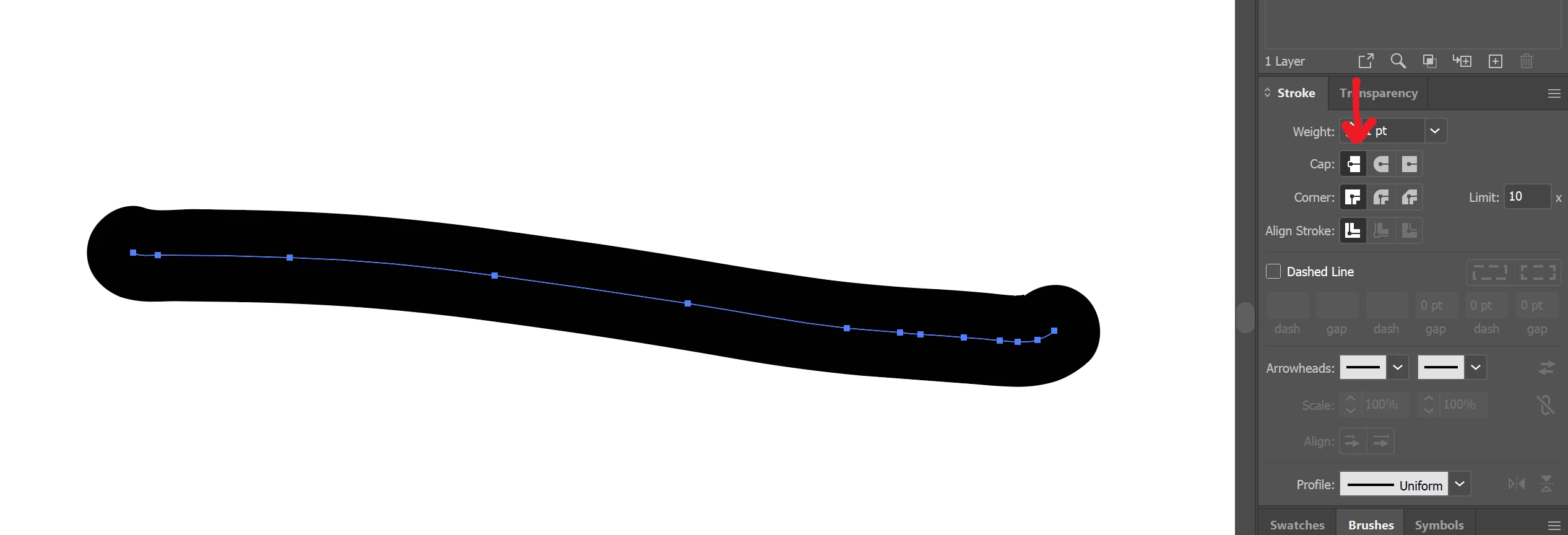


Ideally I'd have a pressure brush with square ends as default, as that's what I previously used. Any suggestions of how to make this work would be much appreciated - thanks in advance!

This topic has been closed for replies.
Correct answer Ares Hovhannesyan

You cant do it for Blob brush tool as well for paintbrush. Use Pencil tool.


There is a trick that you can use for drawing approximetly similar as Blob rush tool


Set Pencil Fill color to the same color as stroke have 

Double Click on Pencil tool icon open options and toggle on "Fill new Pencil Stroke"


You will draw fill with option to change caps.


1 reply

Ares Hovhannesyan
Community Expert
Ares HovhannesyanCommunity ExpertCorrect answer
Community Expert
July 13, 2020

You cant do it for Blob brush tool as well for paintbrush. Use Pencil tool.


There is a trick that you can use for drawing approximetly similar as Blob rush tool


Set Pencil Fill color to the same color as stroke have 

Double Click on Pencil tool icon open options and toggle on "Fill new Pencil Stroke"


You will draw fill with option to change caps.


morag_CAuthor
Participant
July 15, 2020

Thanks very much Ares, that's all really helpful. The pencil tool does look like it'll work for my needs for this one, so that's great - I'd love it if it worked with the paintbrushes too but the pencil looks promising. Good tip about the pencil fill too, that looks interesting.


Thanks again, that's a lot more helpful than Adobe support were, so it's much appreciated!