severinw53785042
Participating Frequently
January 7, 2020
Answered

Stroke / Fill Paths

  • January 7, 2020
  • 2 replies
  • 767 views

Hey there,


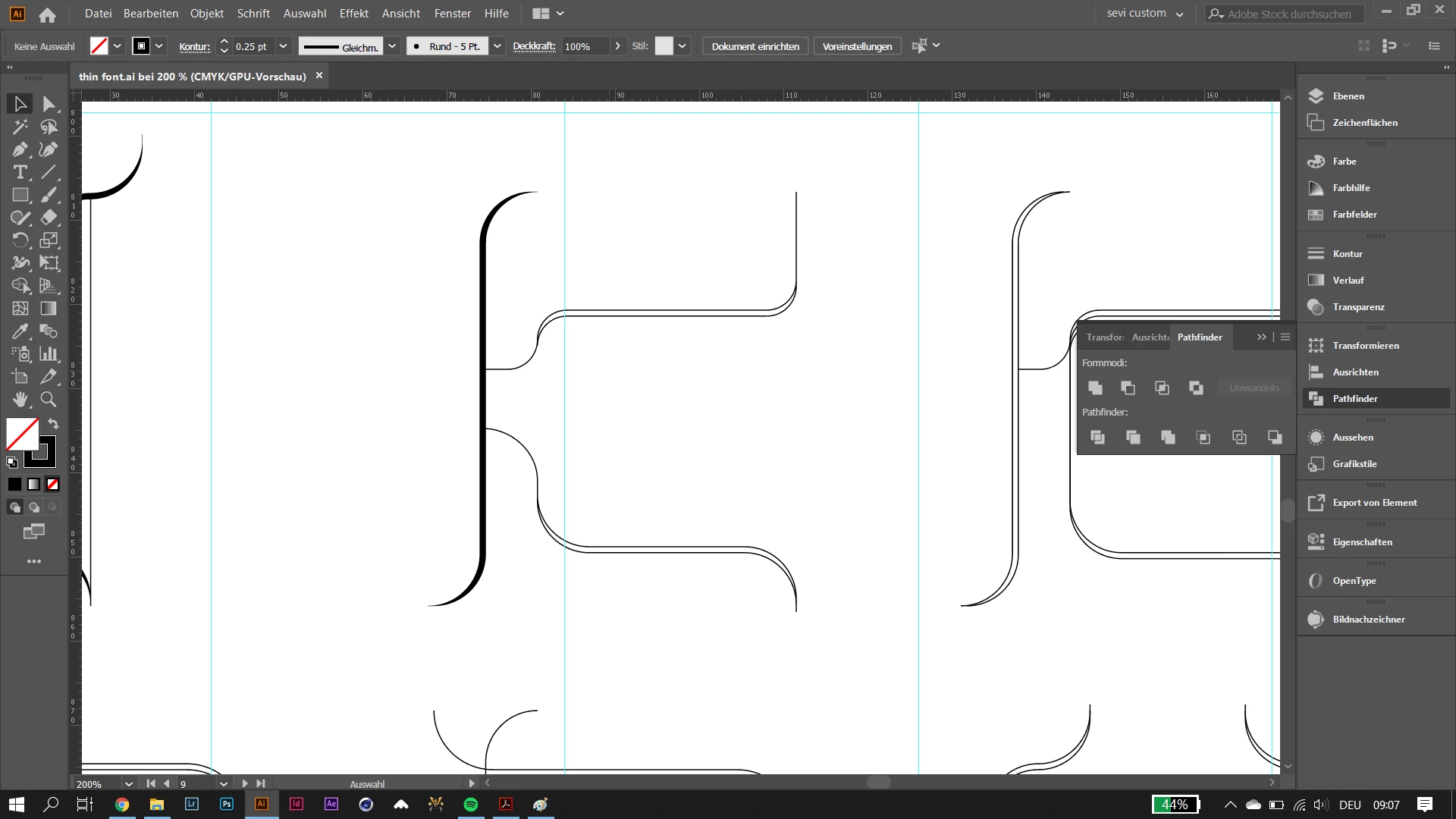
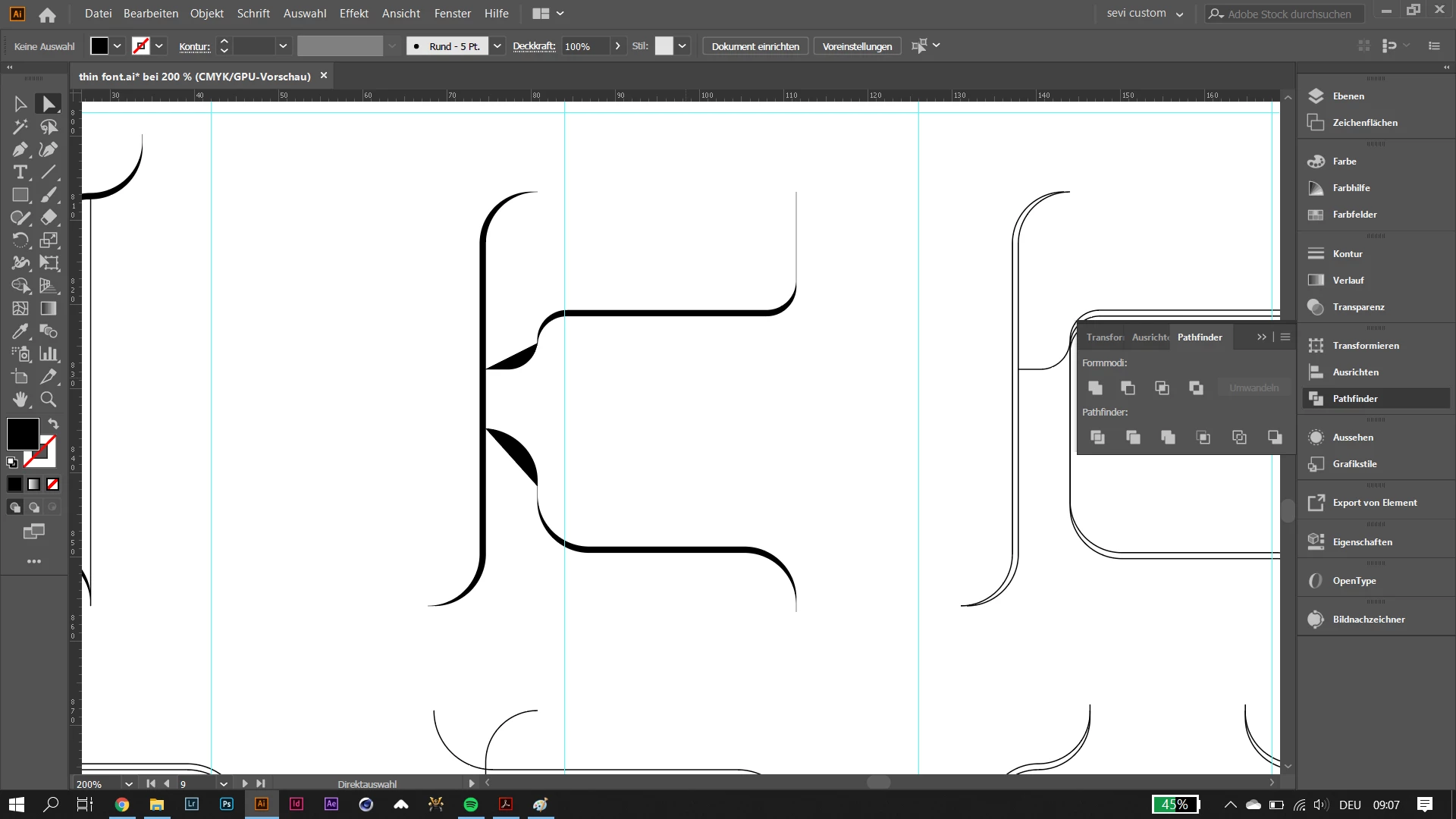
I have a question regarding pathing / type design with paths. I have designed a kind of typeface with strokes (duplicated them so the stroke gets thicker on some parts - calligraphy style). Now when I want to join the paths to fill them it doesn't work it connects like two anchor points. Already tried it with the shape creator as well. Convert appearance does not work too. Does anyone of you have a solution to quickly solve this problem? Or even a less time consuming method?


Thank you very much in advance!


Severin


This topic has been closed for replies.
Correct answer meganchi

Have you selected the strokes and expanded them? Then, you can select all that shapes and use your shape builder tool to join shapes so you can apply a color, (or use live paint bucket tool).

2 replies

meganchi
meganchiCorrect answer
Legend
January 7, 2020

Have you selected the strokes and expanded them? Then, you can select all that shapes and use your shape builder tool to join shapes so you can apply a color, (or use live paint bucket tool).

severinw53785042
Participating Frequently
January 7, 2020

Thanks! I honestly already tried expanding them but this time it worked somehow... Live paint bucket tool is a super easy way as well. Didn't know that it exists in Illustrator too.


Monika Gause
Community Expert
Community Expert
January 7, 2020

Try the shapebuilder tool. Or live paint.

severinw53785042
Participating Frequently
January 7, 2020

Thanks. Already tried it with shape builder, but only worked in combination with expanding them... Live paint tool works as well, thank u!!