Participating Frequently
March 23, 2012
Answered

Stroke on one side of an Object?

  • March 23, 2012
  • 3 replies
  • 74675 views

Does anyone know of any way (even with an external plugin) that will allow you to have a stroke on only one side of an object (or just top & bottom, etc).

This topic has been closed for replies.
Correct answer Wade_Zimmerman1

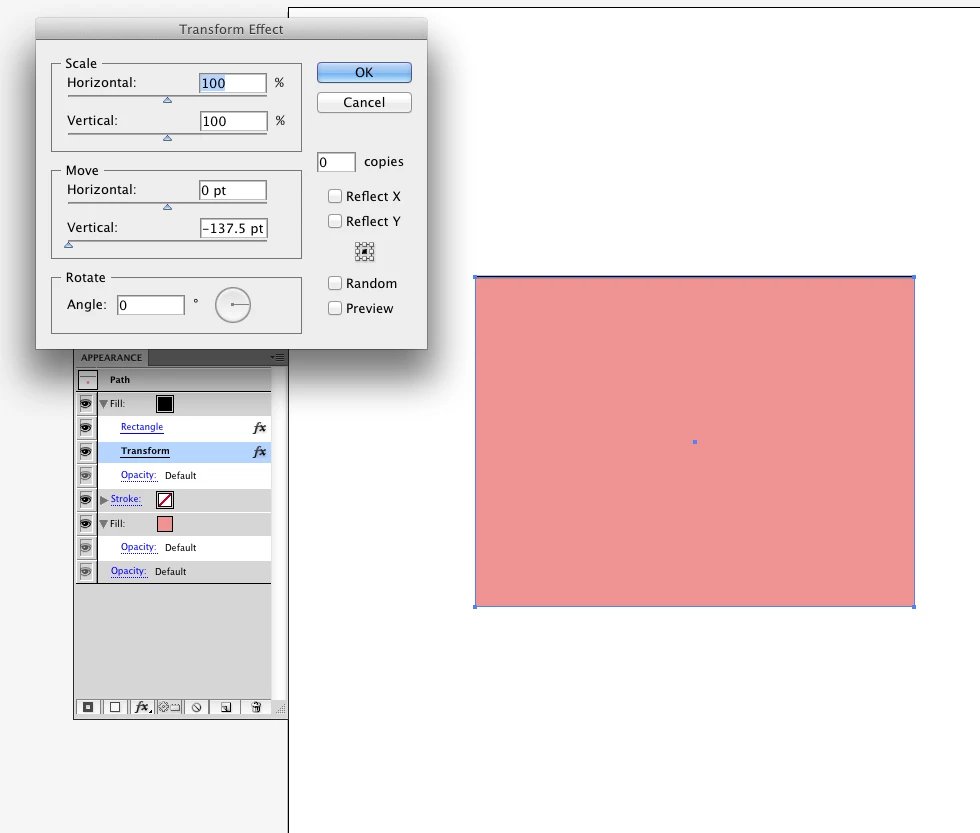
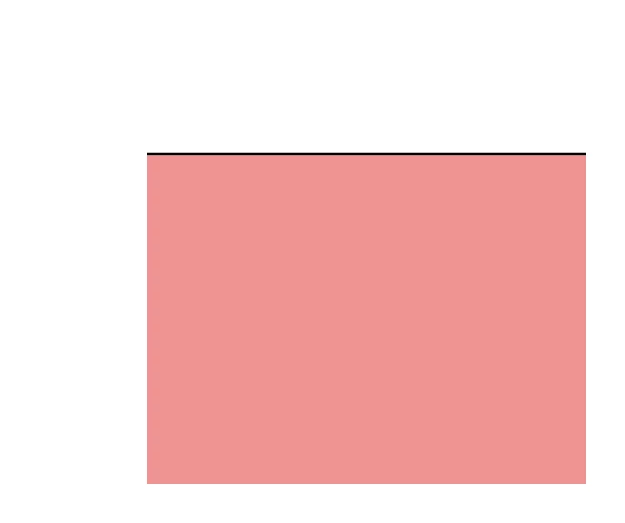
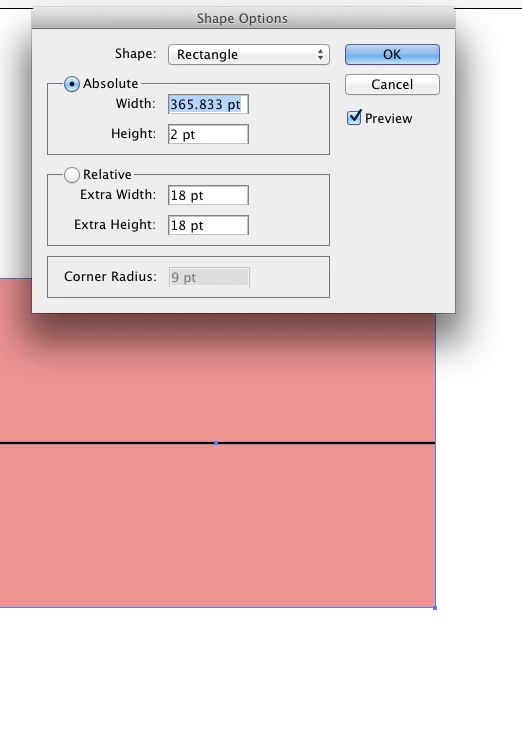
You can do it with a rectangle with two fills

I would have to htink it over about doing it with an iregular shape or ellipse.
3 replies

Participant
October 15, 2019

"Paragraph Border" under Paragraph Style Options.

Kurt Gold
Community Expert
Community Expert
March 24, 2012

Benjamin,

apart from the instant recommendations, your initial question was about a way that will allow you to have a stroke on only one side of an object (or just top & bottom, etc).

Can you clarify what you mean by object here?

Preferably, post some screenshots that show the desired effects.

Participating Frequently
March 25, 2012

I think they've got as close as Illustrator can get at this point.

Wade & Monica both gave viable solutions.

The perfection in me gets annoyed with it a little because even though it's behind the object, the other 3 sides of the stroke are still there. But it works.

Participating Frequently
March 25, 2012

Also, here's a screenshot of what I'm working on.

These buttons are generated using the text alone.

Kurt Gold
Community Expert
Community Expert
March 23, 2012

Which version of Illustrator are you using?

Participating Frequently
March 23, 2012

CS5

Wade_Zimmerman1Correct answer
Inspiring
March 23, 2012

You can do it with a rectangle with two fills

I would have to htink it over about doing it with an iregular shape or ellipse.