
Answered
Stroke problem in Illustrator
Hi all,
In Illustrator I am preparing a cutter file for the printer, simply our website turned into outlines, with a spot colour stroke.
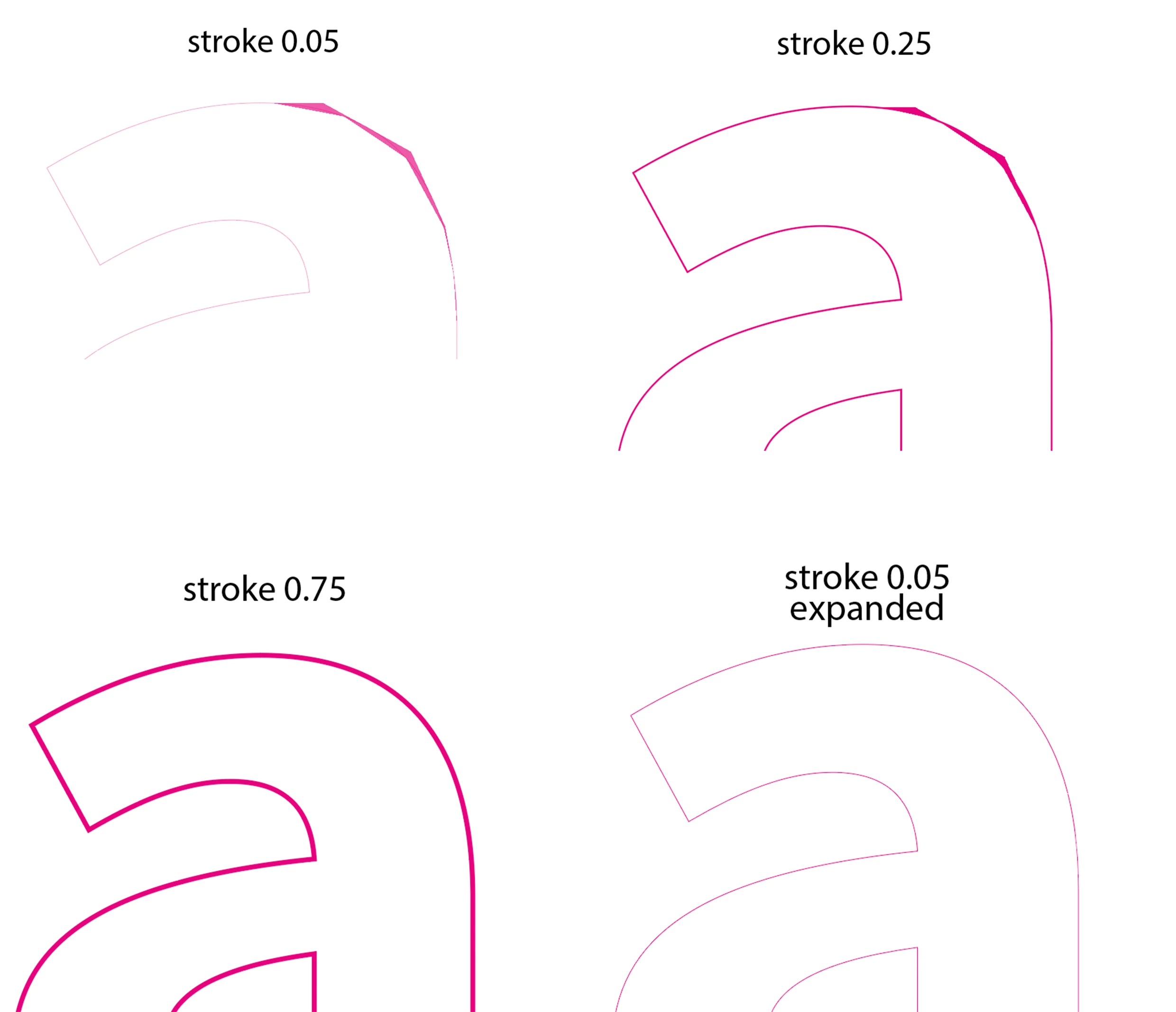
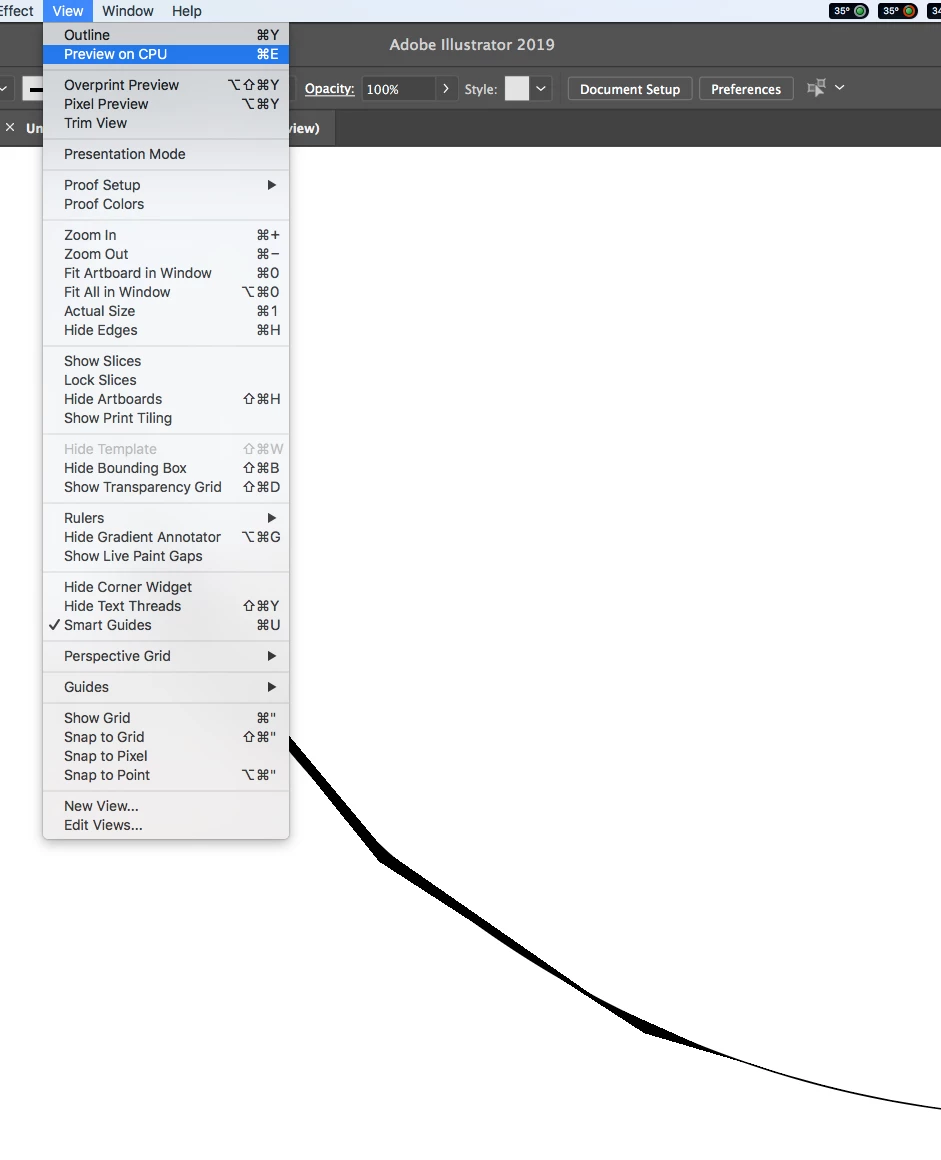
I am getting this problem as attached.
The file is 40cm wide, the font is Source sans pro bold (not a complicated one), AI is the latest update.
I do this procedure regularly and have never noticed this problem before. Printers usually request this type of stroke to be thin, that's why I haven't just given up and used a 0.75 stroke...
I have also tried expanding the stroke in order to clean it up, however as you can see from attached, the irregularities disappear!. I know this can be a work around solution, however I'm quite curious now... is this a bug or am I doing something wrong?
 AdChoices