

iUndeadPixels
Participant
December 10, 2020
Answered

Stroke Weight Changes following PNG Export

  • December 10, 2020
  • 1 reply
  • 986 views

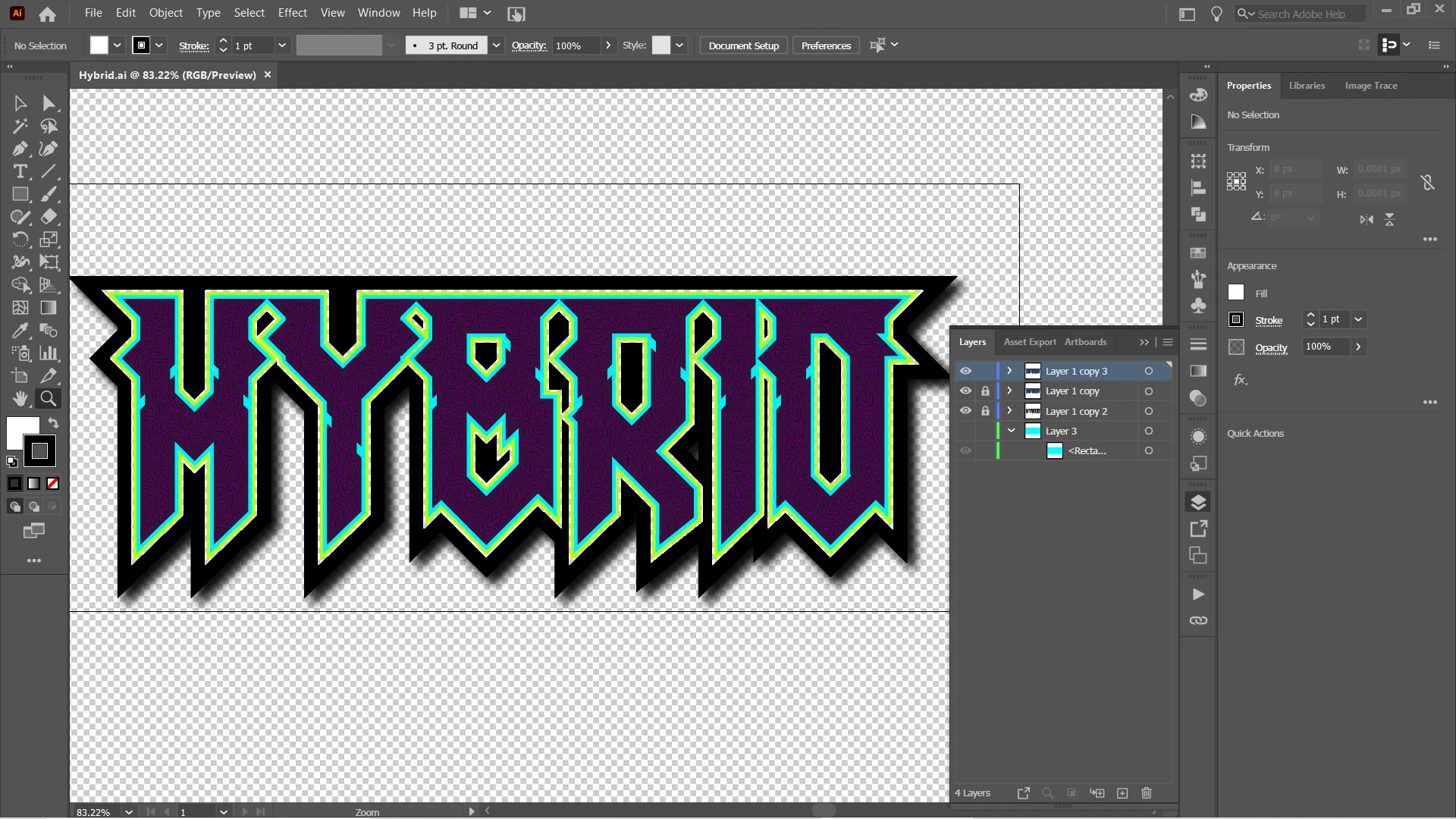
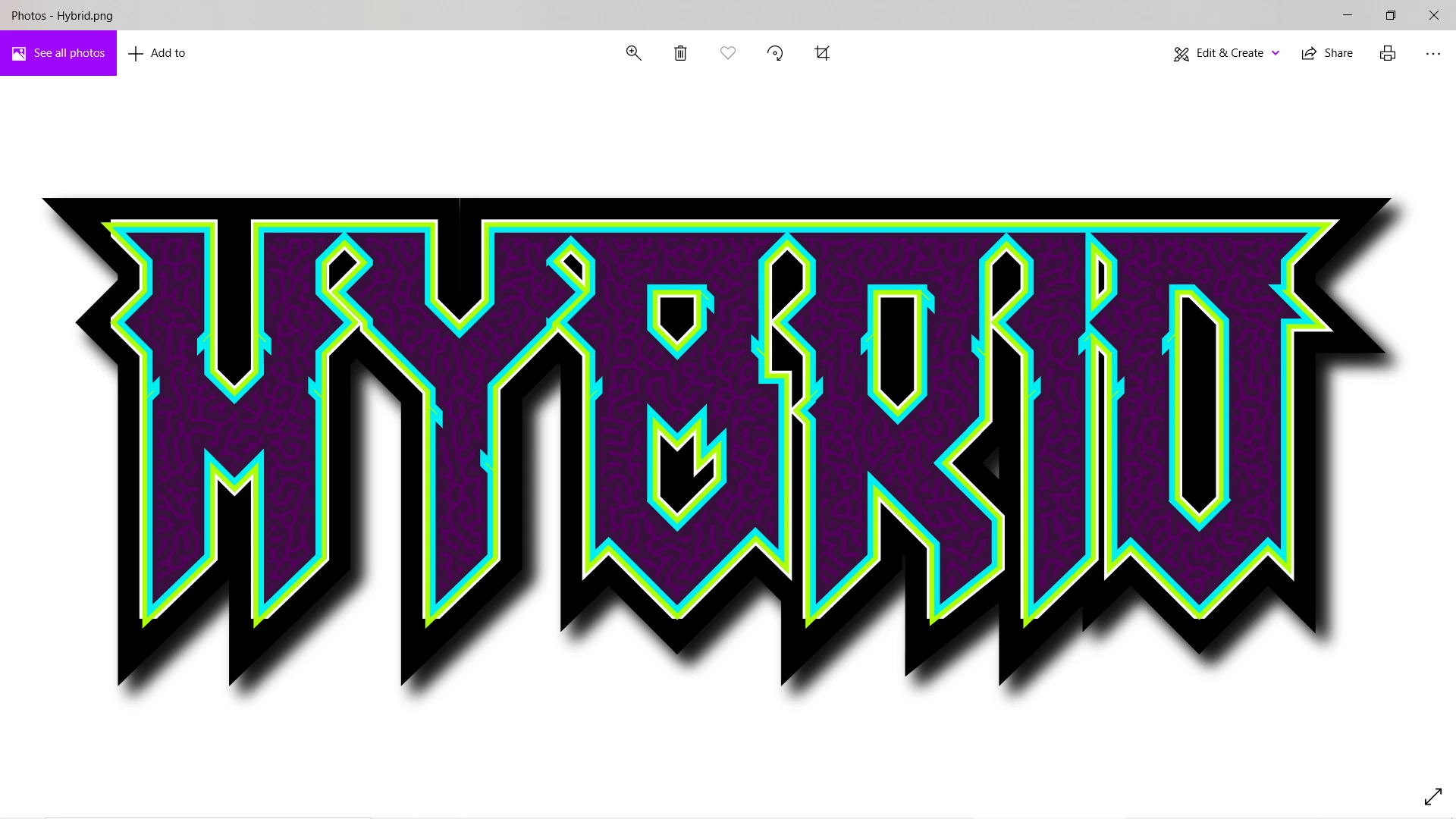
I'm using the "Export As" option under File, with the resolution set to 300 PPI and Type Optimization. I've tried supersampling and that hasn't changed the outcome. The black offset stroke is what's changing upon being exported to a PNG, and I'm unsure as to what's causing it. The attached images are of the file in Illustrator vs a PNG file.
This topic has been closed for replies.
Correct answer Monika Gause

Which version is this?

Can you try and Export for screen - does it get better then?

1 reply

Monika Gause
Community Expert
Community Expert
December 11, 2020

How did you build that gap?

iUndeadPixels
Participant
December 11, 2020

I created the gap by using the knockout group option under a stroke's opacity.

iUndeadPixels
Participant
December 12, 2020

Which version is this?

Can you try and Export for screen - does it get better then?


Version 25.0.1 64 bit. It appears exporting for screens works well! I appreciate the help, although how come normal exports don't work?