

strokes for, fills to make trim paths in After Effects.
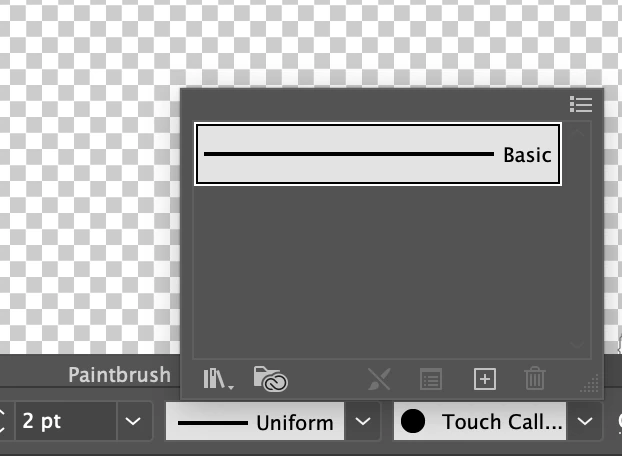
So I have an illustration. I cleaned it up in Photoshop. I brought the line art into illustrator. It came in as a fill line. I changed it to a stroke so I can use the trim path method to make the line look like it is drawing itself (I don't think there is another way to do this?). When I rid all of fills I import it to AE. In After Effects, all layers seem to still 'think' there is a fill so I deleted all the fills. I added a stroke but it still seems to think it is not a stoke but a strange fill. Does this make sense? I did read in another post that I should make all layers uniform and basic for the lines in illustator. I can easily see that all is unform, but as far as changing the word in illustator to basic...It will not let me. I could go back and do all the lines with a pen tool, but what a large project that is. UGH! 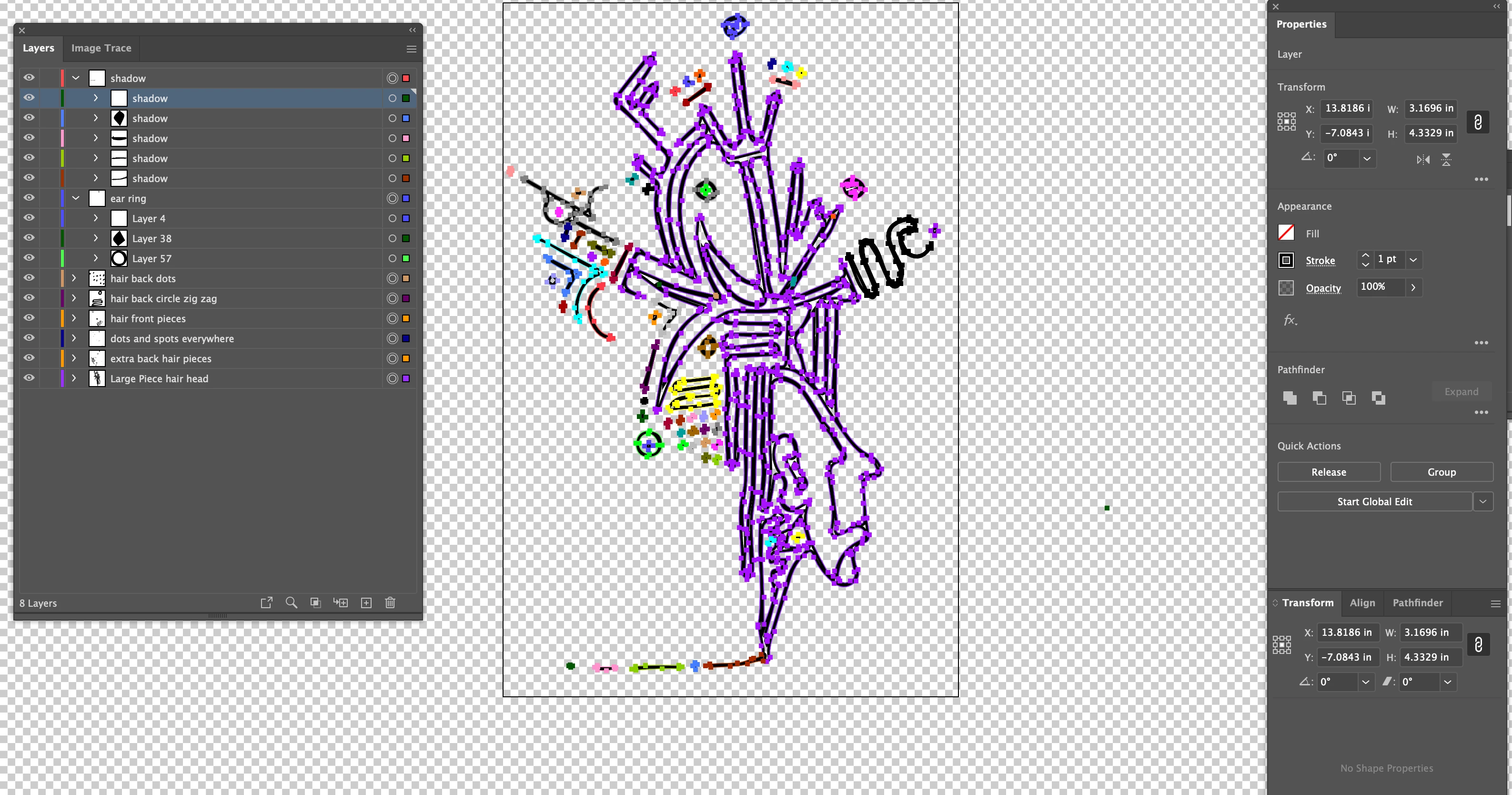
 AdChoices