
Inspiring
December 6, 2021
Answered

Struggling with Envelope Distort

  • December 6, 2021
  • 2 replies
  • 817 views

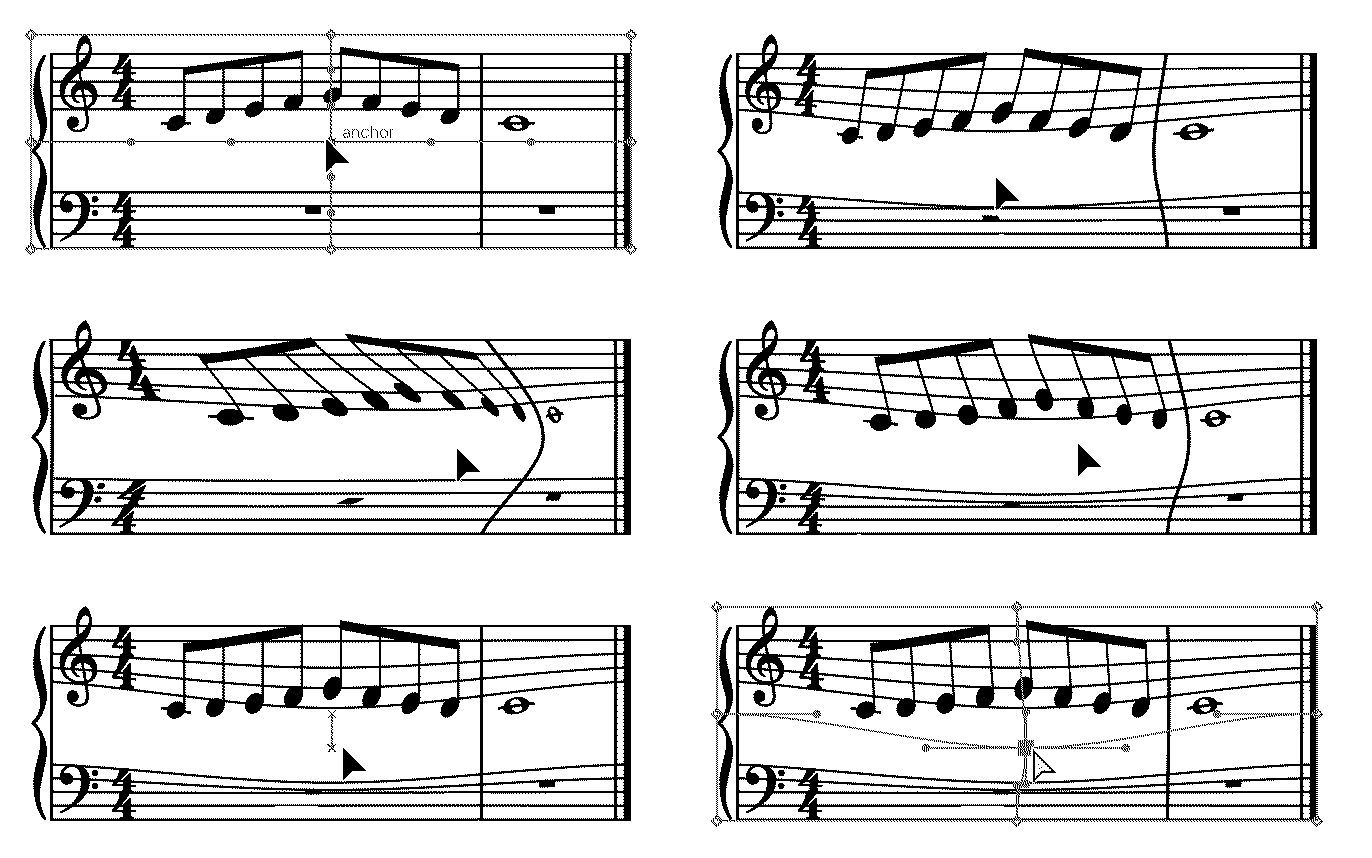
I create my Envelope Distort | Create mesh.

But when I move one anchor point with the Direct Select, the whole object moves, then when I release the mouse the whole object disappears. I'm stumped! Thanks!

(Hmm, when I try to attach my .ai example, I get "The attachment's aiexample.ai content type (application/postscript) does not match its file extension and has been removed." Hence the pdf attachment...)
This topic has been closed for replies.
Correct answer Ton Frederiks

Seems to work for me:

Maybe a simple restart or reset of the Preferences?

https://helpx.adobe.com/illustrator/using/setting-preferences.html


2 replies

Ton Frederiks
Community Expert
Ton FrederiksCommunity ExpertCorrect answer
Community Expert
December 6, 2021

Seems to work for me:

Maybe a simple restart or reset of the Preferences?

https://helpx.adobe.com/illustrator/using/setting-preferences.html


wwzeitlerAuthor
Inspiring
December 6, 2021

Reseting all around did the trick. Being a noobie I thought I must be doing something wrong but apparently not. MANY THANKS!

Ton Frederiks
Community Expert
Community Expert
December 6, 2021

Good to hear that helped.

Monika Gause
Community Expert
Community Expert
December 6, 2021

Works for me.


Which version and system is it?

When was the last time you rebooted the computer?

wwzeitlerAuthor
Inspiring
December 6, 2021

Windows, Illustrator 26.0.1 (the latest and greatest), rebooted this morning.

wwzeitlerAuthor
Inspiring
December 6, 2021

Windows 10 (all the latest updates)