Participant
April 1, 2025
Question

Suddenly I can´t open SVG files that I created before, SVG is Invalid.

  • April 1, 2025
  • 1 reply
  • 1176 views

Hello!

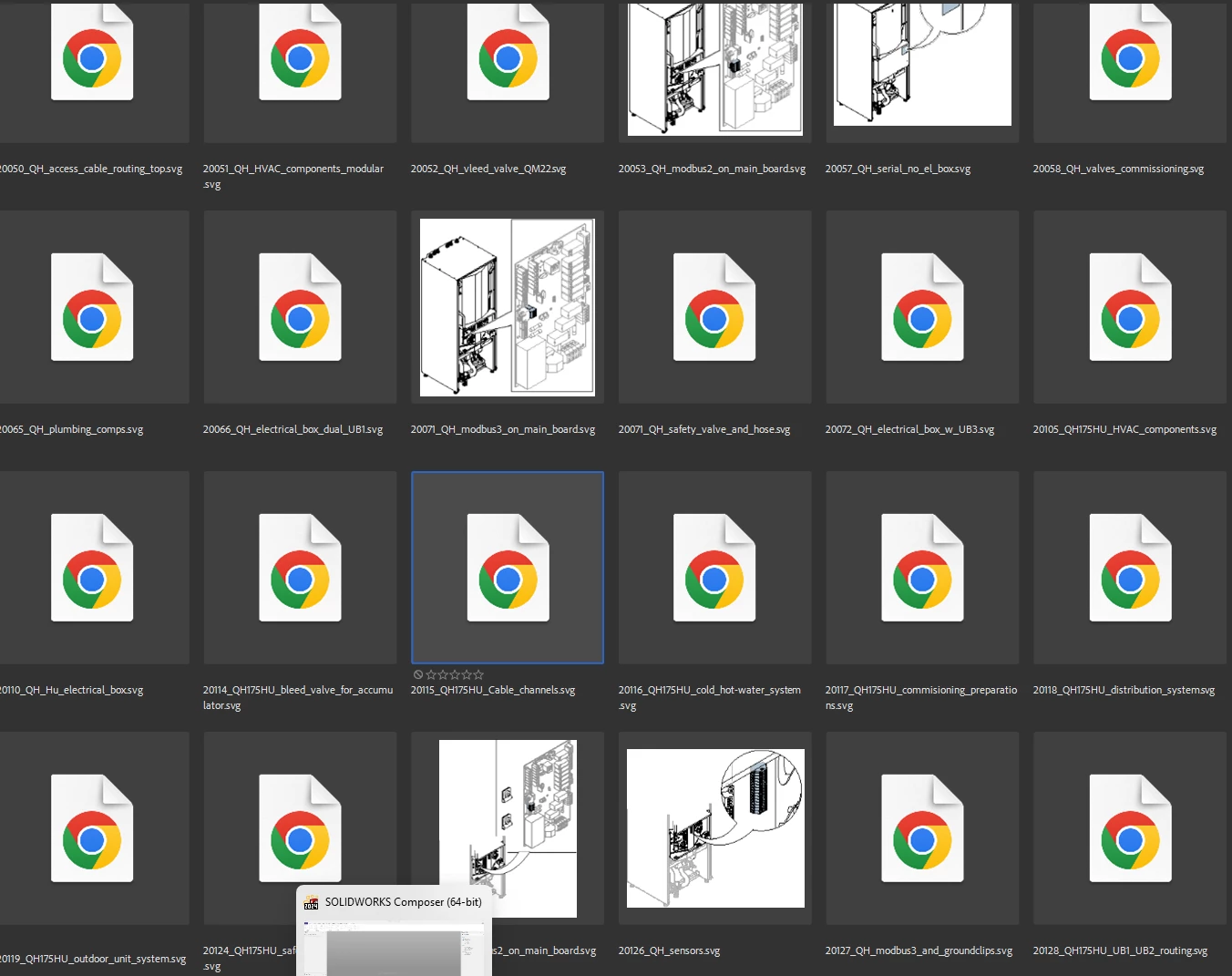
I recently got a new computer and reinstalled the Adobe Illustrator and other Adobe software, and now I can´t open SVG-files that I previously created and could open. And the strange thing is that in Adobe Bridge, some SVG-files does not have a thumbnail but some do. And those who do have a thumbnail, those I can open. 
I get the error message, see pictures below. I have added two files, one that dont work and one that do. The file that dont work is 20066, anbd the file that do work is 20125.
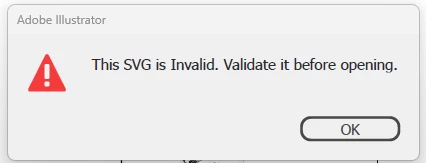
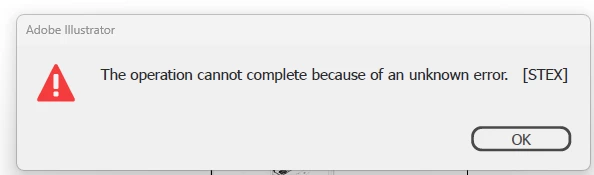
 

Please help! 🙂

1 reply

Monika Gause
Community Expert
Community Expert
April 1, 2025

Did you already validate the SVG?

If the validator shows errors, you could fix them in the code (make a copy of the file before doing so)


You could also try and install a different version of Illustrator and try there.


Does the file open in Inkscape? If so, try and open it, then save it with a different name.


Illustrator is famous for not properly being able to open SVGs it has previously saved. SVG in Illustrator is a one-way street. You either import them (and then save them as AI) or you export them (only to never touch them again in Illustrator). Your work file should be AI, the native file format.

ulf_9108Author
Participant
April 1, 2025

Well look. SVG is not a one-way street. I have been able to reopen these files before, on another computer and make adjustments to the SVG-file in Adobe Illustrator without any issues. This is a workflow we have had for over two years now. So what you are suggesting is nothing new, not a solution or anything that, if I may be frank, is viable. Since we have over 1000 illustrations now, created with export from Adobe Illustrator, and all of them have been ready to open in Illustrator, and been able to edit.


And yes, I have been cheking them in validator. But the thing is that even those that can be opened in Adobe Illustrator has errors. So it has to be something else.


So I will reinstall Adobe Illustrator and see if that works. But as a solution to this issue, it is not.

Anubhav M
Community Manager
Community Manager
April 2, 2025

Hello @ulf_9108,

Thanks for sharing the sample file and details of your workflow. I tried using the SVG you provided, edited and reopened it in Illustrator but could not replicate the problem.

Could you check if this happens with files from a specific folder location and confirm the version of the OS installed, so I can check it with the team?

Looking forward to hearing from you.
Anubhav