Copy link to clipboard
Copied
Hi,
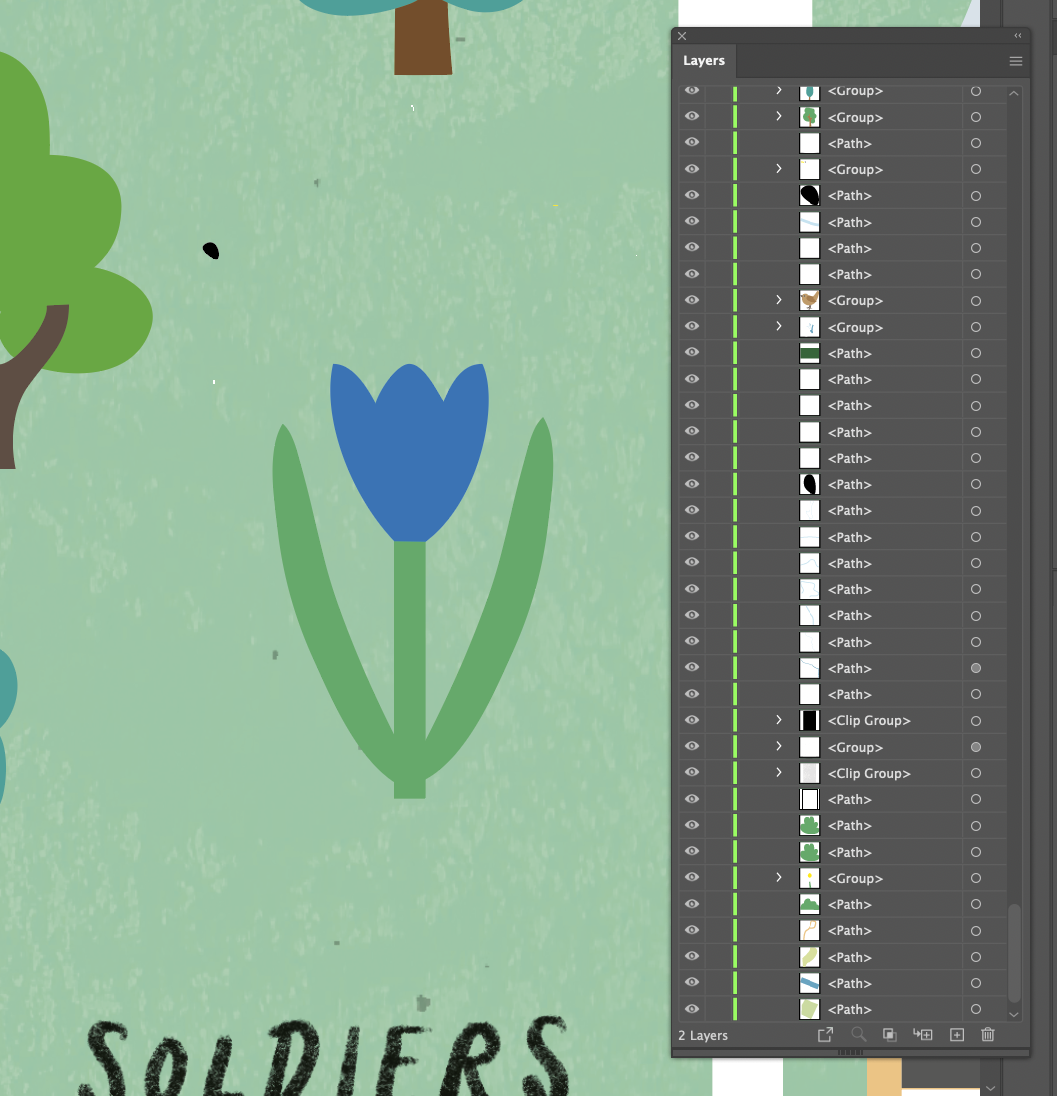
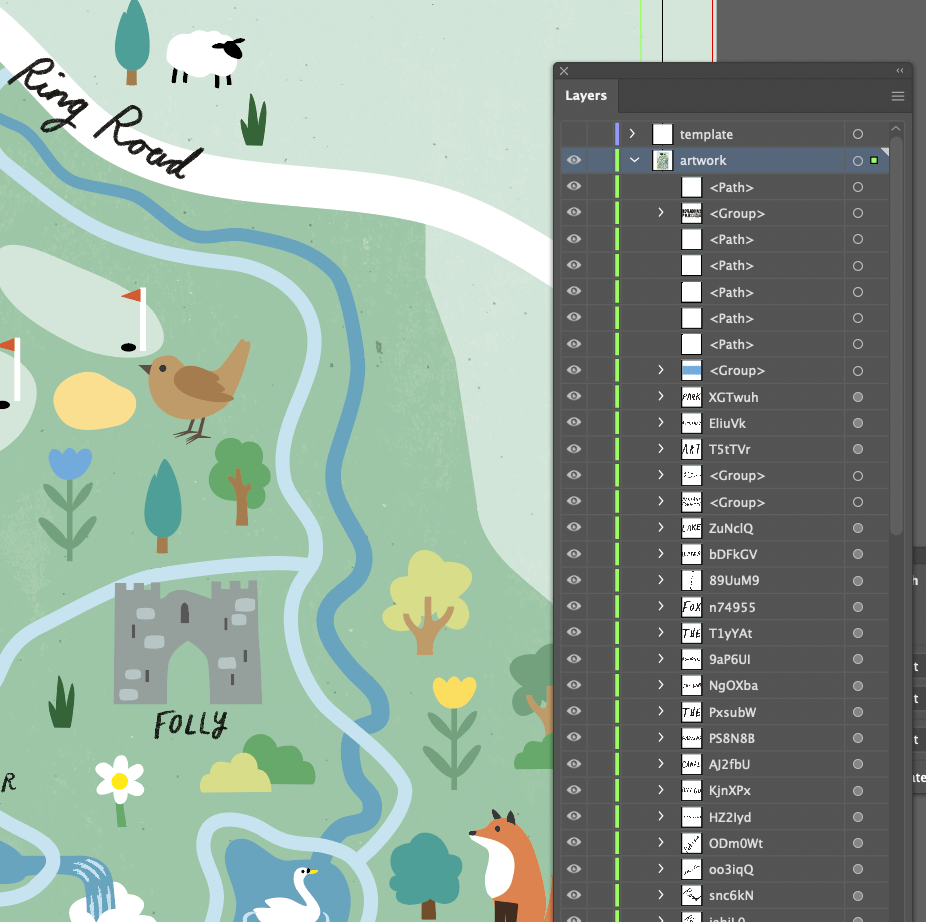
I had been supplied an illustrator file from an artist that had their work separated into layers. There were then some amends to the file and it was resupplied by the artist, however in this new file all the items seem to have been split into layers with unrecognisable layer names and the original layers had disappeared. The artist is using CS5 and i convert the file to latest version V25.4.1 (what ever that is in CS!).
Can anybody shed any light on this, please see attached screen grabs of how the layers came through on the original file and the new file.
Thanks,
Martin

Copy link to clipboard
Copied
Isn't that just an expanded view of one of the layers?
What do you need to do to the file - curious why you need to open the file if the modifications were already done?
Copy link to clipboard
Copied
Copy link to clipboard
Copied
This file looks like the PDF part of it has been opened. This often happens when it has been handed to a lower version.
Please see this about Illustrator files: https://youtu.be/IpDh8Y7q8yE
Copy link to clipboard
Copied
Hi Monika Gause,
Thanks for your post!
I watched the video and this would add up if the file was going the other way, from me running latest version to artist running an earlier version. There are other people involved in this process and the only thing I can think is that the artist got hold of my file and opened in an earlier version but she has said the the layers are intact on the file that she worked on.
But as Met1 alluded too, not worth spending too much time as I have the file as I need it!
Thanks again!
Get ready! An upgraded Adobe Community experience is coming in January.
Learn more