


SVG exporting from AI with Gradient Issues
I have a file that was created in AI, but we need it saved as an SVG in order to put the image into our online education course. The gradients that are in the image seem to be 'bleeding' color and not appearing correctly once they are uploaded online. The SVG file looks okay if its placed individually on each page, however when we have 3 up like in this screenshot, one is always missing color like the middle image is.
Is there a way to save these gradient colored images as an SVG without rasterizing the gradient?
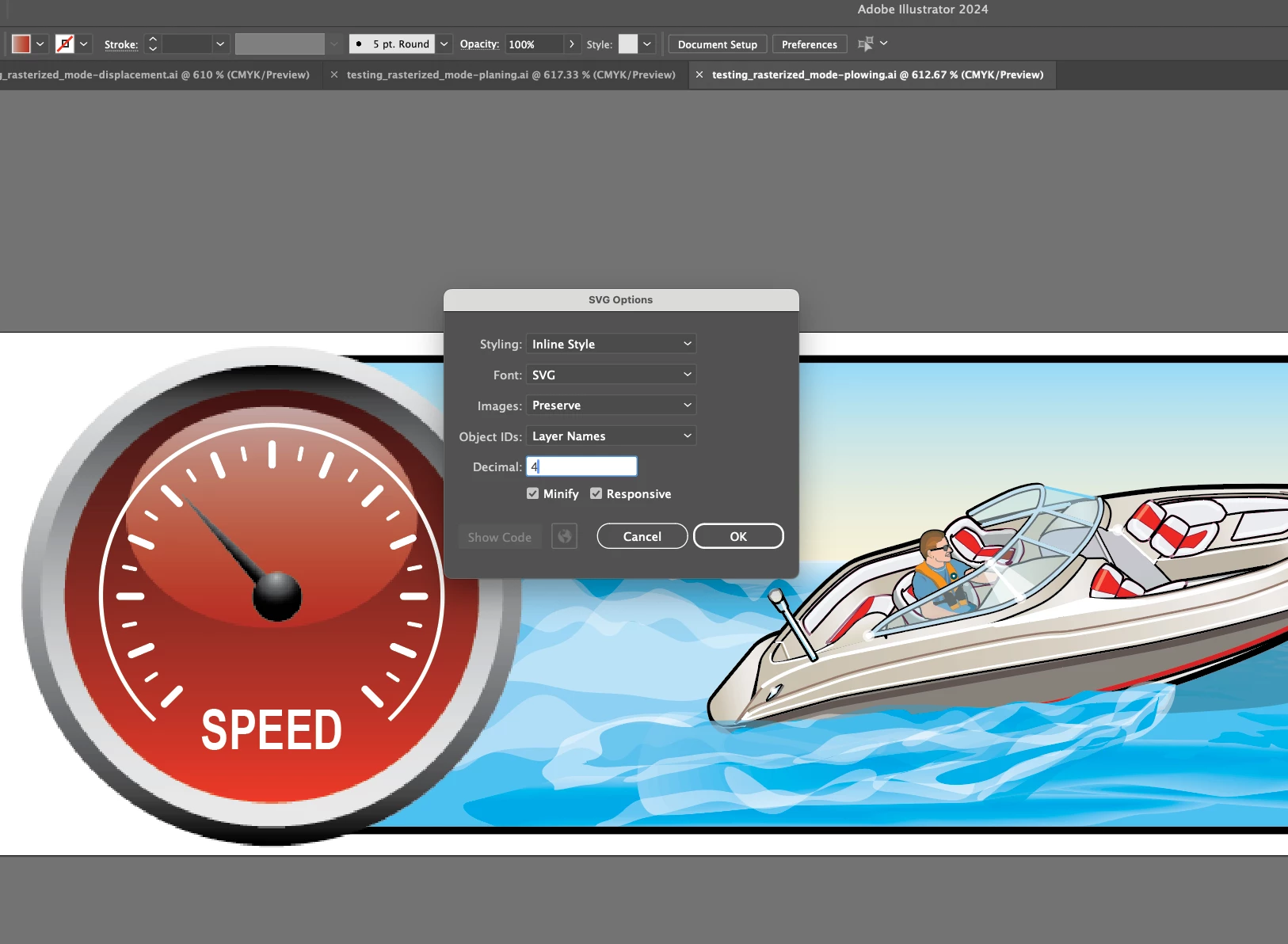
I've tried saving them all as: Save As, Export As, Export for Screens, and they all have the same effect. When rasterized the gradient works, however we are left with less than ideal image quality on the gradient portions.
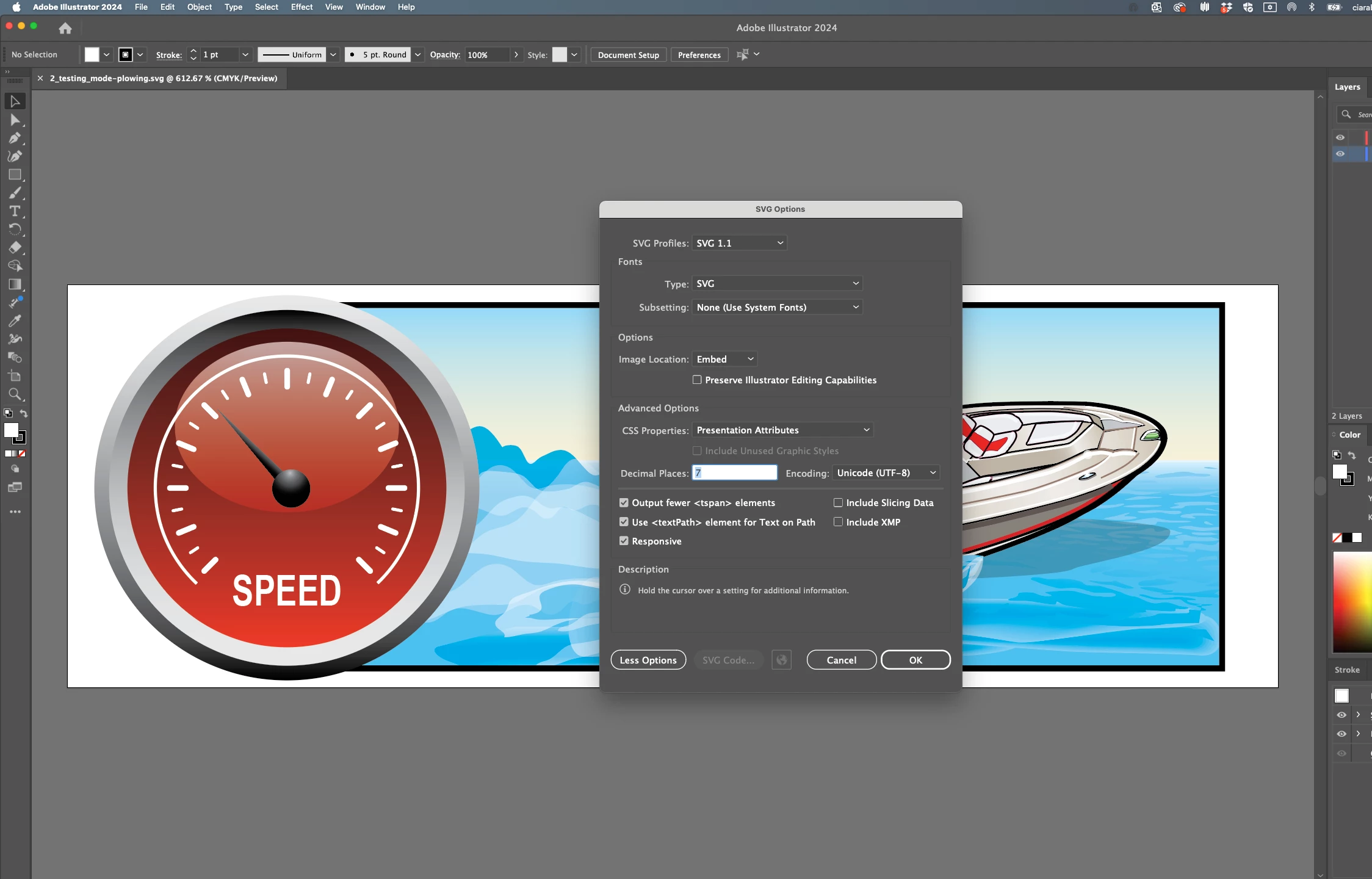
Currently they are all saved as inlined, with 7 decimal points to try and preserve detail, which as you can see did not help.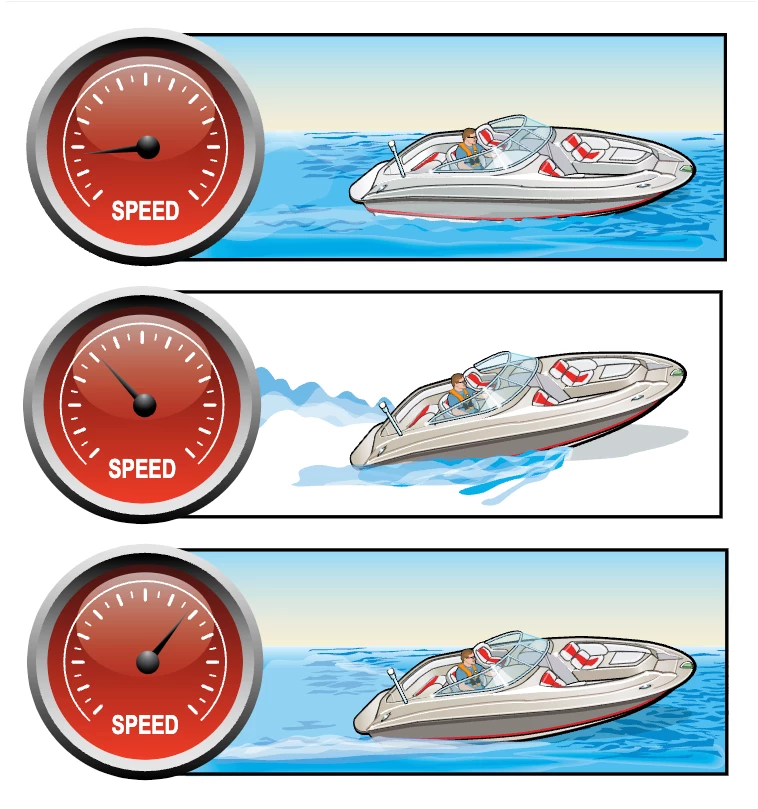
 AdChoices