


Symbols | Mapping stroke to 3D-Model will distort stroke
Hi together,
recently I came accross a mapping bug with a stroke ( width 0.2 Pt ) applied to a waving flag shape used in a symbol that was mapped to a 3D model.
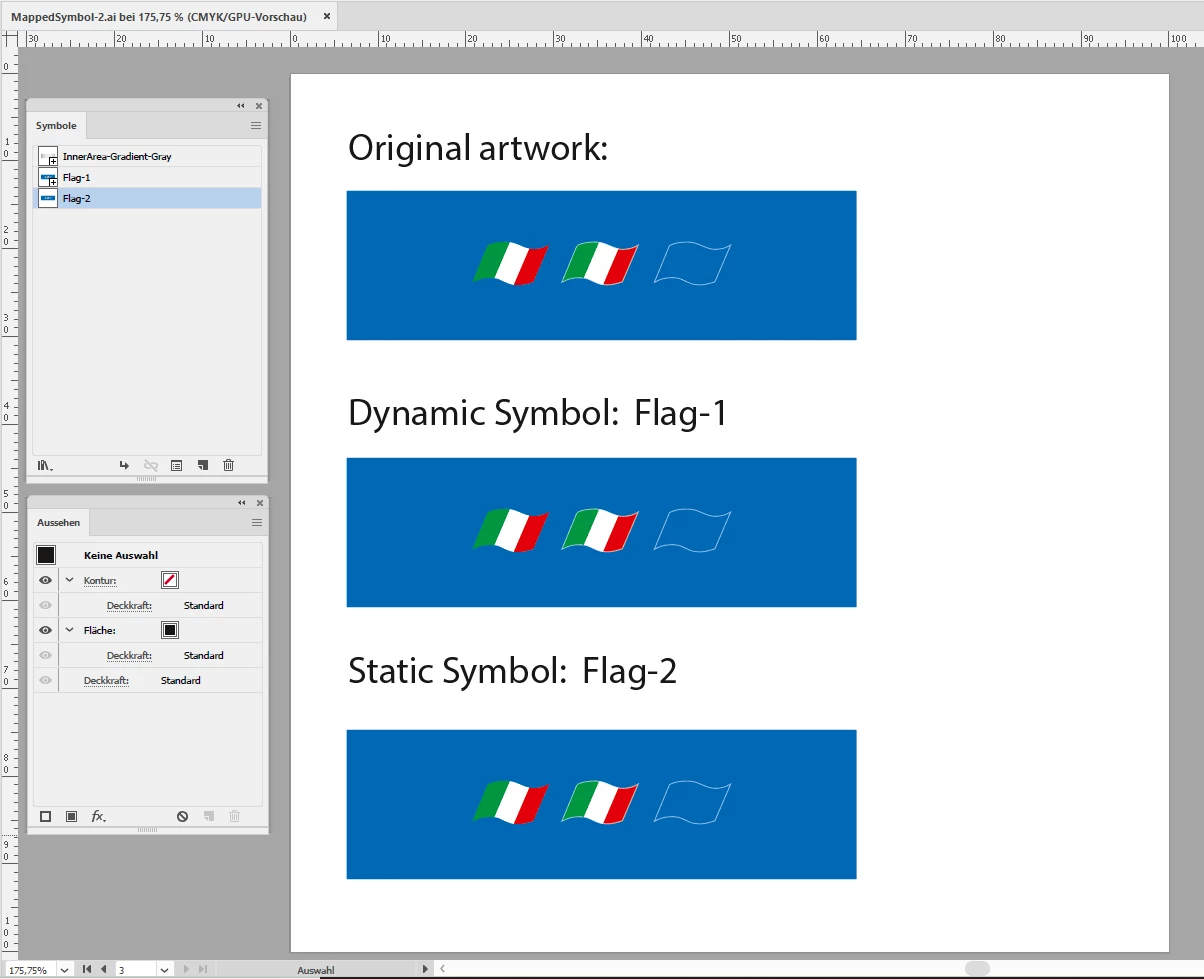
Original shape. Orderly stroke applied to a shape:
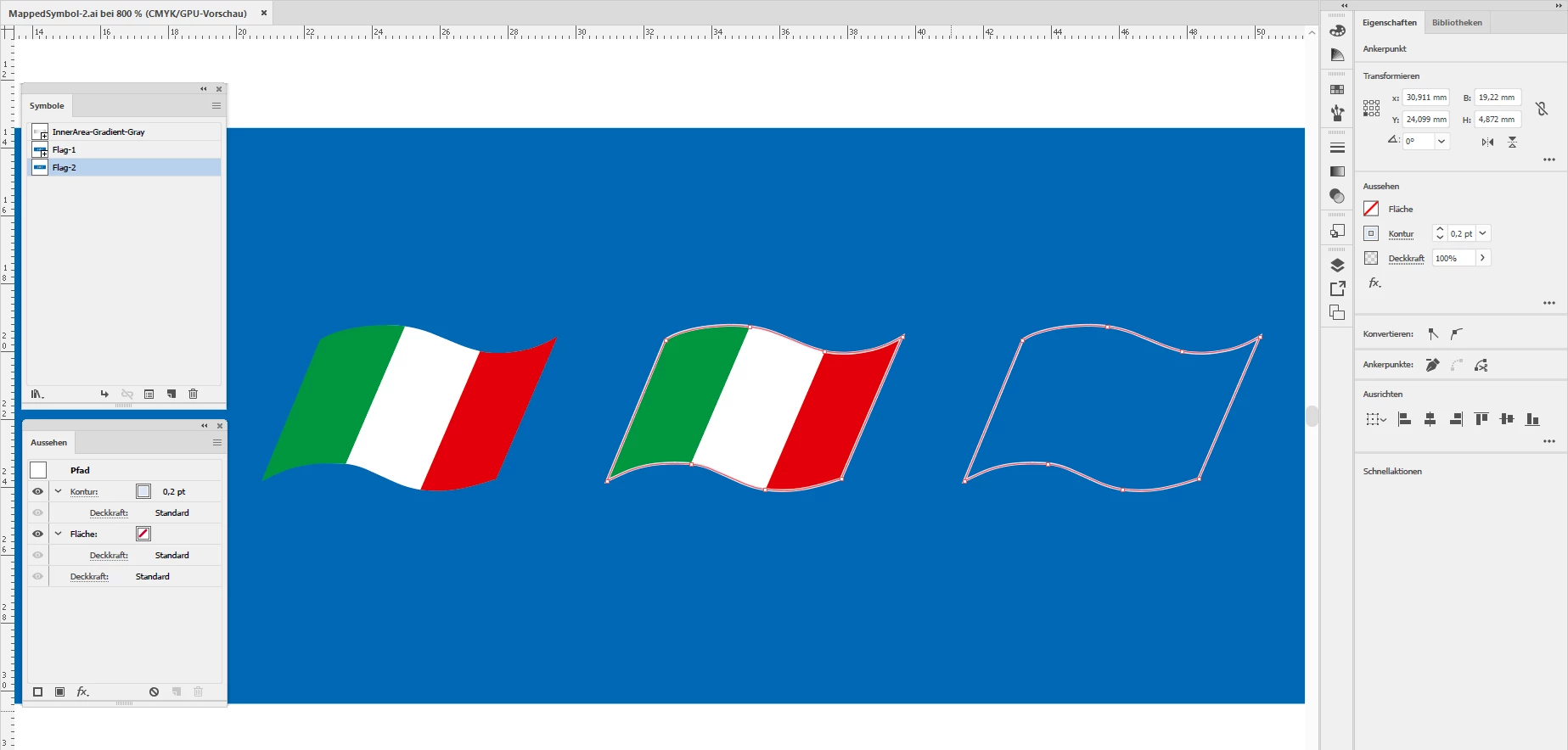
Some details, shapes with stroke selected:
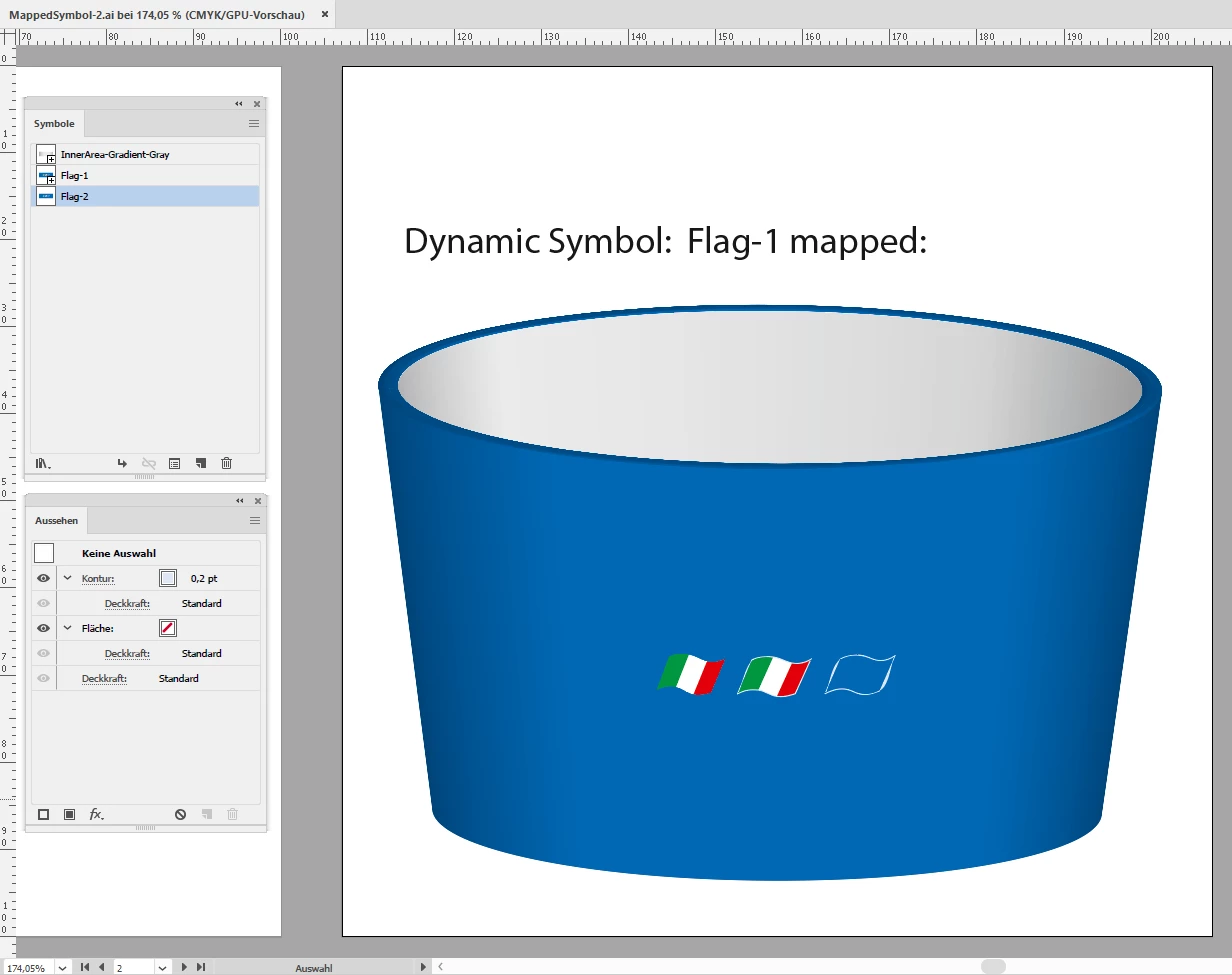
Mapped result of the symbol using the flag symbol. The stroke is distorted:
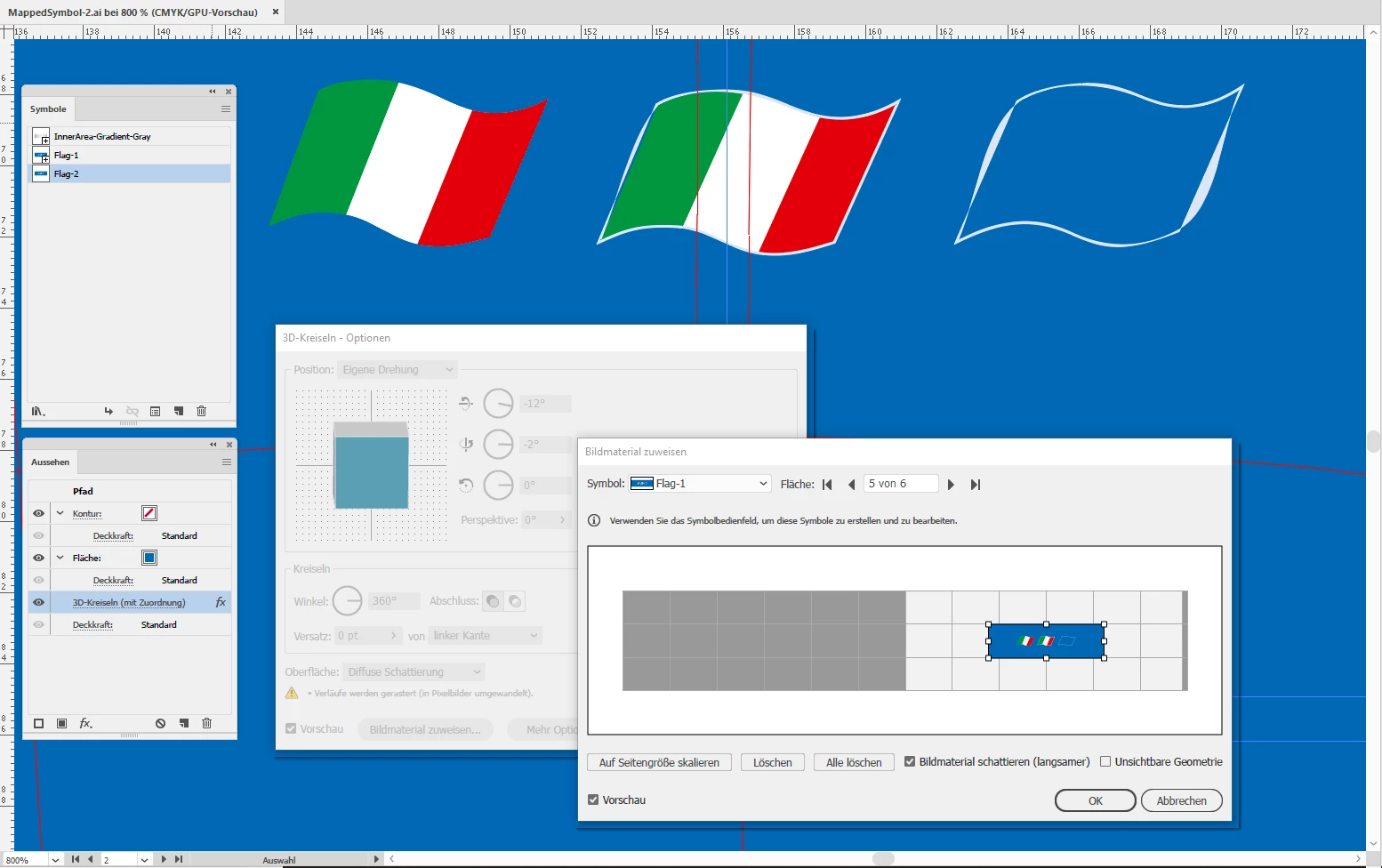
Here more details:
What I tried:
1. Using dynamic symbol: Stroke was distorted.
2. Using static symbol: Stroke was distorted.
Not visible in the screenshots:
3. Rendered the flag to pixels > No issue
Is there anything else I can try to map the stroke not distorted?
I do not want to use an image with this if not necessary. It's bloating my file size and I want to keep all artwork in vector.
Even if I save the artboard with the 3D object as PDF/X-4 in CMYK.
All tests done with Illustrator CC 2019 version 23.0.2 on Windows 10.
Regards,
Uwe
 AdChoices