
Answered
Symmetrical Curve handles
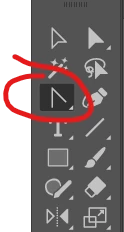
When creating an "O" using the pen tool, you can click and drag out the control points to begin the shape, and if you keed doing so, you can finish the inner or outer outlines of the O. Initially, when you drag out, both handles drag out equally in length...or symmetrical. If you use the command button on the shape while using the direct selection tool, you can adjust one side of the shape independently.
No problem.
I was looking for a way to adjust the handles symmectically again using the direct selection tool. I tried all of the normal qualifier keys.
 AdChoices