
Prenihility
Known Participant
September 27, 2021
Question

Tables with text in illustrator - Variable table proportions and text

  • September 27, 2021
  • 2 replies
  • 2632 views

Alright, so InDesign is far, far easier when it comes to making text in variably proportionate tables. I was wondering how I can achieve the same thing. With InDesign you simply add text to each table Cell. If anyone is unsure of what I mean by "variably proportionate tables" just take a look at my screen capture. The Area Type Tool options are really clumbsy. You change the gutter and Span settings and they move as one inevitably. And locking doesn't help much. Any way to achieve this? 
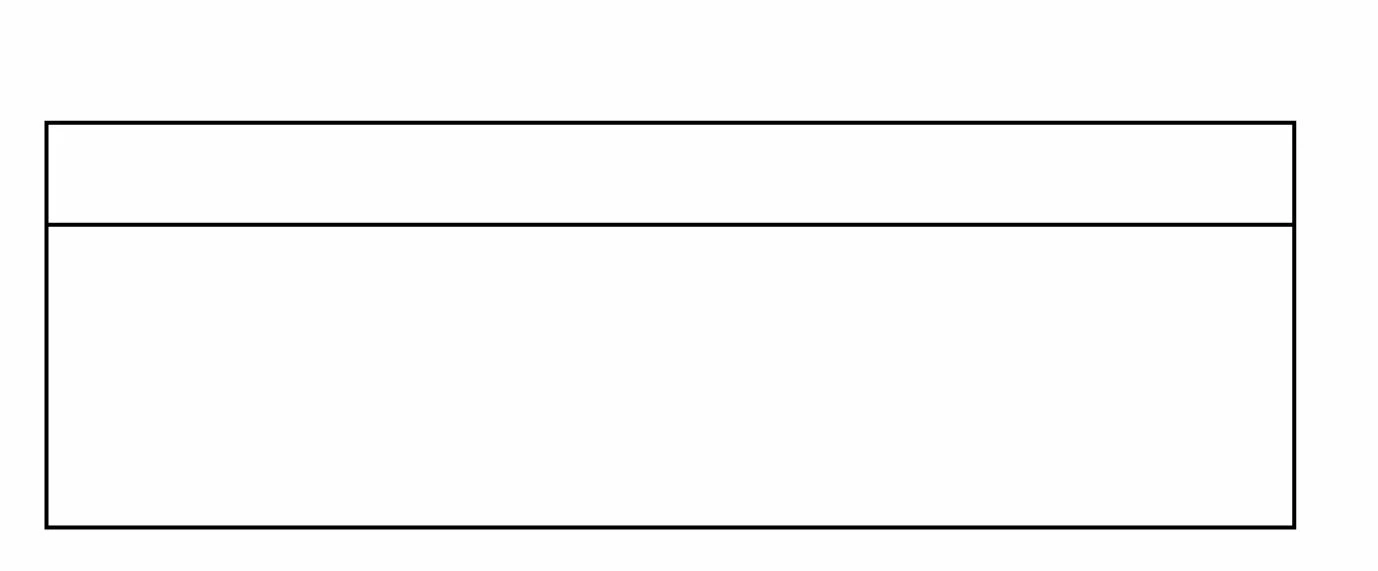
 

Text on the top, perhaps aligned left let's say. Then more text on the bottom area. You get what I mean.

This topic has been closed for replies.

2 replies

Monika Gause
Community Expert
Community Expert
September 28, 2021
quote

You get what I mean.


By @Prenihility


Actually not.


Anything that cannot be achieved by either the area text options or the paragraph formatting, probably cannot be achieved at all. So you might want to tell us precisely what you need? There is no text in your sample image. Maybe you can add some?

Prenihility
Known Participant
September 28, 2021


I've circled the gutter area in red.  I want one text area in the top and for there to be some space downward that acts as a buffer where no text can be input. Proportions are even to Area Type when it comes to the Gutter for some reason, you can't freely transform it. It's stay in the middle, and you can of course change its size.

Bill Silbert
Community Expert
Community Expert
September 28, 2021

If you're not happy with the Area Type Options then there isn't much else that will help you to automate making a table with Illustrator. The fact is that Illustrator at its core was designed to be a drawing program with just enough type features to make relatively simple layouts. InDesign is—and always has been—a page layout program with all of the advanced features (including tables) that complicated layouts require. I'm not sure why you are considering crude workarounds in illustrator when the advanced features are readily available in a program that is designed to do them. It's sort of like using a screwdriver to drive in a nail.