

Question
Terrible image quality, large file size
Hello!
How do you export images with small file sizes while maintaining decent image quality?
Here is an example of my situation:
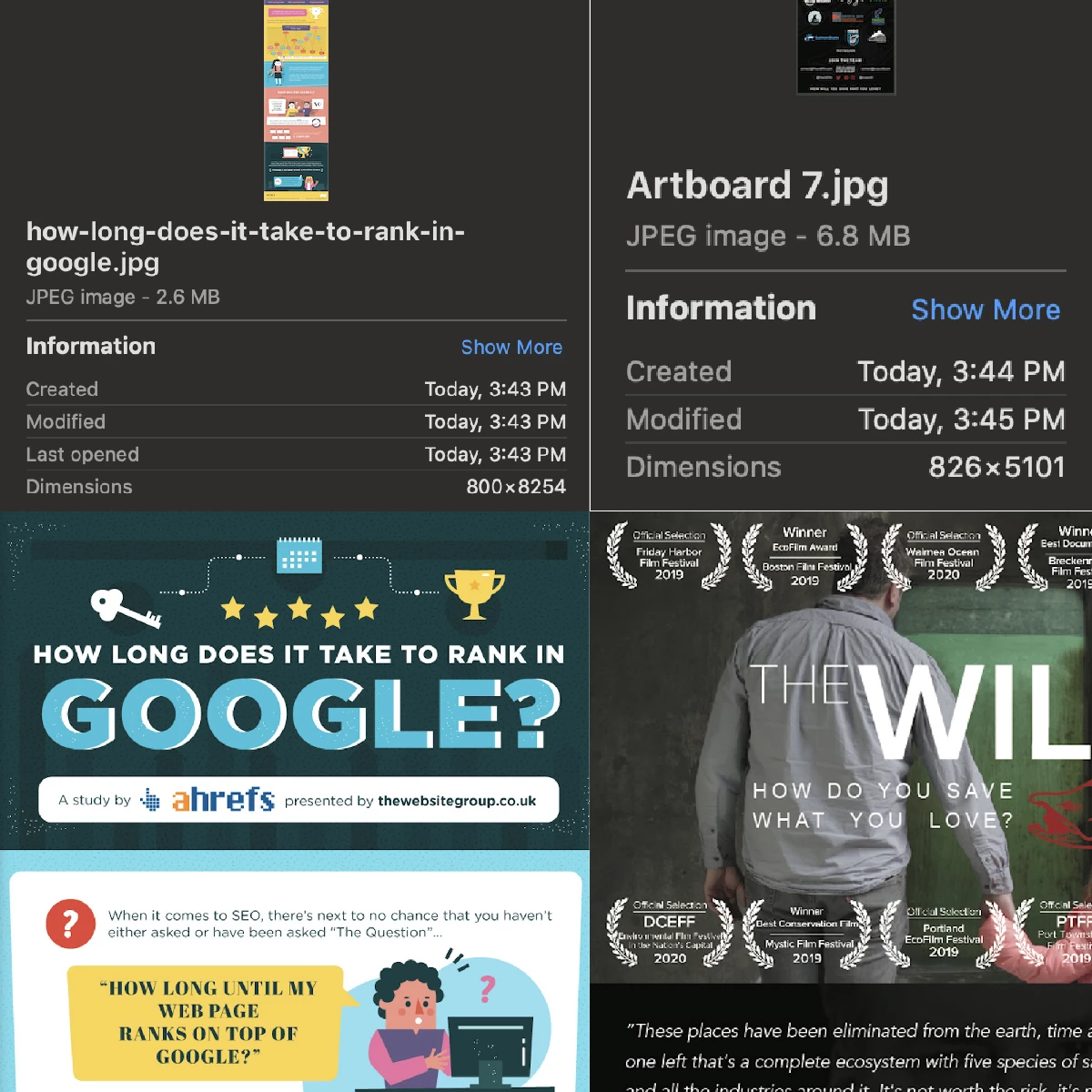
I pulled the infographic on the left from the internet and the infographic on the right I exported from illustrator (JPEG @ 72ppi). The web image is larger than mine and only 2.6mb while mine is 6.8mb.
No matter what I try (ImageOptim included) I can't get my file anywhere close to that size without making the text unreadable.
What am I missing?
Here are the two files: https://imgur.com/a/AMbflQQ
Thank you so much,
L
 AdChoices