


Text becoming invisible when I save an Ai file as a PDF?
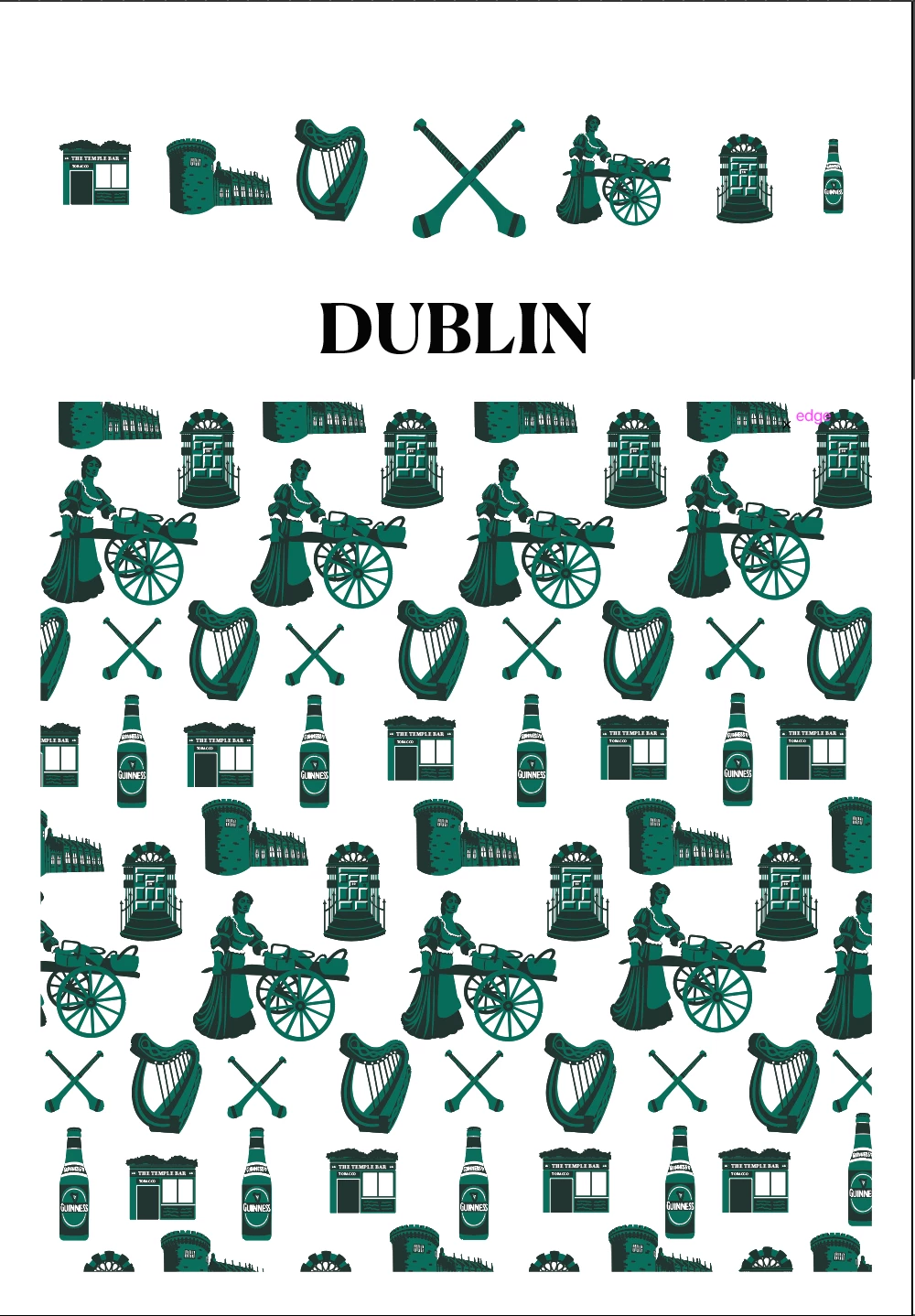
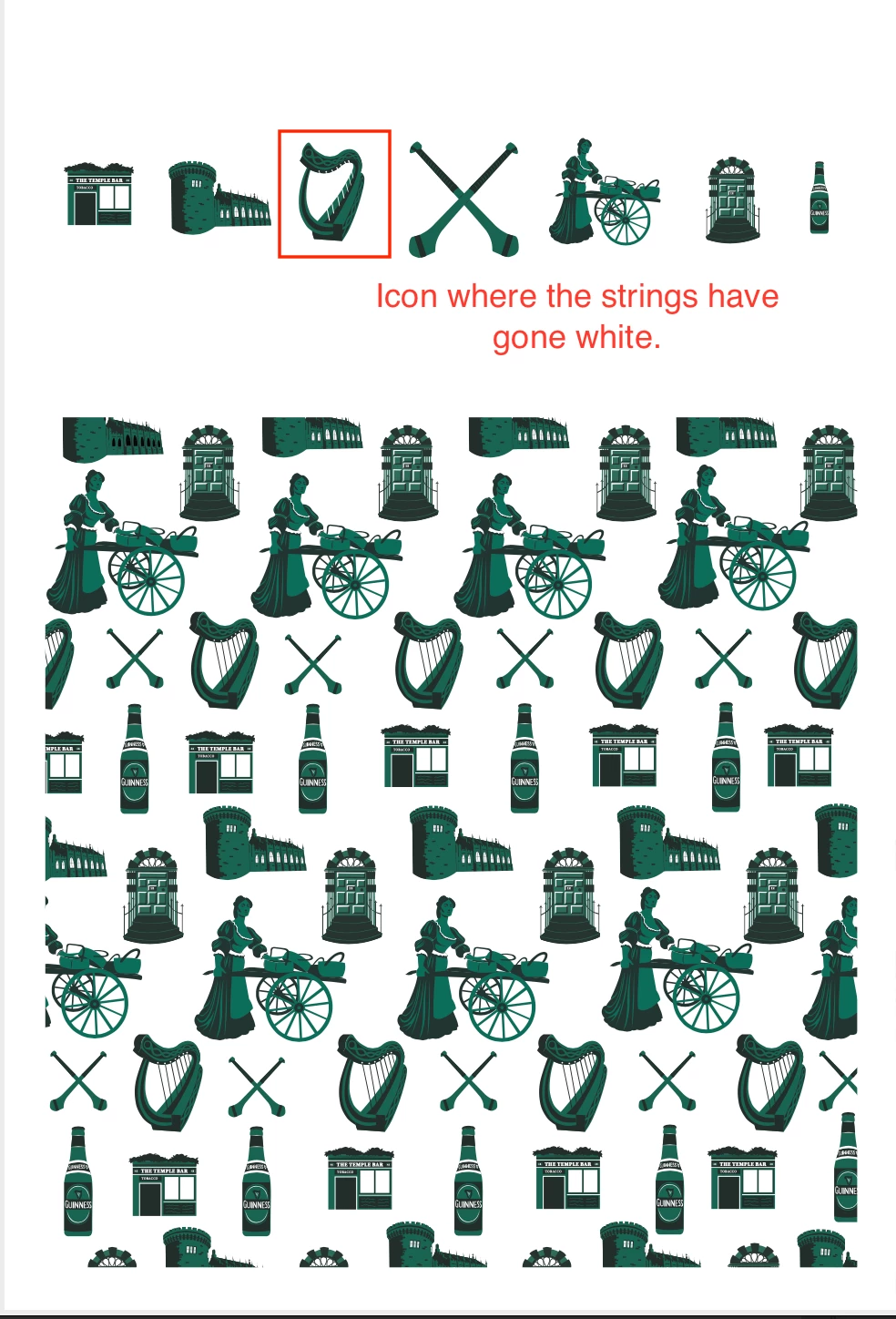
So, I been having trouble saving a document I've been working on as a PDF. When I save it as a PDF the text becomes invisible (I can still highlight it with my cursor in Preview. I just can't see it.). Furthermore, the strings of the harp icon I have placed in the document have become white. The same icon has been copied and pasted multiple places throughout the document, and yet only one seems to be having this issue.
I just started using Illustrator this year so I'm not familliar with the technicals of the program. But I'll try an provide as much useful information as I can:
- I'm using the current, updated version of Illustrator
- The font is Canela Deck (Bold)
- I've tried changing the font and saving it again, but the issue persisted
- I've tried changing the Print Layers setting from "visible & printable layers" to "visible layers" (issue persisted)
- I also shrunk the white rectangle I had behind the text so that it's no longer behind it (issue persisted)
Is there anything else I should check or try? Let me know if there is anything else I can provide to help find a solution. All input is greatly appreciated!
Thank you for reading,
Jessica
What it looks like in Illustrator: What it looks like in Preview/as a PDF:
 AdChoices