


Copy link to clipboard
Copied
New to Illustrator, everything was going fine. Today I opened it and went to work on something and when I clicked on the type tool to make a line type, it was slanted so as you typed it would go up and to the right.
So when you'd make a text box, it looks like it's angled to the left about 15-20 degrees. I have tried everything to figure out what happened and how to fix it but I can't. I didn't change any settings.
Type on a path still works normall, it's Text in a line or box that is totally slanted now on an angle. How can I reset this to normal orientation?
Thank You


 1 Correct answer


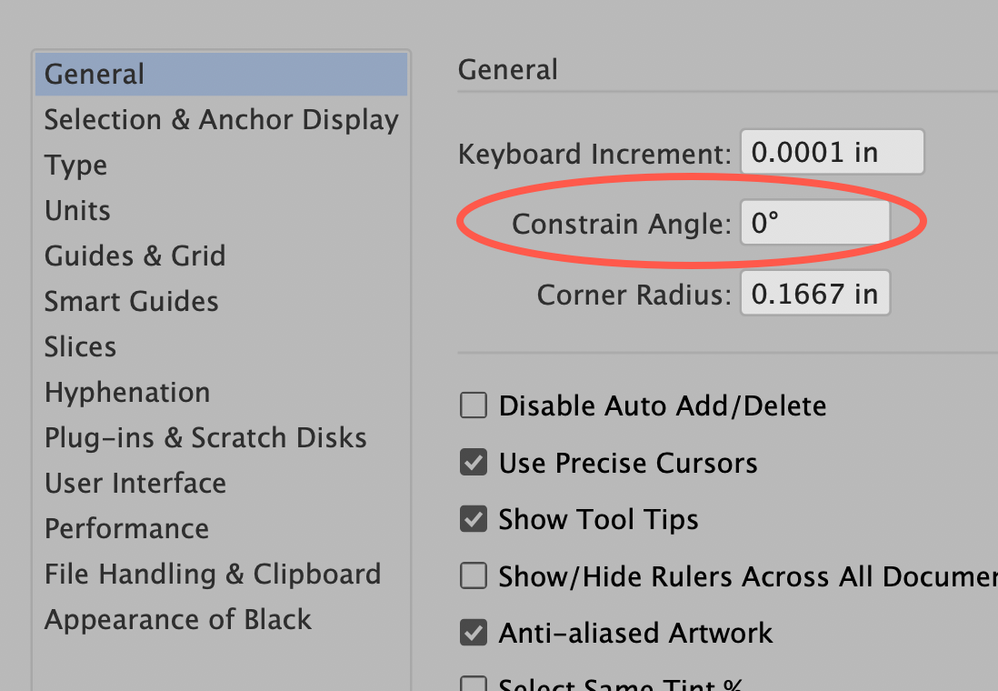
Go to Preferences > General and make sure that the Constrain Angle is set to 0°.
Peter


Explore related tutorials & articles
 9
Replies
9
9
Replies
9


Copy link to clipboard
Copied
I'm not sure about that issue and probably I misunderstand it, but have you already checked the Constrain Angle setting in the Illustrator preferences?
Copy link to clipboard
Copied
Go to Preferences > General and make sure that the Constrain Angle is set to 0°.
Peter

Copy link to clipboard
Copied
I am having the same problem and my contraint angle is set to 0, so is my scale and my bounding box.

Copy link to clipboard
Copied
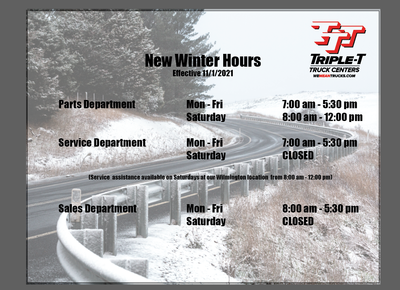
Please show a screenshot.
Copy link to clipboard
Copied
Copy link to clipboard
Copied
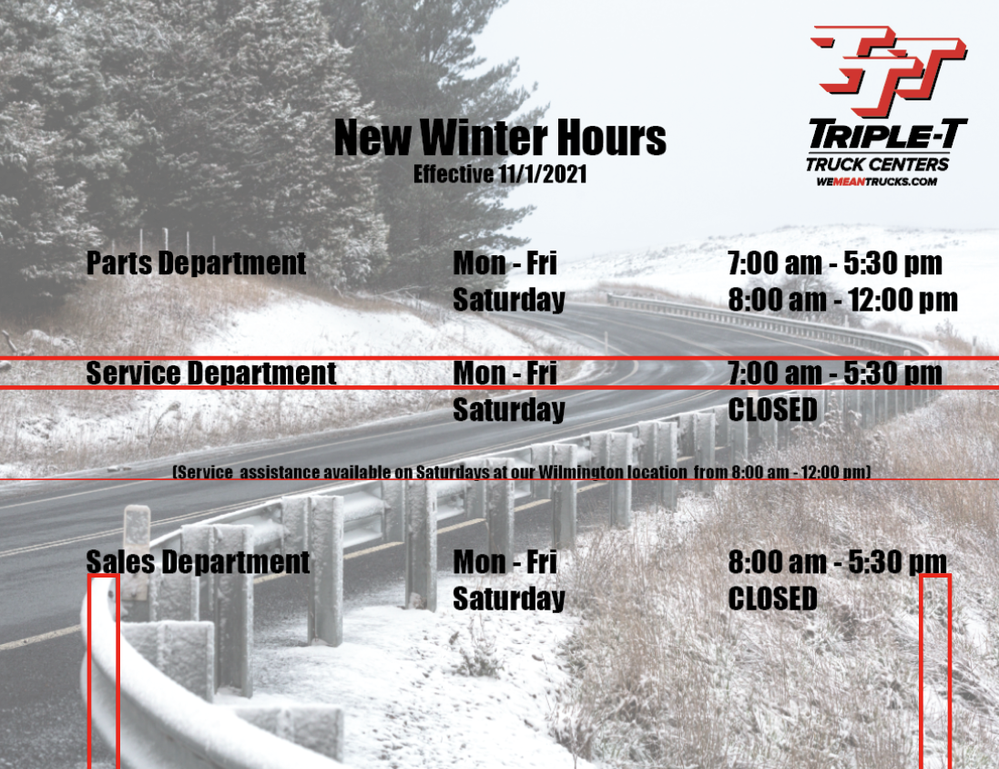
Not sure what we're supposed to be focussing on there but the text isn't slanted:

Copy link to clipboard
Copied
Visual trickery, your sloped road and dark left background to bright right, is making your text appear likes it's about to fall off that hillside...

Copy link to clipboard
Copied
I was having this problem too and you helped me fix it! Thank you!
Copy link to clipboard
Copied
Good point, Met1.
And the two-line type blocks in the middle and right column certainly increases the tilt illusion.
Probably it is also a matter of different perceptions. Some may see the fall and some may not see it at all.


Find more inspiration, events, and resources on the new Adobe Community
Explore Now
 AdChoices