
Answered
Text not aligned in bounding box
When creating text boxes the baseline is not set to centered within the bounding box, leading to text not being aligned accurately while using the align tool. I have the workaround of FX: Outline Object which snaps the box to the glyph, but it seems crazy that I would have to do that to every line of text to have it align to artboard correctly.
In the picture:
Blue L: Outline Object is on, Horizontal and Vertical Align Center selected on the align panel, aligned to artboard.
Black L: Typed an L with no modifications, Horizontal and Vertical Align Center selected on the align panel, aligned to artboard.
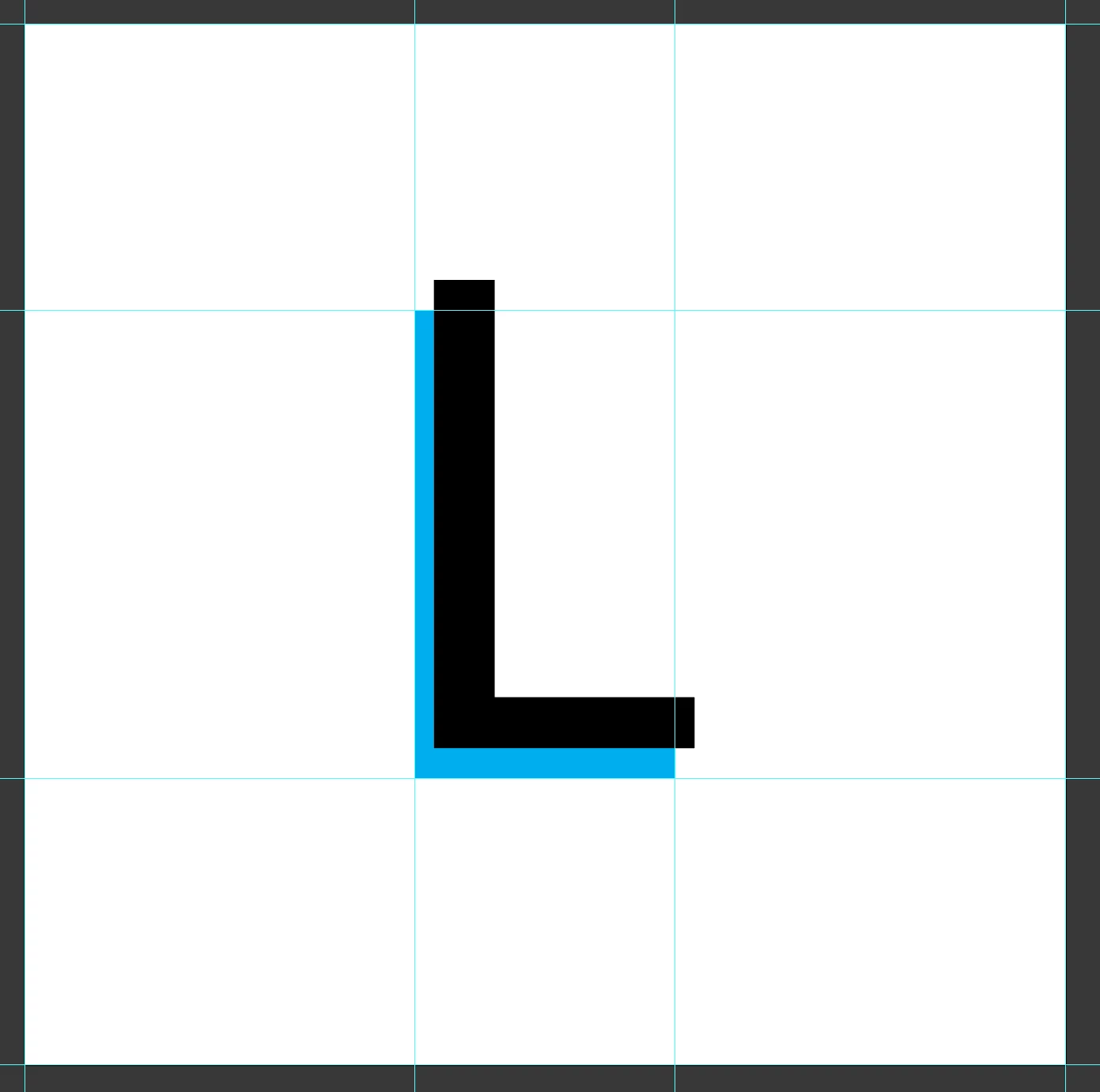
Any help is greatly appreciated.
 AdChoices