Participating Frequently
September 12, 2023
Answered

text size too small illustrator

  • September 12, 2023
  • 2 replies
  • 5731 views

Hi all.


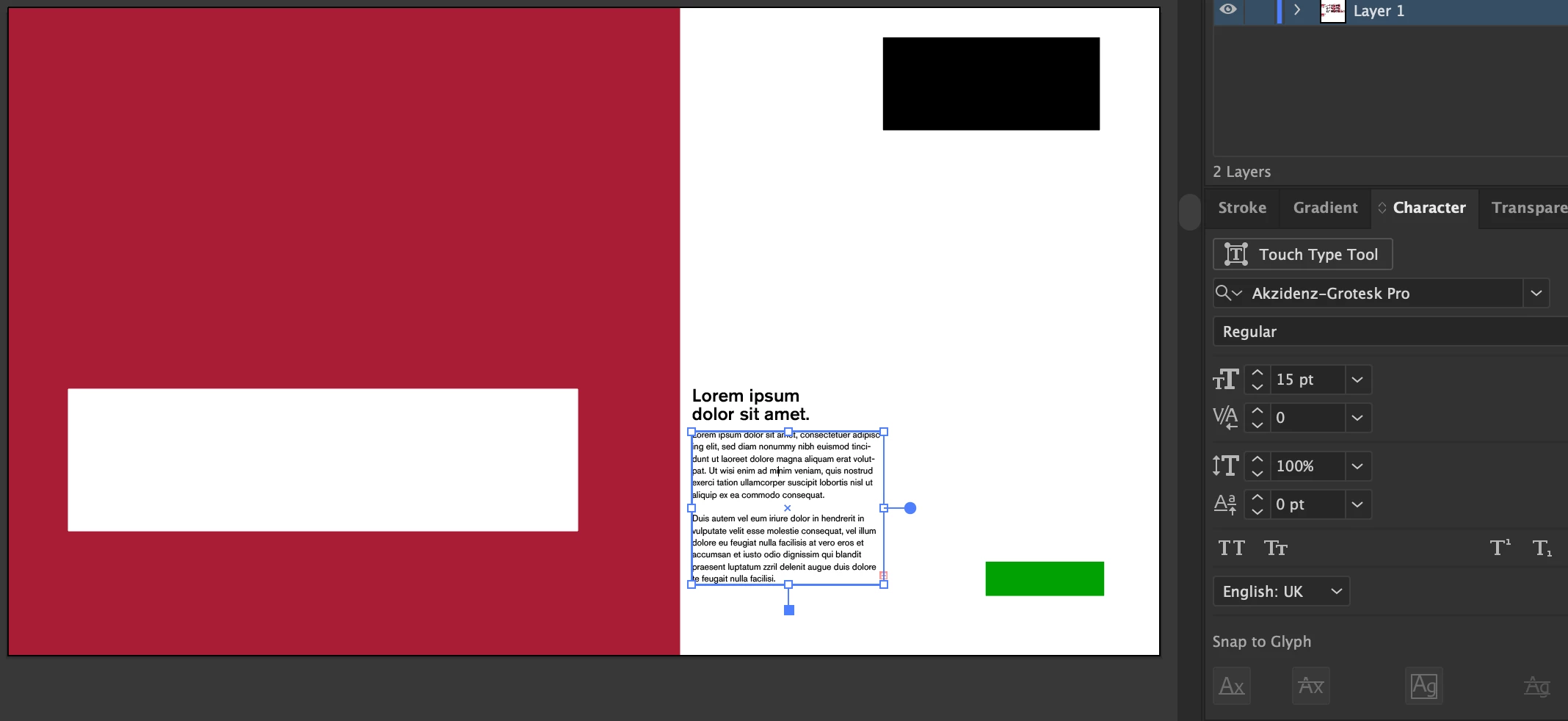
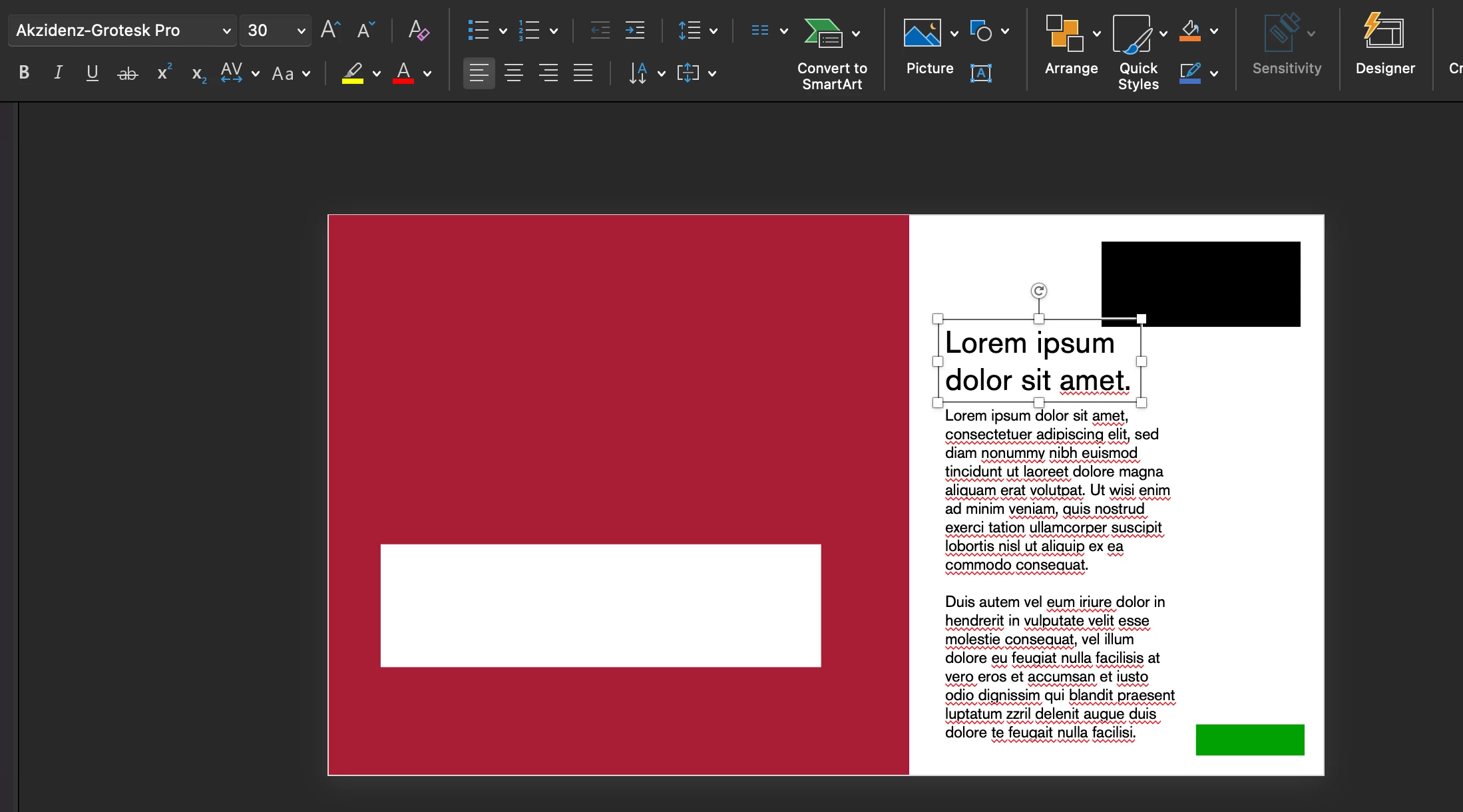
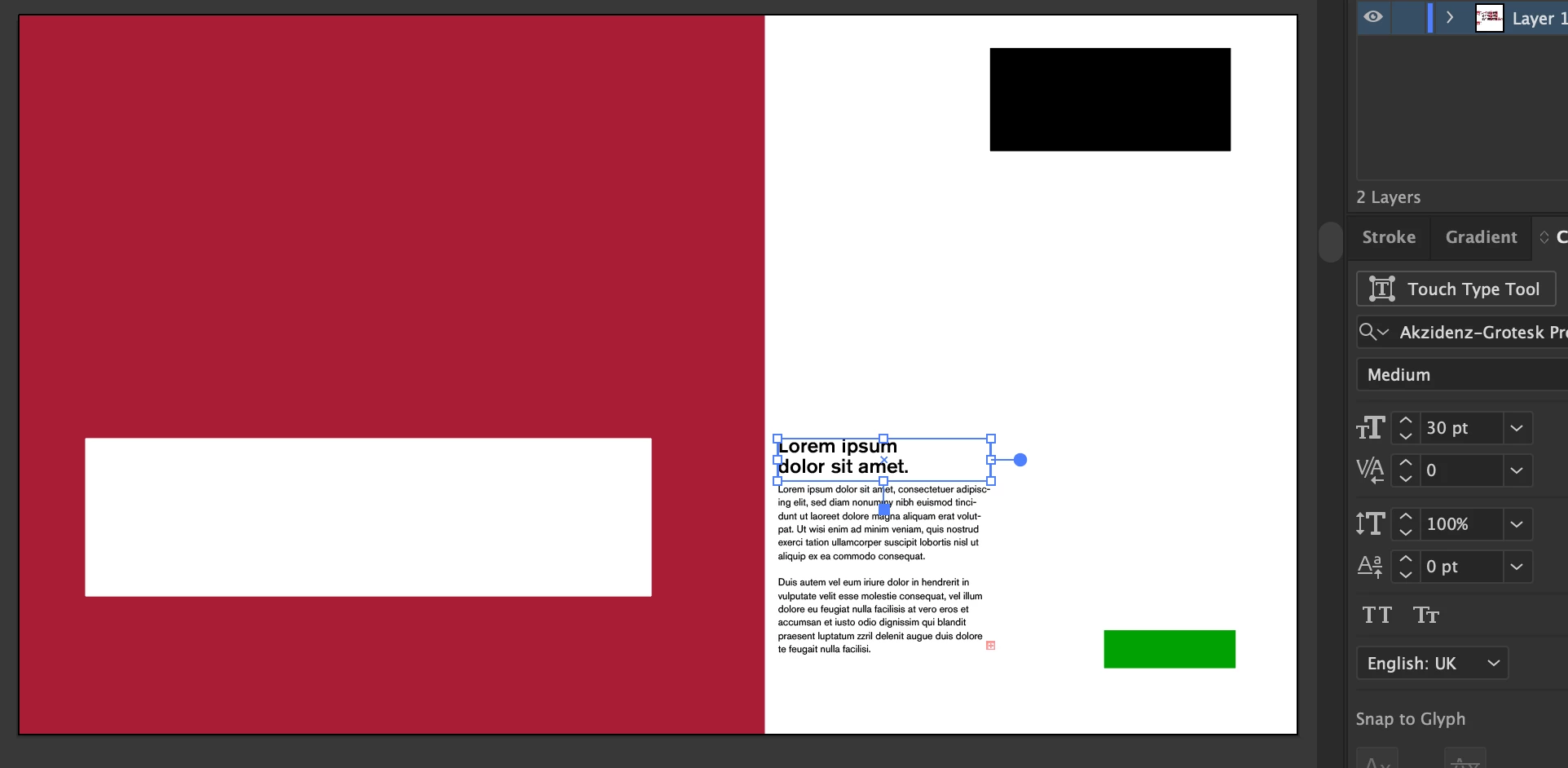
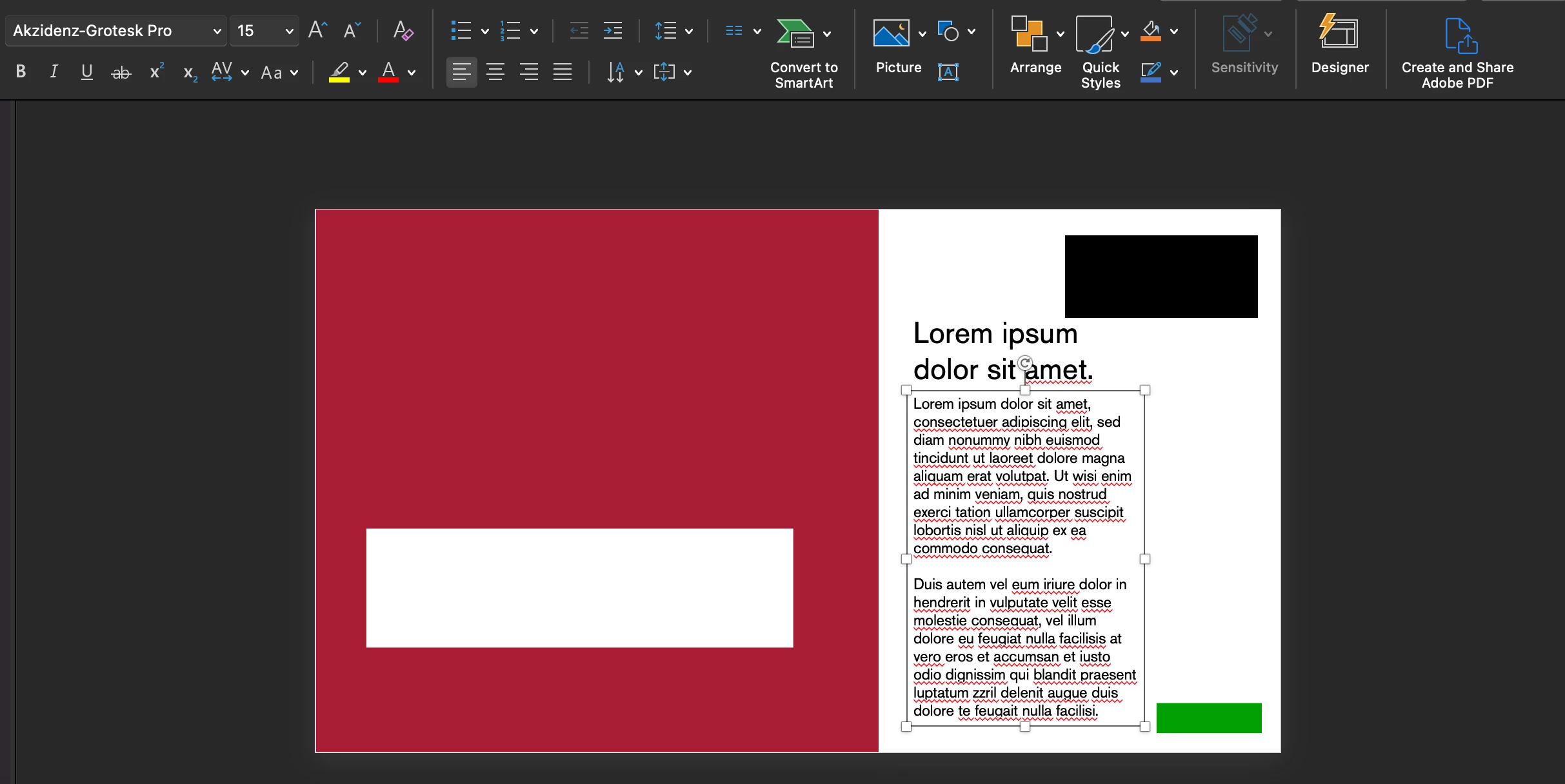
I'm working on a brand presentation and have set my document up at 1920x1080px, a colleague commented that my body copy was too small (I think it looks fine in full screen, but hey ho), I have the body copy at 15pt, and figured I'd check the size by creating a 16px box and comparing (16px should work out to 12pt text, the industry recommended minimum for body copy) - the box was SIGNIFICANTLY larger than my '15pt' text,  I then copied the files into a 1920x1080px PowerPoint, using the same typeface and Pt size to test, and the text is near double the size. Does anybody know what's happening here? Document dimensions are both the same, pt size is the same and typeface is the same. 


Many thanks,

James


Illustrator:
 

PowerPoint:


This topic has been closed for replies.
Correct answer Ton Frederiks

For Illustrator pixels and points are treated the same; 1 px equals 1 pt.

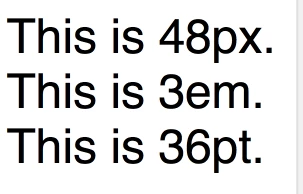
The html world outside Illustrator makes a difference between pts and px.

Add to that; the design of the font can make a visual difference in size between various fonts.

This is an html example:

2 replies

Ton Frederiks
Community Expert
Ton FrederiksCommunity ExpertCorrect answer
Community Expert
September 12, 2023

For Illustrator pixels and points are treated the same; 1 px equals 1 pt.

The html world outside Illustrator makes a difference between pts and px.

Add to that; the design of the font can make a visual difference in size between various fonts.

This is an html example:

Participating Frequently
September 12, 2023

Thank you!! Now I finally get it! - any idea why it's set up like this? Incredibly confusing and complicated for those of us working with accessibility / legibility in mind... I'm sure I don't just speak for myself when I say it would be easier if the industry standard graphic design software went along with the industry standard definition of pt / px haha. 


Thanks again for your great response.

Ton Frederiks
Community Expert
Community Expert
September 12, 2023

In 1987 when Illustrator was introduced on Mac, there was no Web and the Mac screen had a resolution of 72 ppi.

Perfect realsize display of fontsizes; 1 screen px equaled 1 point size. That's where the px=pt size  in Illustrator comes from. 

A screendump from the first Illustrator version:

Monika Gause
Community Expert
Community Expert
September 12, 2023

You just can't compare the sizes that way.

Participating Frequently
September 12, 2023

I don't understand... The artboards are the same size (1920x1080px), the font source files are the same, a pt is supposed to equate to roughly 1.3 pixels, so how can you not compare? Or why are they different? Surely it's pretty inconvenient if the industry standard software doesn't read pt size correctly?

Participating Frequently
September 13, 2023

Illustrator works in absolute measurement.

And it was there before the web - are you aware of that?

So it's actually quite bad that the web doesn't respect the industry standard.


I'm not perfectly sure why you're giving me this tone with your replies - but yes, as others have clarified with their detailed, informative and helpful explanations, the actual answer to the question is that when Illustrator was created, screens were at an PPI & aspect ratio that meant 1:1 px:pt was an accurate measurement, as for web 'not respecting the industry standard', it doesn't work that way, web respects the PPI of modern machines (which means that it respects the modern industry standard), Adobe respects the PPI of outdated machines. As an expert, I feel like you should aim to inform and educate as opposed to patronising people asking genuine questions on this forum? Thank you for your input, but I'm glad that the other 2 experts actually contributed detailed and informative information. Patronising people isn't particulary an 'expert' trait.