Participant
April 3, 2020
Answered

Text To Crown with envelope distort

  • April 3, 2020
  • 3 replies
  • 1272 views

I am trying to make a crown out of words. I have been through different video's and posts and my image still gets warped inside my object in a weird way.

This is my starting image
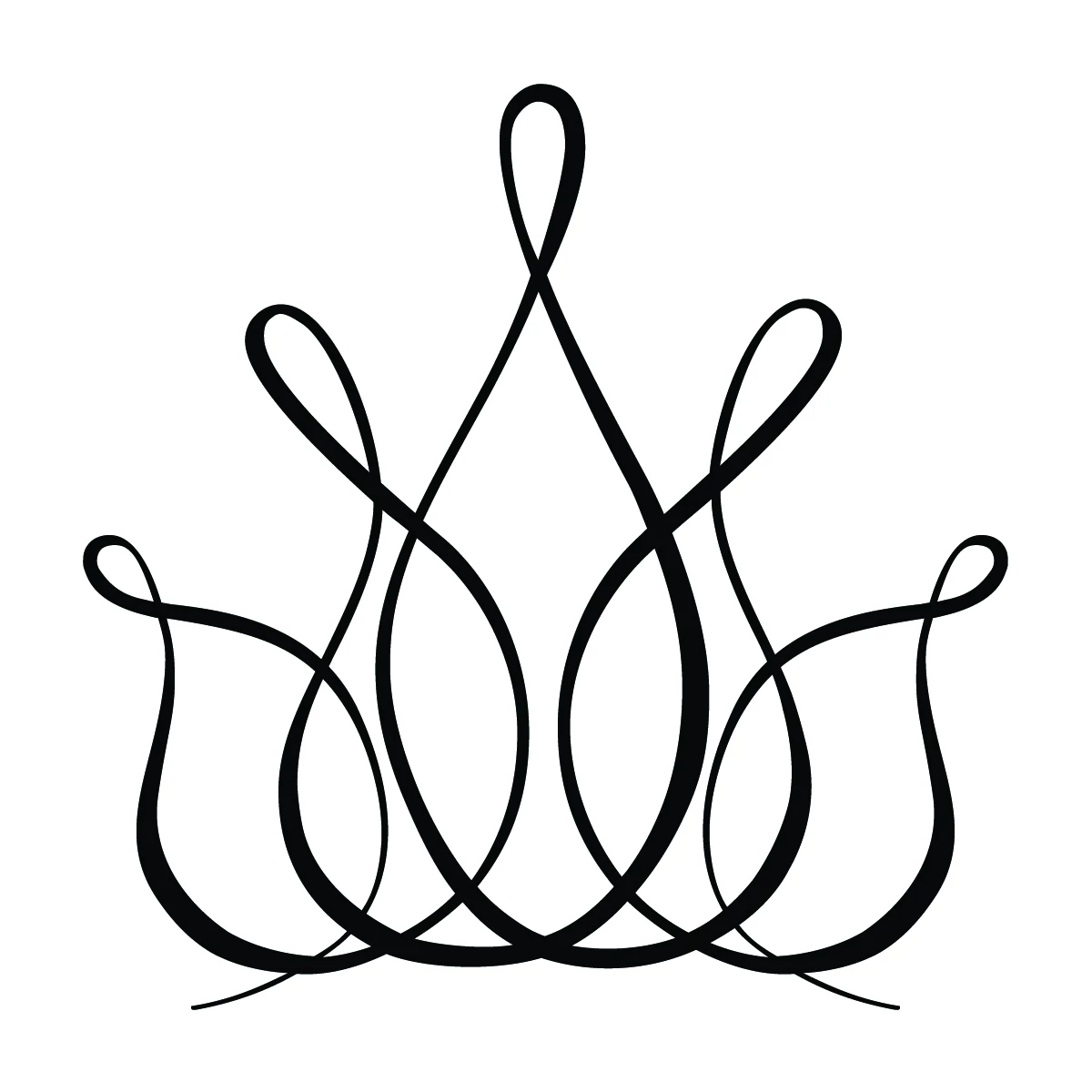
I filled it in with the shape builder tool to create a solid object.
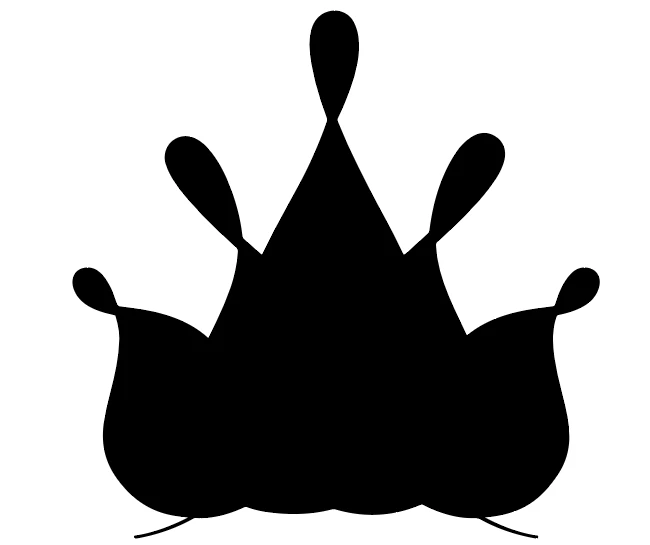
This is the text that I want to go inside the crown. 

however I get this instead
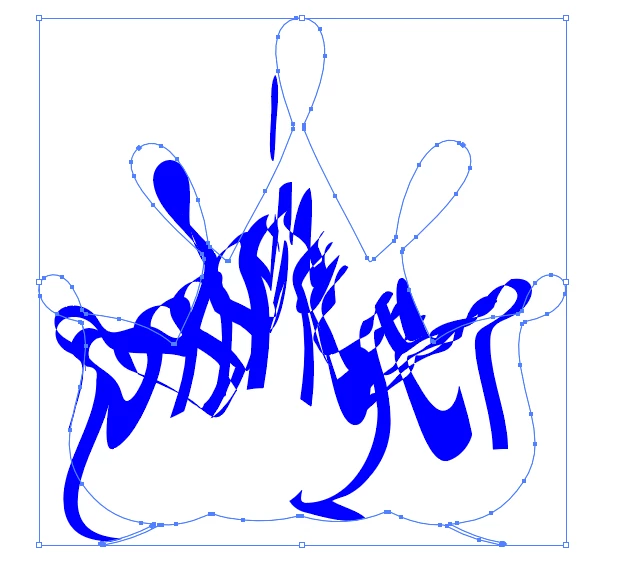
 

I don't know what I am doing wrong, or is there an easier way of doing what I want to do? 

Thank you

This topic has been closed for replies.
Correct answer キィィ─!!!

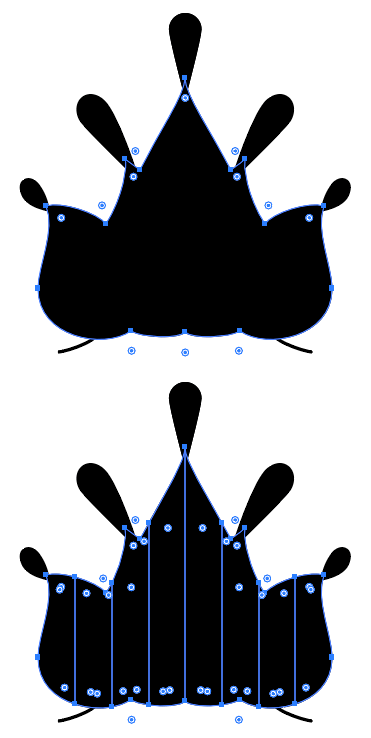
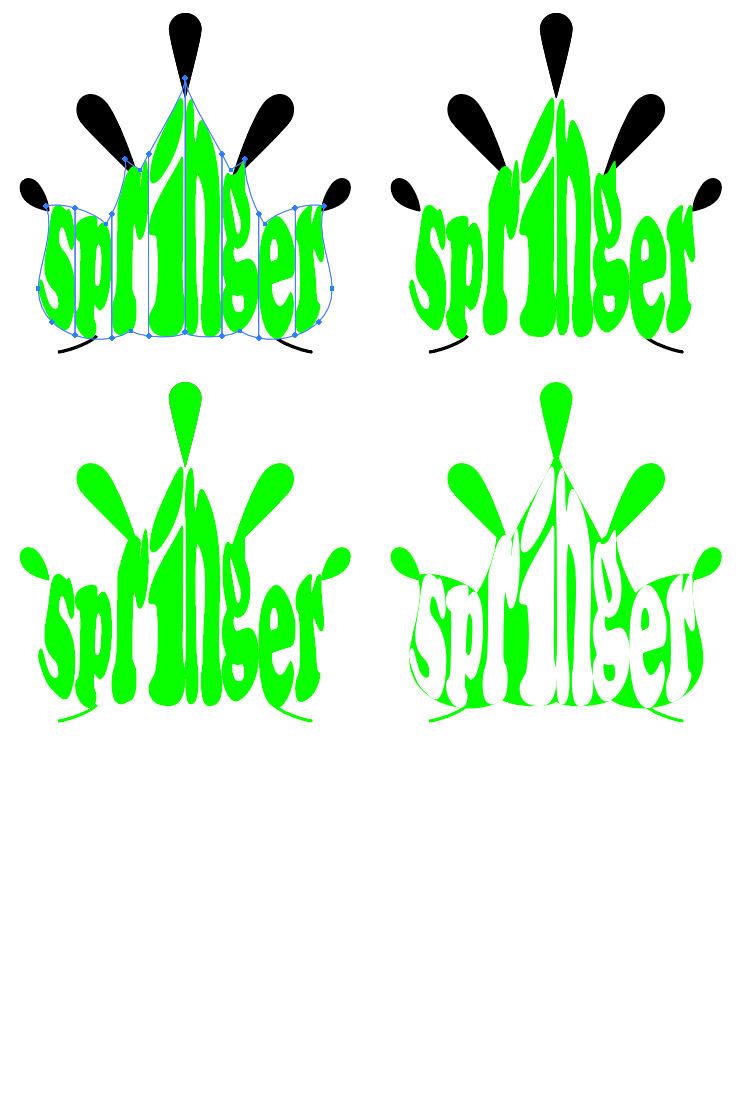
First, remove the protruding part from the target of deformation.


Divide the rest into the number of characters.

For example, I divided the left and right width equally.


Then, perform envelope deformation one character at a time.


3 replies

キィィ─!!!
キィィ─!!!Correct answer
Participating Frequently
April 5, 2020

First, remove the protruding part from the target of deformation.


Divide the rest into the number of characters.

For example, I divided the left and right width equally.


Then, perform envelope deformation one character at a time.


Kurt Gold
Community Expert
Community Expert
April 4, 2020

I'm afraid you won't be able to that with a "one-whack-effect" like creating an envelope distort.


Careful consideration and manual work are required here.

Kurt Gold
Community Expert
Community Expert
April 3, 2020

Probably you are overestimating the "intelligence" of envelopes in Illustrator.


Also, it is not known how exactly you want to arrange the springer inside the crown.


Can you clarify a bit? Perhaps with a sketch that shows at least your general idea?

Participant
April 3, 2020

I am thinking something like this fish image. I want springer to fill like the word fish