New Participant
October 31, 2024
Answered

Text To Vector is missing in Adobe Illustrator 29.0.1

  • October 31, 2024
  • 3 replies
  • 1604 views

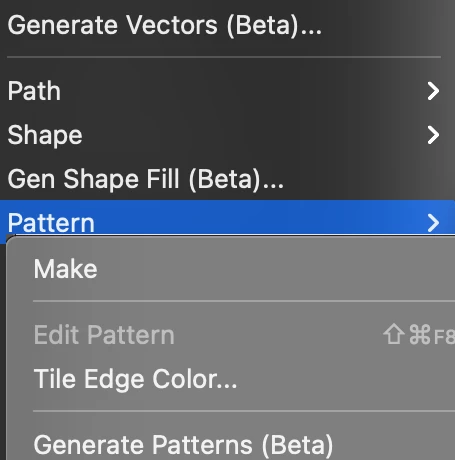
Is anyone else having this problem? The text to vector option is not listed in Properties, and I can't find it in the contextual menu either. Additionally, the object/pattern/generate pattern function is also missing.

Laptop is MacBook Air M1, Adobe CC plan.

I have tried uninstalling and reinstalling the software, but that didn’t help.

I would appreciate any assistance!

Correct answer creative explorer

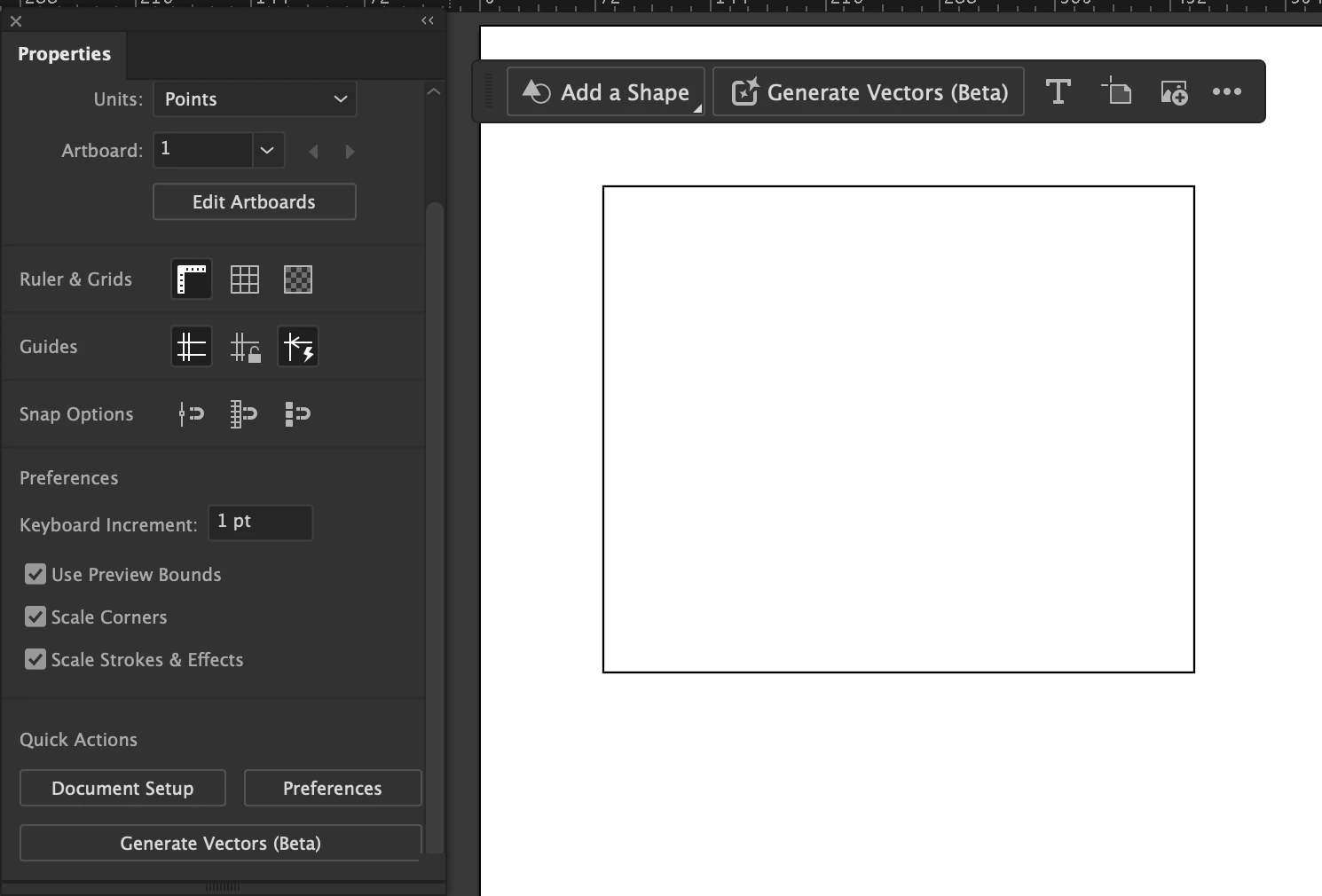
@KostaKostochka I am able to see mine:


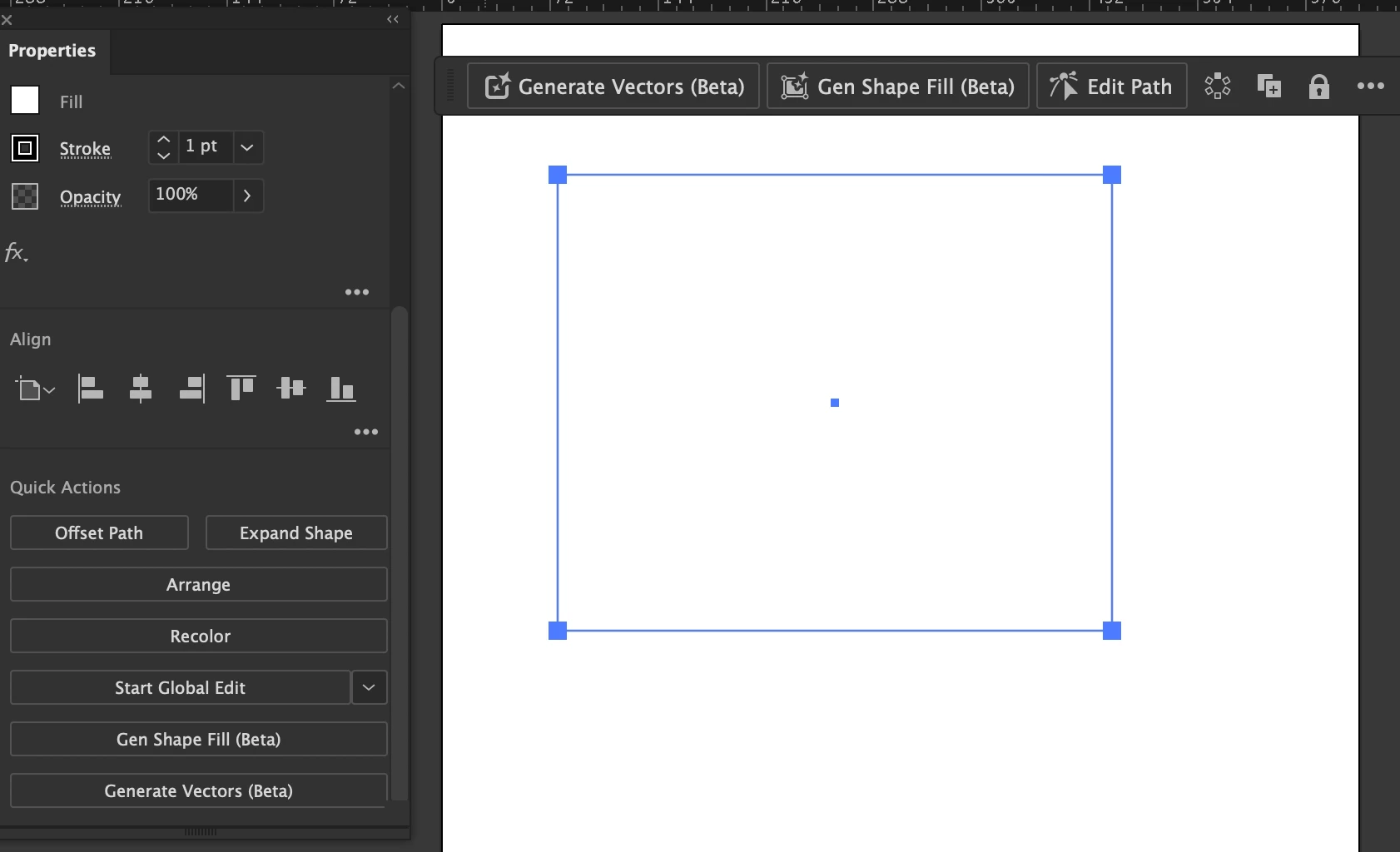
After drawing a box, and when I select it, I do get more options:


Did you try resetting your preferences before you create a document?


3 replies

New Participant
October 25, 2025

yes I'm not able to find text to vector in my illustrator

Monika Gause
Community Expert
October 25, 2025

@mohammed_9037  schrieb:

yes I'm not able to find text to vector in my illustrator


Which version is it?

WHere are you located?

New Participant
October 25, 2025

It is v 29.8.2

I'm from India 

Monika Gause
Community Expert
October 31, 2024

The feature is not available in certain countries. Where are you located?

SIA Baltstor
New Participant
November 7, 2024

Hello dear,

I am from Latvia and have v29 Illustrator

Community Manager
November 7, 2024

Hello @SIA Baltstor,

Thanks for sharing the details. Would you mind sharing more details, like the OS version and a screen recording of your exact workflow and the problem, so I can better assist you?

Looking forward to hearing from you.


Anubhav

creative explorer
creative explorerCorrect answer
Community Expert
October 31, 2024

@KostaKostochka I am able to see mine:


After drawing a box, and when I select it, I do get more options:


Did you try resetting your preferences before you create a document?


m