
The Artborad Tool + snap to grid
Adobe Illustrator 22.0.1, windows x64,
Using Snap to Grid option. Units: px. Gridline every 50px, subdivisions 10. My artboard size 20x20px. When I hit the Artborad Tool I can freely reshape my artboard.
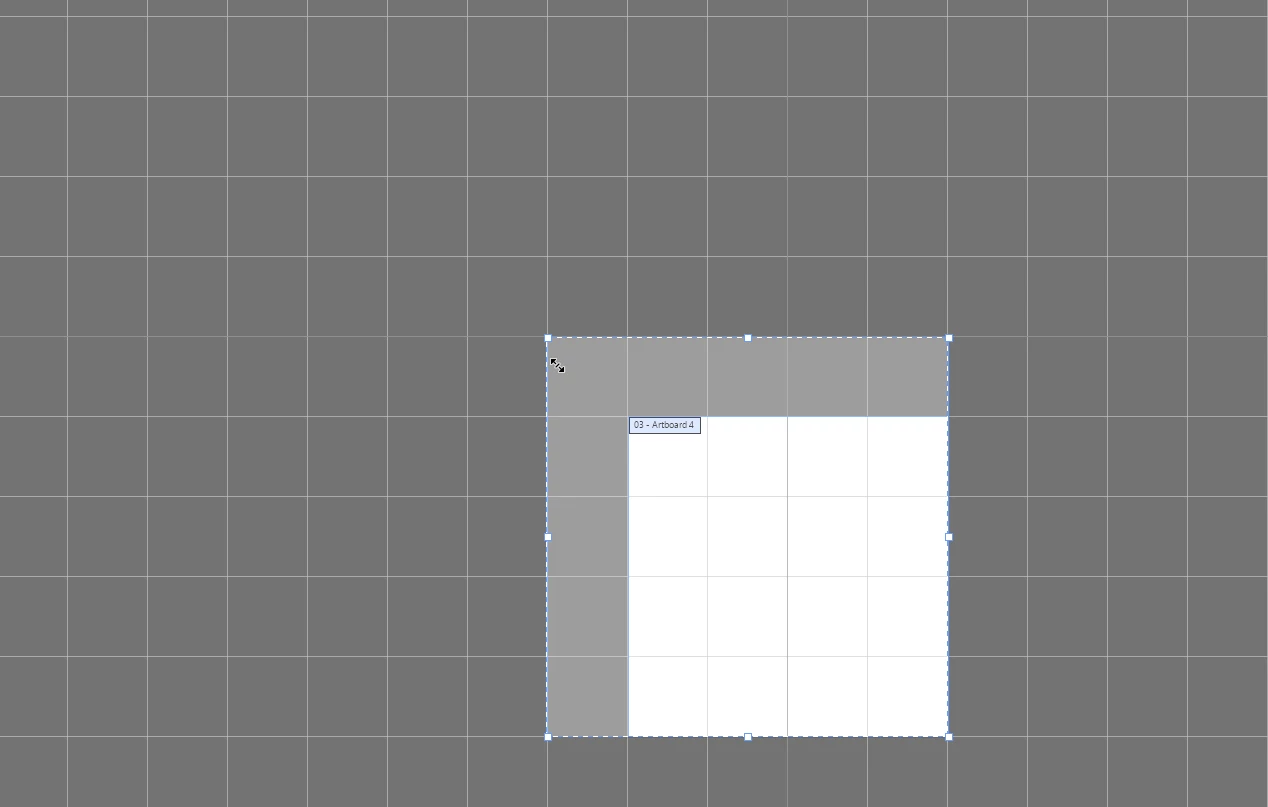
A) Resize. If I grab any corner (handle) I can move it and it seems it snaps to my current grid. Like this:
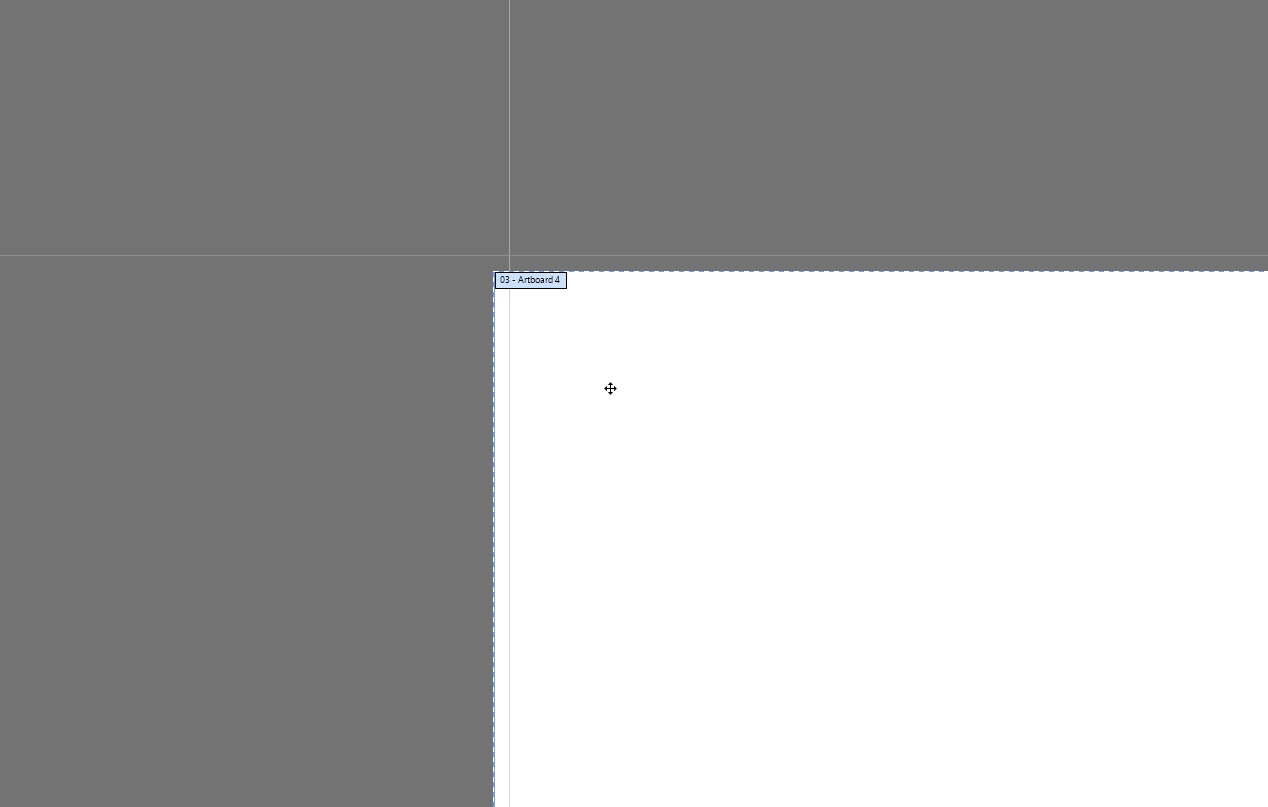
but if I zoom in I can see there are some imperfections. My corner point isn't aligned with my grid:
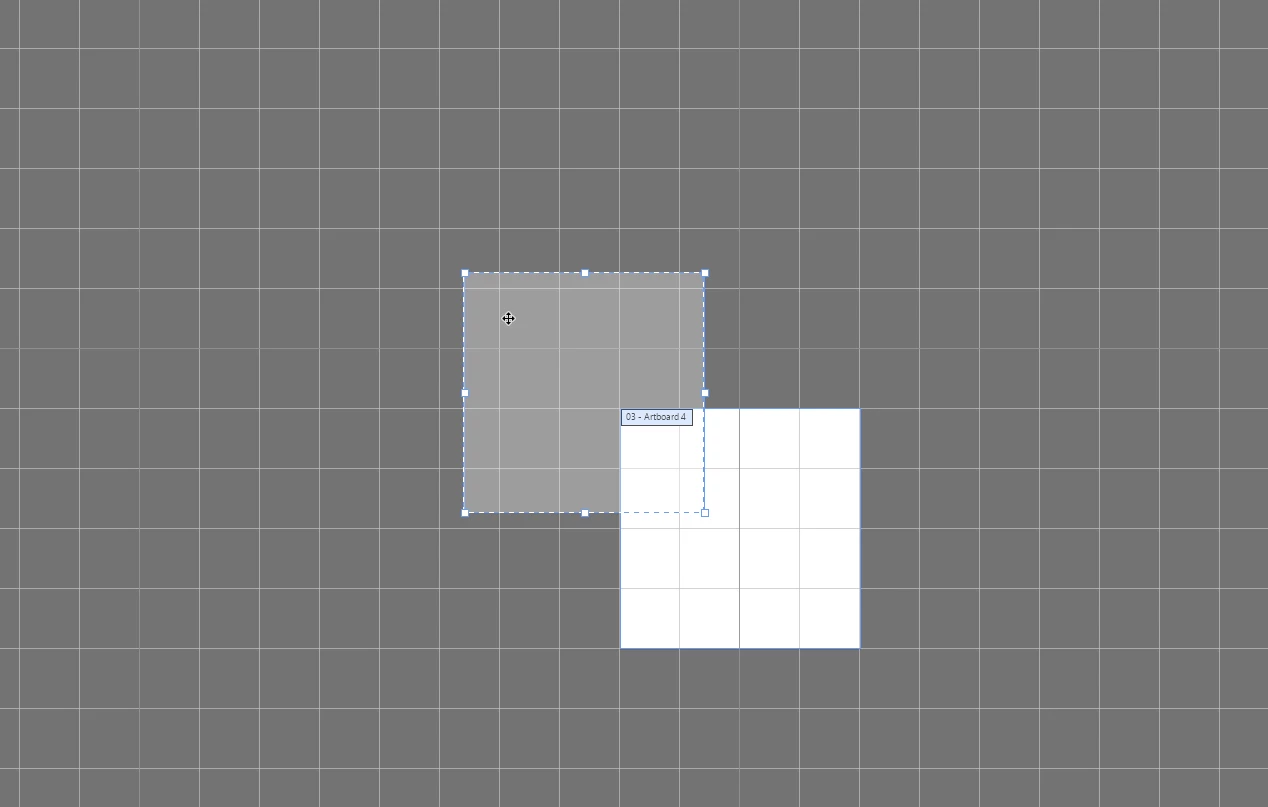
B) Move with mouse. When I move my artboard it doesn't snap to my grid. at all:
C) Move with arrow keys. When I use my arrow keys it snaps and I can perfectly align my artboard with my grid. This works great!
Is it normal? Did someone experience the same? Can I change this behaviour, I mean have it perfectly aligned in case A) and force Ai to snap to grid in case B)?
Thanks for your help.
 AdChoices