
lamentooo
Participating Frequently
October 25, 2018
Answered

The letter bottoms cut off in print (Ai & Id CC)

  • October 25, 2018
  • 6 replies
  • 9052 views

Hello,

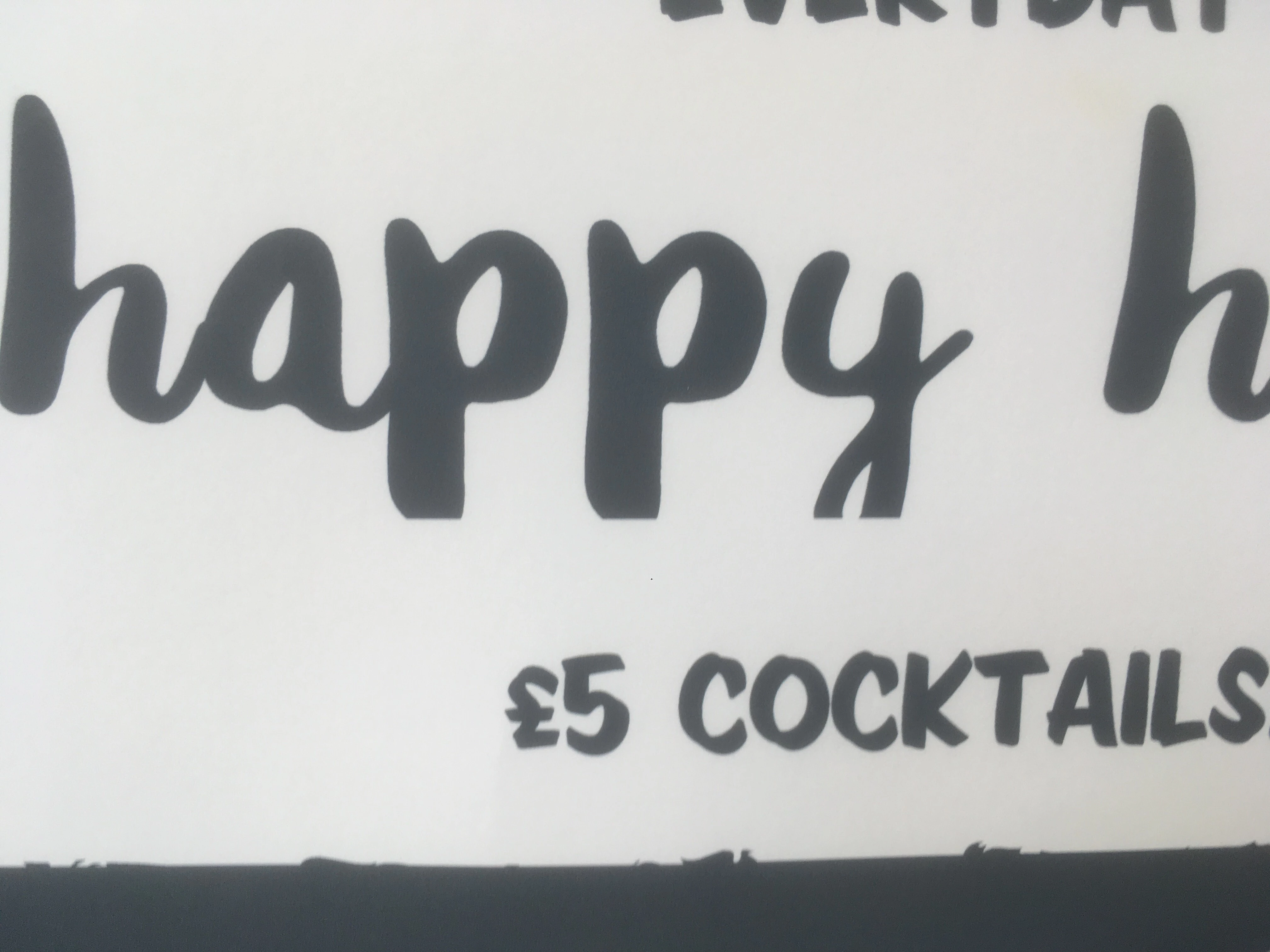
I have an issue while printing my artwork from illustrator as well as in design. The bottom of letters like 'y' or 'g' are being cut off whether I print from the project or exported pdf. Interestingly, when I tried to print pdf from mac as opposed to my pc, everything came out ok. Nonetheless, after sending the pdf project to the printing company, letters came out cut off. They suggestion was: "Looks like there might be transparencies on the artwork?". I am not really sure what that refers to as I check opacity of the texts and it's set on 100%. I don't really think there are any other objects with different transparency settings. Is anyone able to help? I found similar topic but answer was not provided.

Thanks in advance

Michal
This topic has been closed for replies.
Correct answer meganchi

Ask a Font Creator: Let's Talk About Cut-Off Text in Microsoft Products! | The Font Bundles Blog

This link explains it. It has to do with how the font was built.

6 replies

meganchi
meganchiCorrect answer
Legend
October 26, 2018

Ask a Font Creator: Let's Talk About Cut-Off Text in Microsoft Products! | The Font Bundles Blog

This link explains it. It has to do with how the font was built.

lamentooo
lamentoooAuthor
Participating Frequently
October 26, 2018

Doug,

It's True Type font file and the font is called Andrea.

In terms of transparencies, I cannot highlight anything in flattener preview. Do you perhaps know why? Thanks

Hi Jacob,

Unfortunately there are no other objects apart from what's seen.

Many thanks

Michal

Jacob Bugge
Community Expert
Community Expert
October 26, 2018

lamentooo,

Maybe a silly question, but if you Ctrl/Cmd+A to select everything (maybe after unhiding/unlocking possible hidden/locked objects), is there anything revealing itself at the (straight horizontal) line where the descenders are cut, maybe the boundary of a Clipping Path or the edge of some other transparent/invisible object?

And if there is, what happens if you remove the object (if possible) or make changes to move the object/boundary down below the lowest part of the descenders (so they are on the same side as the rest of the letters)?

lamentooo
lamentoooAuthor
Participating Frequently
October 26, 2018

Doug, picture attached. Why would it be printed correctly from mac and not pc? Also, guys from print shop are asking if there are any transparencies in the project... what exactly does it mean and what impact could it have?

Doug A Roberts
Community Expert
Community Expert
October 26, 2018

Does it happen everywhere you see descenders when that typeface is used?

lamentooo
lamentoooAuthor
Participating Frequently
October 26, 2018

Everywhere with letters such as 'g', 'p', 'y' etc.

Can anyone answer this?

Why would it be printed correctly from mac and not pc? Also, guys from print shop are asking if there are any transparencies in the project... what exactly does it mean and what impact could it have?

Thanks

meganchi
Legend
October 25, 2018

A work around could be to convert the text to outlines for print service. Might be something weird with the font?

Doug A Roberts
Community Expert
Community Expert
October 25, 2018

Presumably everything looks fine on screen in Illustrator, and when you view the exported PDF in Acrobat?

lamentooo
lamentoooAuthor
Participating Frequently
October 25, 2018

exactly. When printed from mac its fine too

Doug A Roberts
Community Expert
Community Expert
October 25, 2018

can you show the illustrator file with those objects selected please?