
The Trim feature in Illustrator's pathfinder is acting like the Divide.
I constantly use the trim feature in the pathfinder. I use it for pretty complex designs to get rid of the overlap. All of the sudden when I used it today, it would leave the shape underneath it. For example, here is a yellow square on top a bigger pink square.

I used to hit "trim," and the pink square would have a hole in it where the yellow square used to be, and the yellow square would still be there.
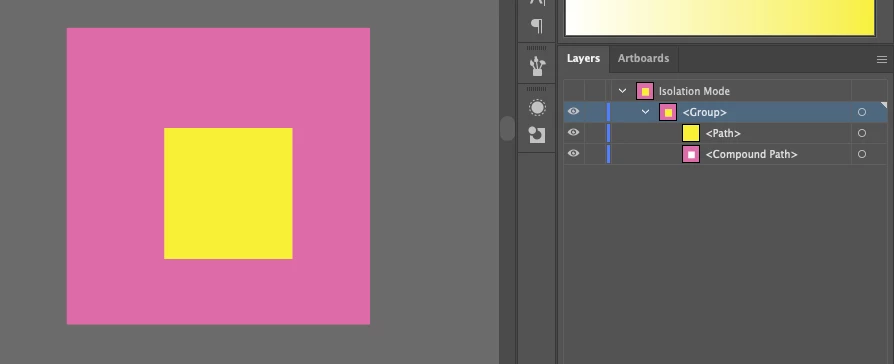
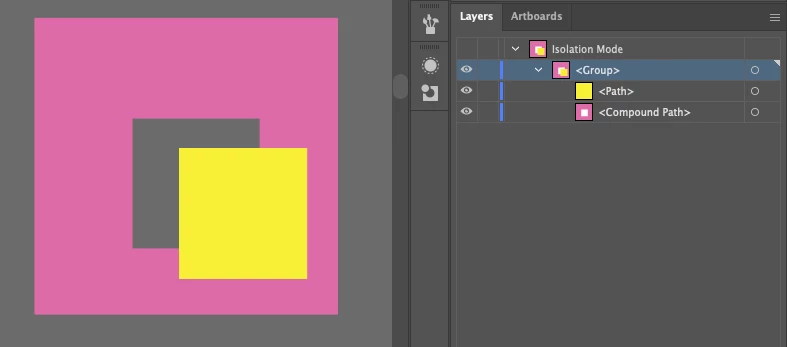
Now, when I use Trim, my end result is one shape of the bigger pink square with a cut-out, a small pink square cut out in the same spot as the yellow, AND a yellow square.
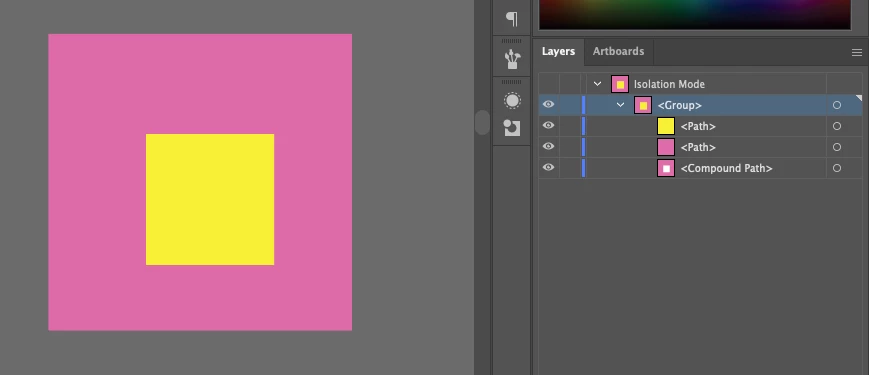
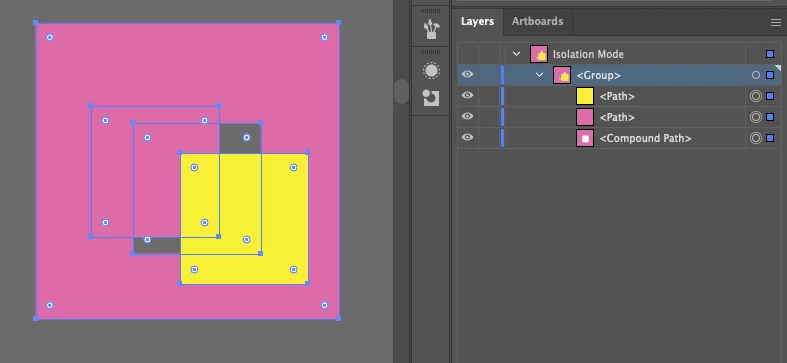
I don't know if trim is glitching or what, but I've tried restarting Illustrator to no avail. This is an integral part of my process for most of what I need to do in Illustrator, and it will literally add hours to my design time if I don't have an easy quick way to delete whatever is covered up.
 AdChoices