
There is an extra white space when exporting from Illustrator CC 2019
I usually fill my artboard with MOUSE / FREEHAND. This is a solid color. No strokes.
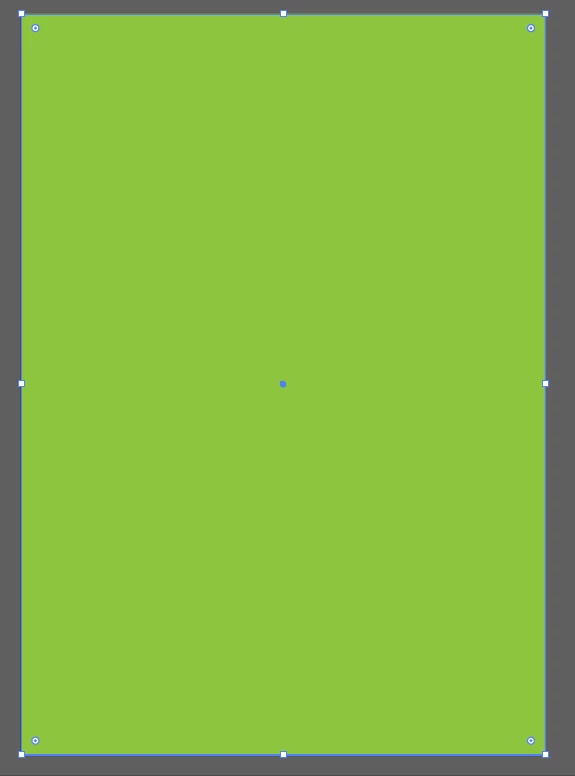
And then I proceeded to exporting it with my usual routine settings.
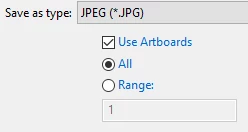
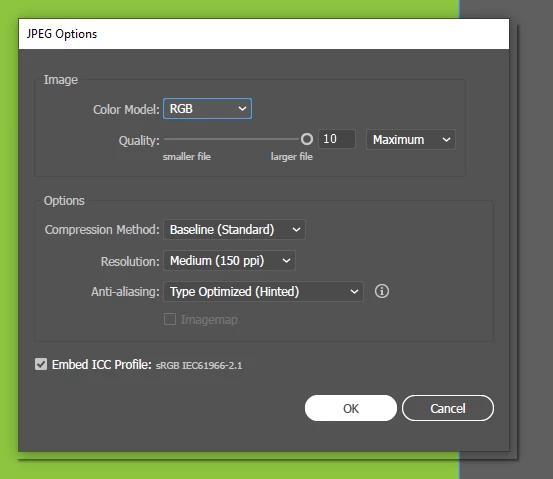
Then I was annoyed when I just encountered this problem after years of using illustrator. There is an EXTRA WHITE SPACE. I have been experiencing this for 2 projects now. I am sure the rectangle was perfectly aligned to the artboard. It is even visible from the thumbnail file. See at the right side.
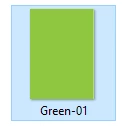
Also, when I zoomed it in from the broswer. It is really there.
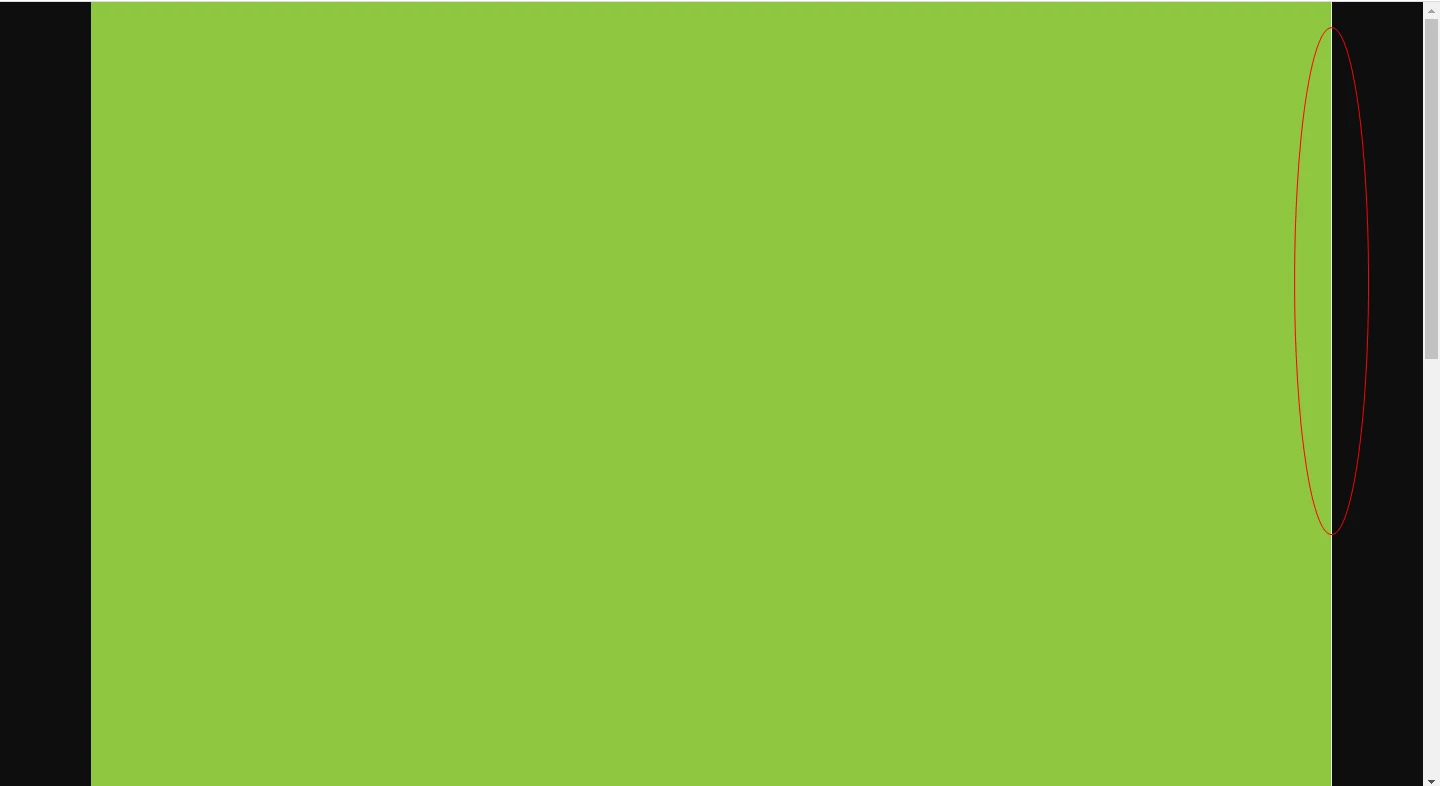
But when I extended the shape a little bit at the right side (where the extra white space keeps showing when exporting).
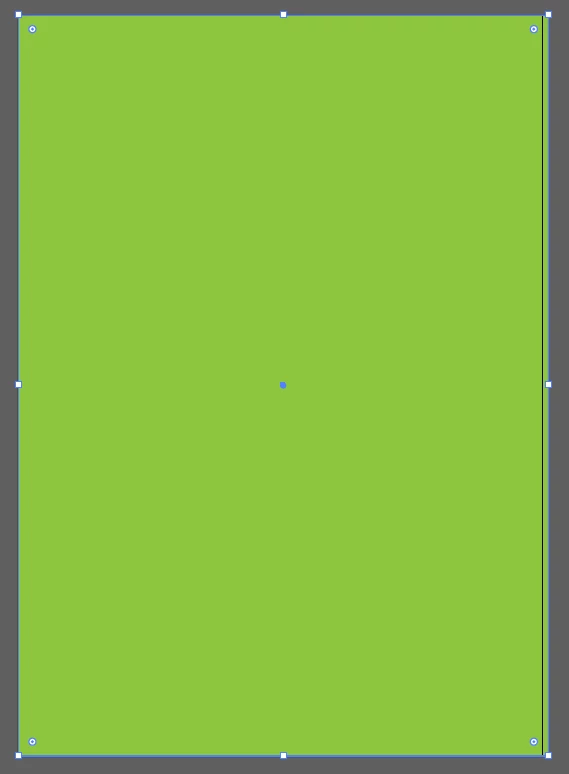
It is perfectly fine.

I tried the solution of inserting the exact same measurement to the shape. But it did not worked. I also tried exporting it to 300 dpi but its still obvious though. Lastly, I noticed that from the workspace. Even though it is perfectly aligned to the artboard, there is the extra white space already. What is really the problem?
 AdChoices