
thin white lines/boxes appearing when saving as PDF in X-1a:2001 or X-3:2002 format for book printer
Hey there,
Newbie here. I managed to create a book cover in Illustrator, get it uploaded to Amazon KDP print (massive thanks to you guys helping me with last problem!!!!) and, after a fine proof copy, hit publish on Amazon. So far so good. Reader copies look nearly as good as the proof, so I know my original file can create a satisfactory printed cover.
However, when I try to create a PDF of the cover for Ingram Spark (the necessary second printer for bookstores and libraries) the file suddenly gets very thin white lines/rectangles around many of the images, esp along the spine. Presumably, these will show up on the final book cover if they're in the PDF. Question is: how do I get rid of them?
Ingram Spark requires the PDF be either X-1a:2001 or X-3:2002, so that's what I'm selecting when I save a copy as PDF in Illustrator. If I save it as Illustrator Default PDF, the file is fine--no lines/boxes.
Here's a screenshot of the PDF with the lines. You might have to look at your screen from the side to see them.
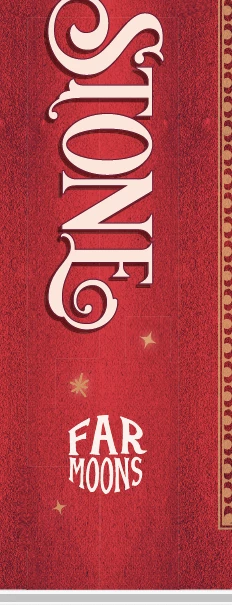
Some of the outlined objects have glow effects, but it also runs along some areas where there's a hidden seam (like where I mirrored and joined the red leather background together) or where multiple objects meet. If I flatten the transparencies before I export, the problem is even worse. Note: the background images are overlapped so it's not gaps between them.
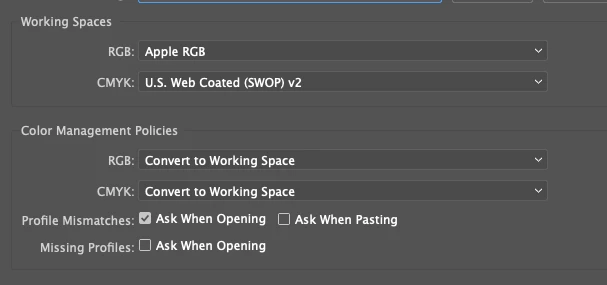
The color mode is CMYK which is what the printer requires and here is a pic of the color settings:
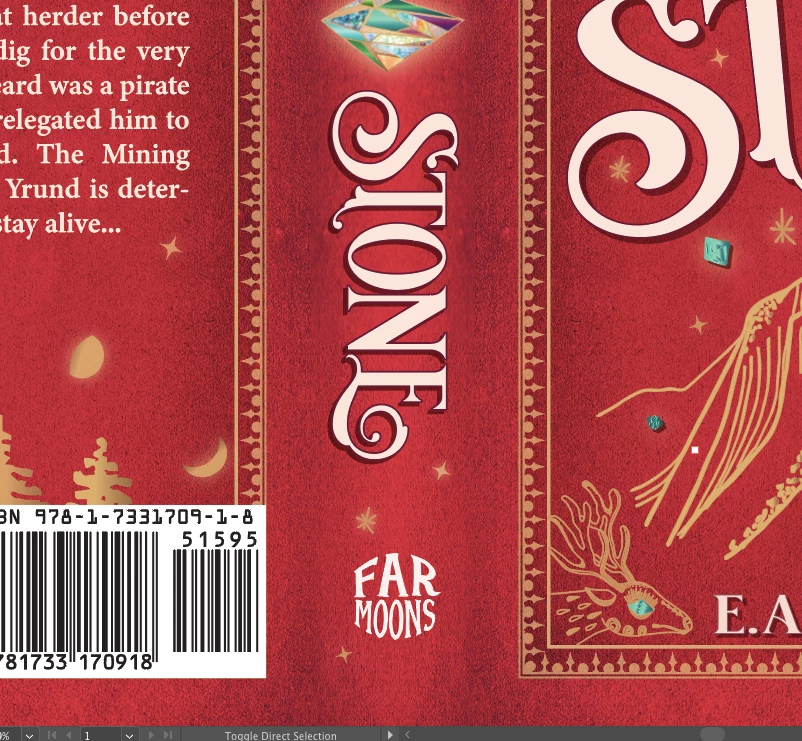
Here's a pic of the Ai file looking fine before trying to save as the PDF X-1a:2001 or X-3:2002:
Anybody have some advice?
My setup:
MacBook Air running Mojave 10.14.6
Intel HD Graphics 6000 1536 MB
Ai 2020 updated two weeks ago
Thank you!
EA
 AdChoices