
kevincammarata
Participant
March 4, 2018
Question

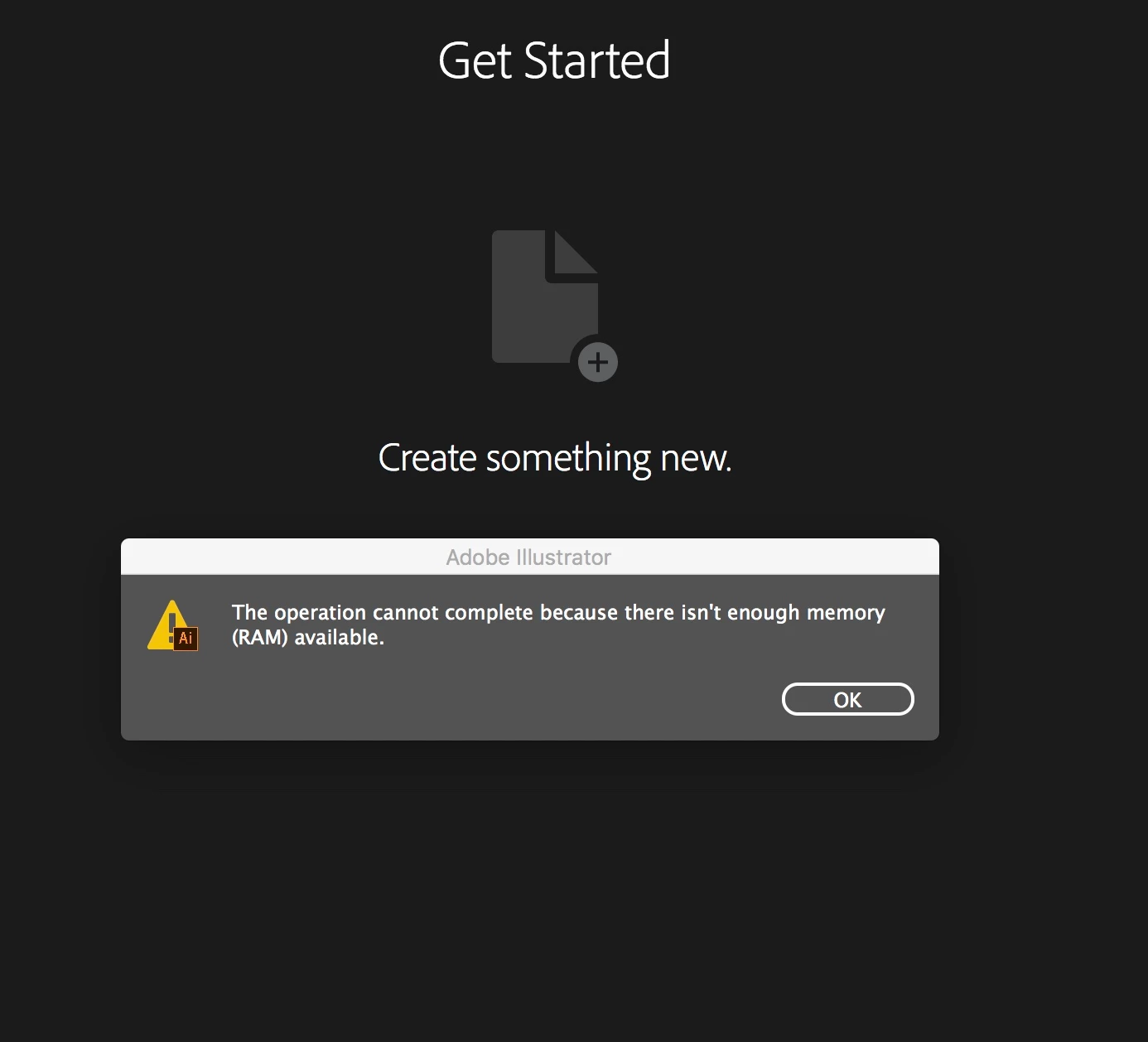
This operation can not complete because there is not enough memory (Ram) Available)

  • March 4, 2018
  • 1 reply
  • 1413 views

I just downloaded illustrator cc 2108 and Im trying to open an .ai file that I created the night before its only 406kb in size and I keep reaching this error. This operation can not completeCan't open a new file in Illustrator (Not enough RAM message)
    This topic has been closed for replies.

    1 reply

    Omar.Fathy
    Community Expert
    Community Expert
    March 4, 2018

    in this case, Close all your open files and other applications.

    - Save file you are working on.

    - Restart your Mac to reset your RAM memory.

    kevincammarata
    Participant
    March 4, 2018

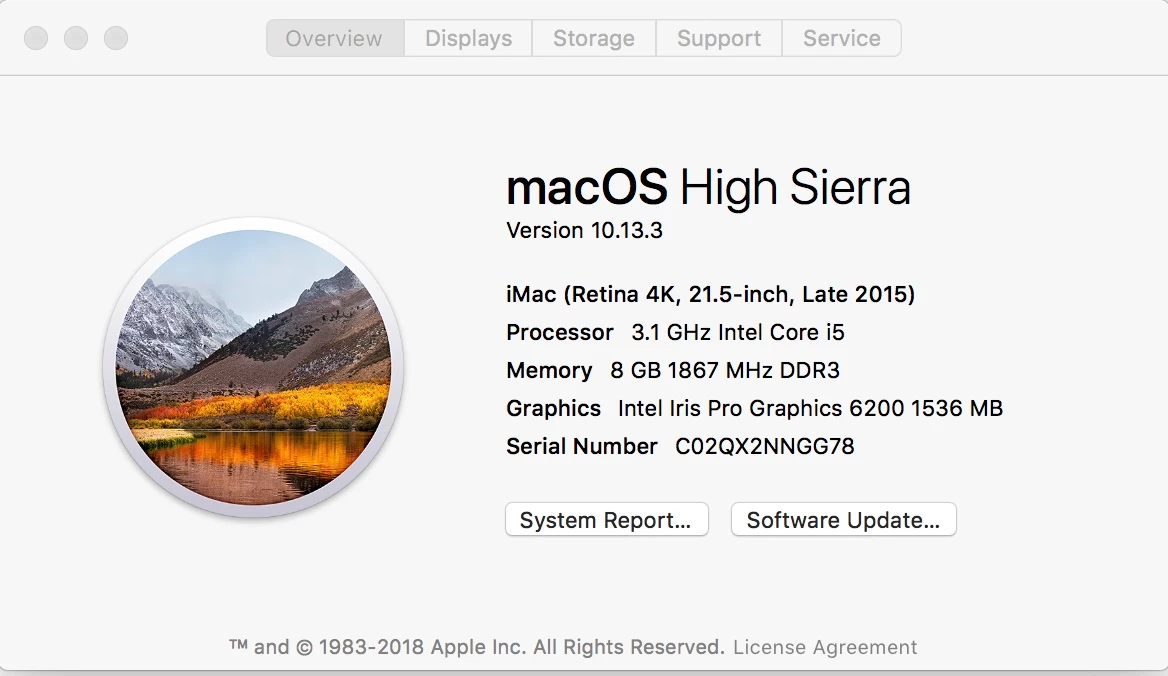
    I have followed your directions and I am still unable to open any files. When I try to open any .ia files my system has 5.GB of free memory available.

    Monika Gause
    Community Expert
    Community Expert
    March 4, 2018

    Yes.


    Do you have any third party plugins installed?

    Are all your fonts OK?

    Do you have a printer attached, set up and turned on? If not, install one.

    Where is the file located? If not on the harddisk of that computer, copy it there and try again.

    Any images linked in that file? If so, also move them to the harddsik.