Known Participant
December 4, 2018
Answered

Toolbar keeps changing
  • December 4, 2018
  • 9 replies
  • 3868 views

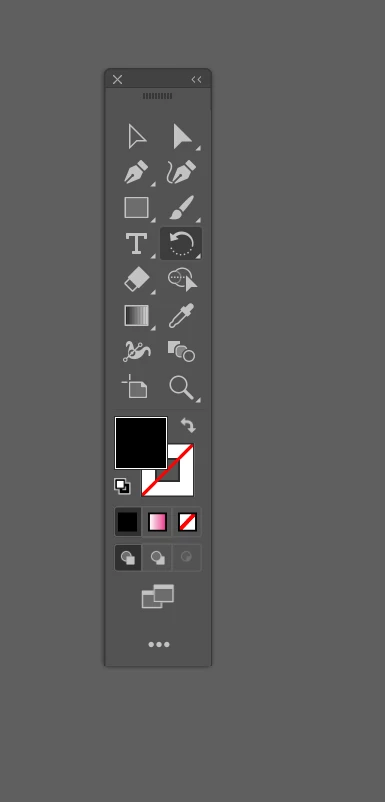
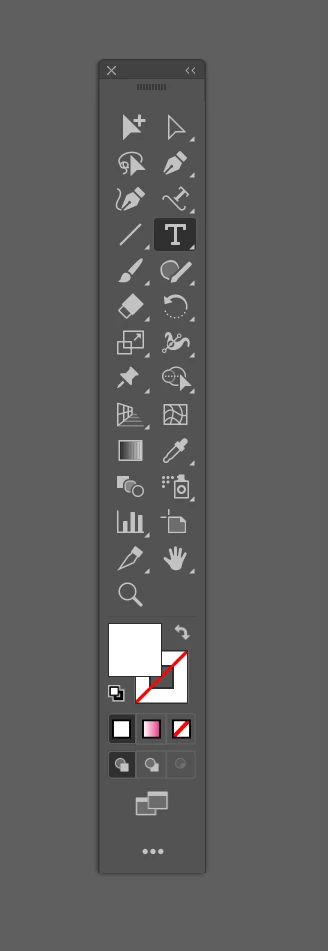
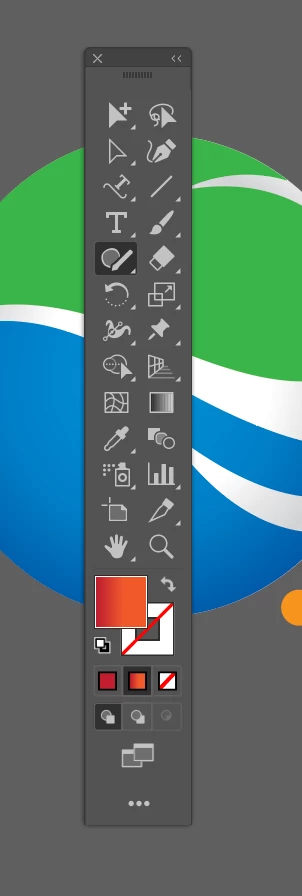
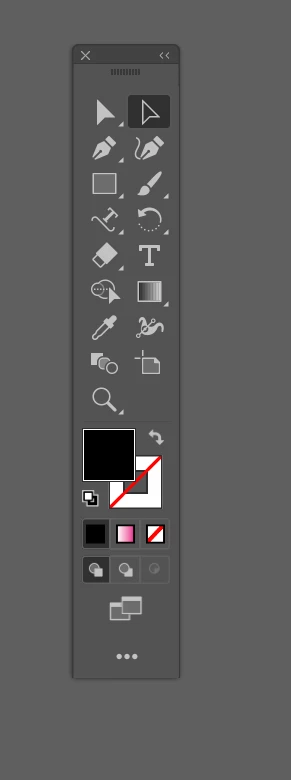
What on earth is going on. Every time i use Illustrator the toolbar just keeps changing whilst I'm working. I no longer know where my tools are as they keep changing position. Can anyone help please. I'm using Illustrator 2019 on a Macbook pro. I cant keep resetting to default, also i set to advance and the toolbar disappears.

Regards

carl

Correct answer Ton Frederiks

See the update info here:

New Customizable Toolbar need a way to Lock – Adobe Illustrator Feedback

9 replies

Participant
January 24, 2019

I too am suffering exactly the same problem! It not only slows me down especially when working to deadlines but it is REALLY frustrating!!

Come on Adobe, I am paying full whack for the whole suite & I don't expect a subscription that takes me backwards & slows me down!!

Any updates elsewhere regarding this??

Ton Frederiks
Community Expert
Ton FrederiksCommunity ExpertCorrect answer
Community Expert
January 24, 2019
Participant
January 23, 2019

This is so annoying. When it is going to be fixed?

Daniel E Lane
Inspiring
January 23, 2019

how is the toolbar changing so much for all of you? Are you dragging things around in the toolbar? That's the only way I have been able to get anything to change is by dragging the tools around. It's never changed on its own.

Known Participant
January 23, 2019

Not sure why this happens, but it does. 480 people have voted this a problem that needs fixing on another thread.

Participant
January 7, 2019

Yep, very, very annoying. Custom toolbar is a great idea, but only if you can 'lock' it once you've customised it. This thing just constantly jumps around. Every 2 mins I'm having to reset the darn thing! Not saving time, quite the opposite in fact! Please develop a way to lock this toolbar for us, Adobe!

Participant
January 4, 2019

I'm experiencing the same issues as above.  So much for working efficiently on even the most basic project!  I spend half my time trying to find the tool that seems to have moved on its own to a different location or buried under another submenu.  It's the NEW YEAR!  Get your s#*t together, Adobe.  We certainly pay you enough on a monthly basis!!!

Known Participant
December 31, 2018

Muscle memory is everything when it comes to these programs. When the tools move around, I feel like I'm tripping all over the place in a once organized workspace.

aradspin
Participant
December 11, 2018

I have this problem as well, REALLY ANNOYING. I don't even know what I'm doing to re-arrange the icons.

Participant
December 9, 2018

OMG same thing is happening to me and it is driving me INSANE! I'm glad I know all the shortcuts but still... I don't understand how they are just vanishing. ADOBE FIX THIS!!!!!

mjmdvm
Inspiring
December 4, 2018

It's a bug in both the Windows and Mac versions of AI 2019. According to the bug forum posts it is due to be fixed "soon" in the next update..

I got tired of having to reset the toolbars every 1-2 minutes so I went back to AI 2018 yesterday.  The 2019 version is just broken. It's crash prone and slow, often bringing my whole system to a screeching halt ( 6 month old high end Windows 10 desktop). Add to it the broken file associations, GPU preview issues and the tool bars with minds of their own, it got to be too frustrating to put up with anymore.

Ton Frederiks
Community Expert
Community Expert
December 4, 2018