Participant
February 3, 2025
Question

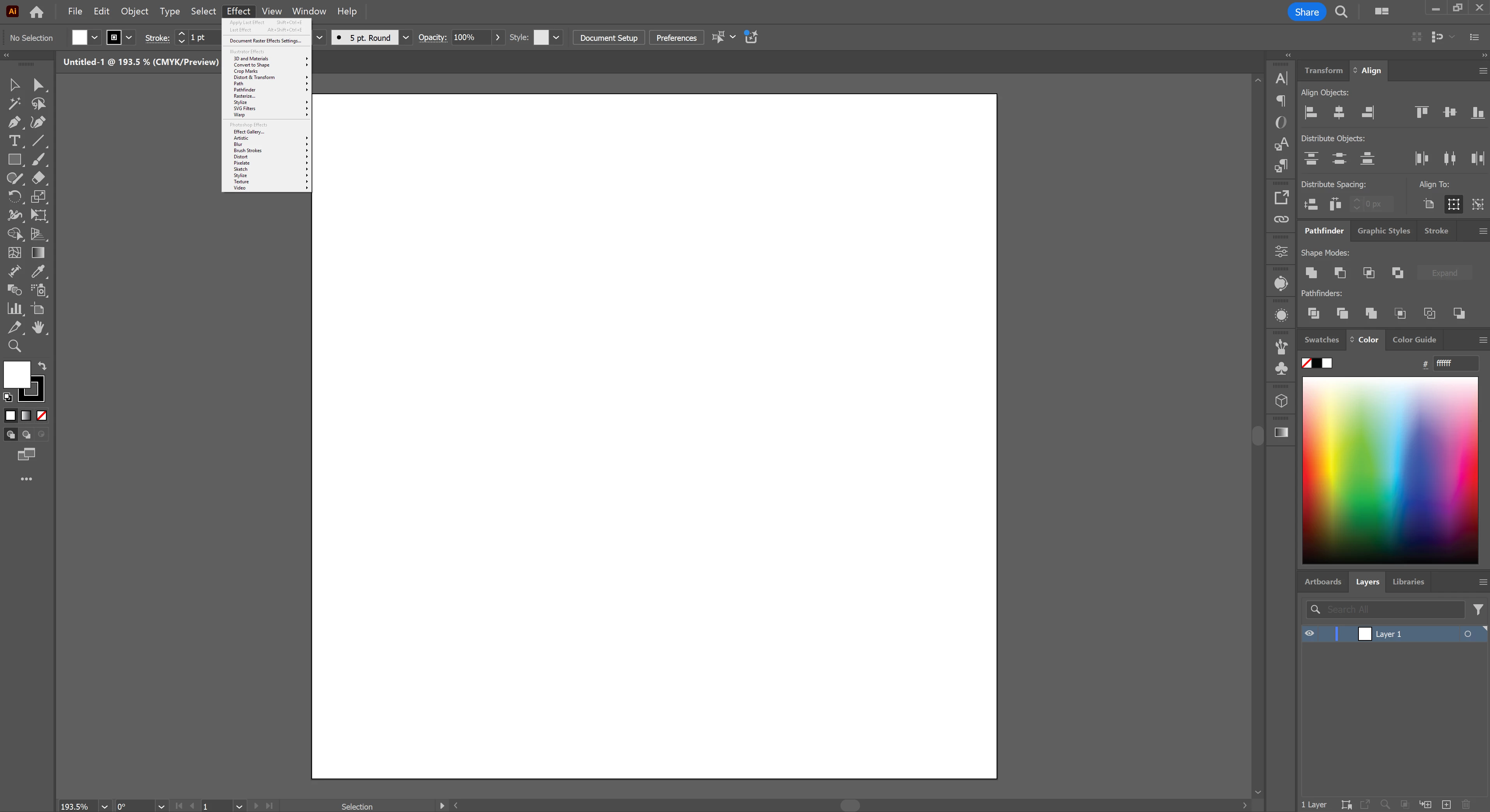
Top bar drop down menu won't expand

  • February 3, 2025
  • 2 replies
  • 489 views

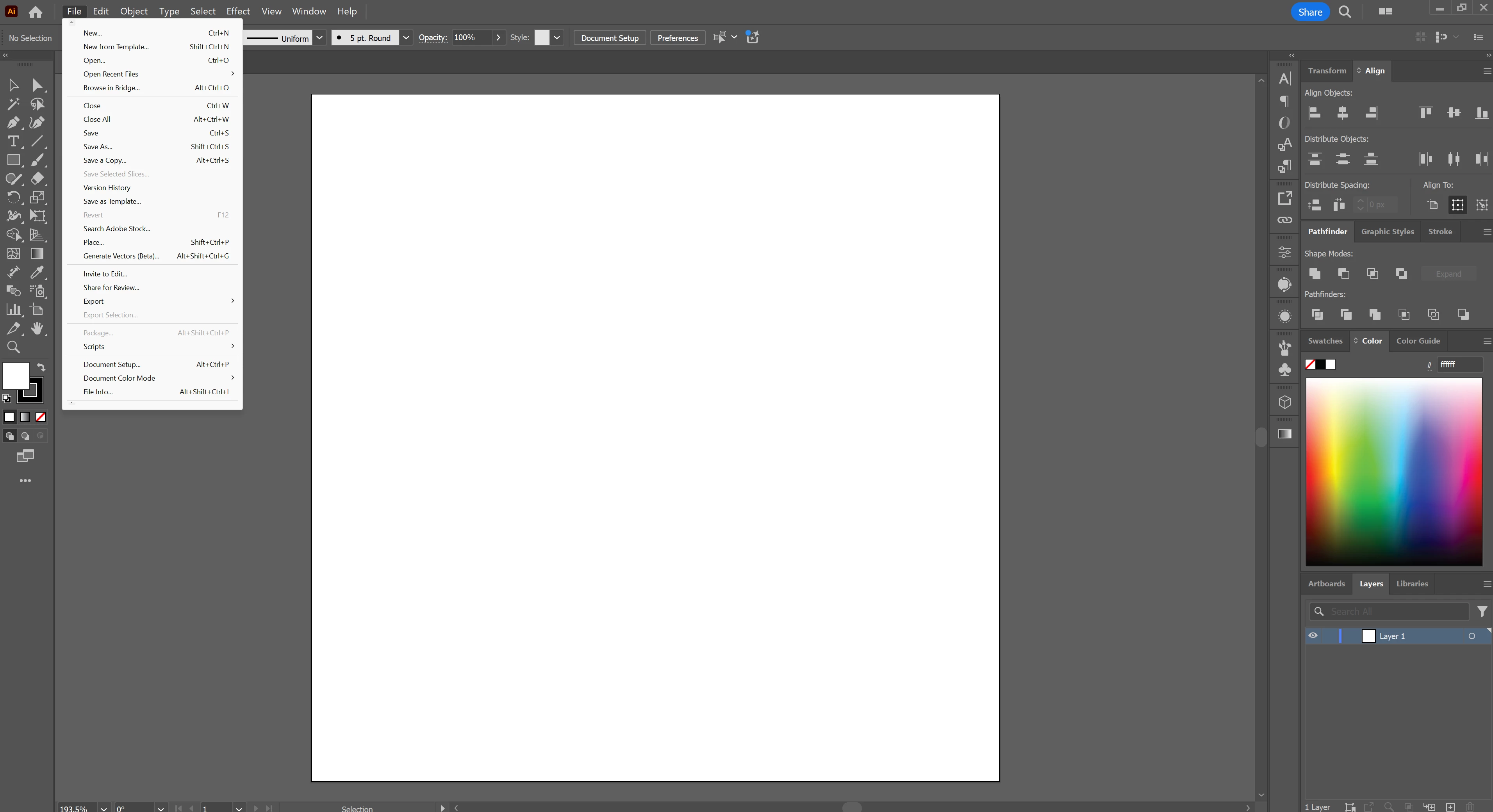
Having some issues with the top bar menu drop downs. The biggest issue is that they won't expand fully and instead have the little arrows at the top and bottom to reveal hidden menu options. I'ts seriously disrupting my workflow.


Also, my Effects drop down is super tiny?
I hope someone knows whats going on here.

2 replies

Participating Frequently
March 2, 2026

Posting here as I ran into a similar problem, however the fix was to force Illustrator to launch on my Cintiq by disabling my primary monitor. The dropdown menus were failing to scale correctly when dragging between the different monitor resolutions.

Anshul_Saini
Community Manager
Community Manager
February 3, 2025

Hi @Stephen35258043s9lb,

It sounds like you’re encountering a UI scaling issue in Illustrator. The app uses a script to draw the menu, and sometimes, display settings can cause dropdowns to behave unexpectedly. I suggest trying to adjust the scaling in your Windows display settings. You can reset it to the default or select a setting that suits your viewing preferences.

Also, you can try resetting Illustrator preferences (https://adobe.ly/40Z3SHd) and see if that helps!

Hopefully, that resolves the issue with the dropdown menus and Effects panel. Let me know if this helps or if the issue persists!

Best,

Anshul Saini

Participant
February 3, 2025

Sorry I had to un-check that correct answer. I turned on Advanced Toolbars and both problems immediately came back.

Participant
February 3, 2025

I uninstalled then deleted all Illustrator folders from AppData and Program files, restarted, then reinstalled. The problems are still there