Participant
February 3, 2025
Question

Top bar drop down menu won't expand

  • February 3, 2025
  • 1 reply
  • 470 views

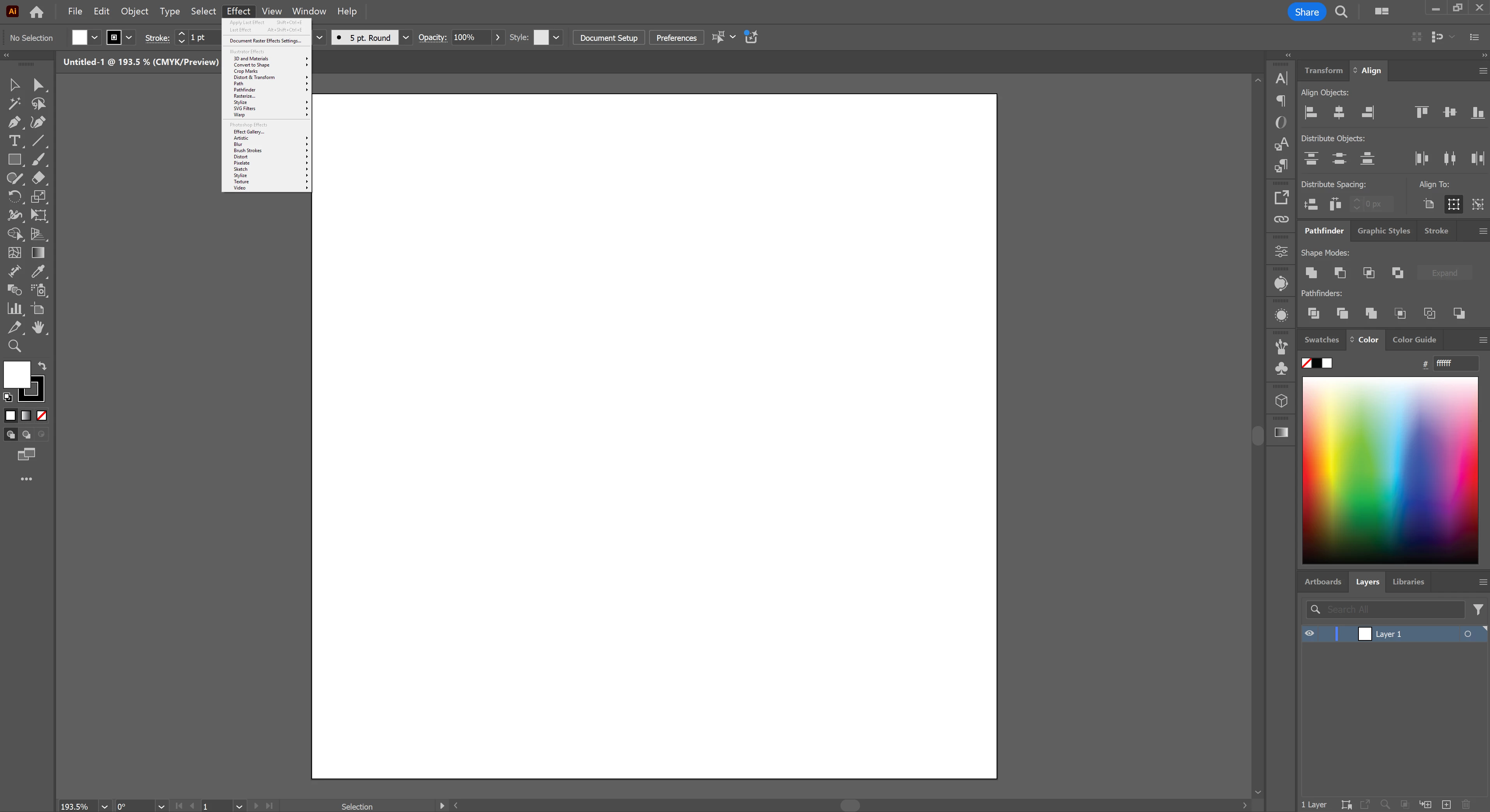
Having some issues with the top bar menu drop downs. The biggest issue is that they won't expand fully and instead have the little arrows at the top and bottom to reveal hidden menu options. I'ts seriously disrupting my workflow.


Also, my Effects drop down is super tiny?
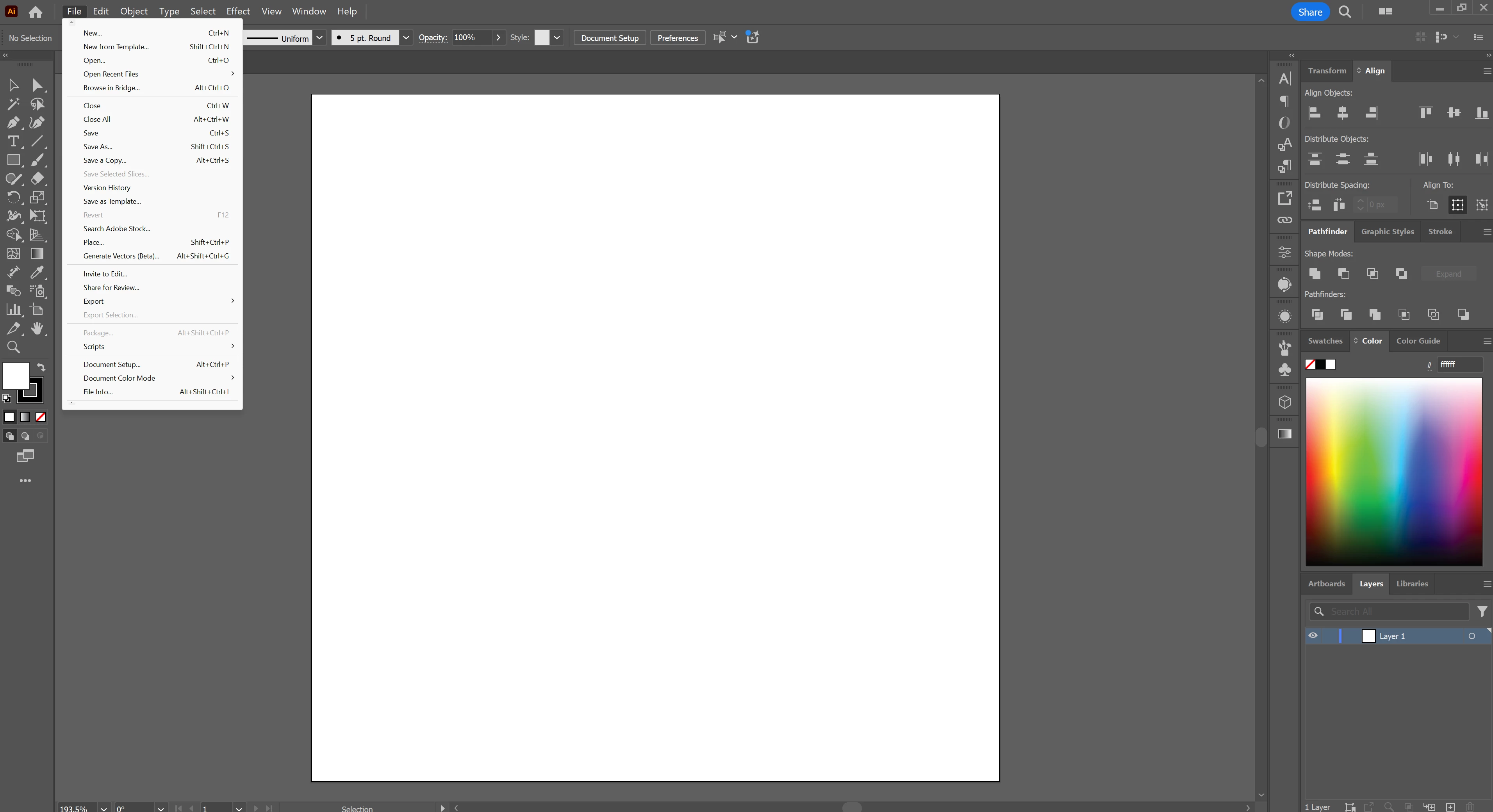
I hope someone knows whats going on here.

1 reply

Anshul_Saini
Community Manager
Community Manager
February 3, 2025

Hi @Stephen35258043s9lb,

It sounds like you’re encountering a UI scaling issue in Illustrator. The app uses a script to draw the menu, and sometimes, display settings can cause dropdowns to behave unexpectedly. I suggest trying to adjust the scaling in your Windows display settings. You can reset it to the default or select a setting that suits your viewing preferences.

Also, you can try resetting Illustrator preferences (https://adobe.ly/40Z3SHd) and see if that helps!

Hopefully, that resolves the issue with the dropdown menus and Effects panel. Let me know if this helps or if the issue persists!

Best,

Anshul Saini

Participant
February 3, 2025

Thanks for the quick reply. I hadn't tried manually deleting the preferences folder and that did the trick. Thanks!