

Answered
Transparency not transferring to CC Library - Illustrator on macOS
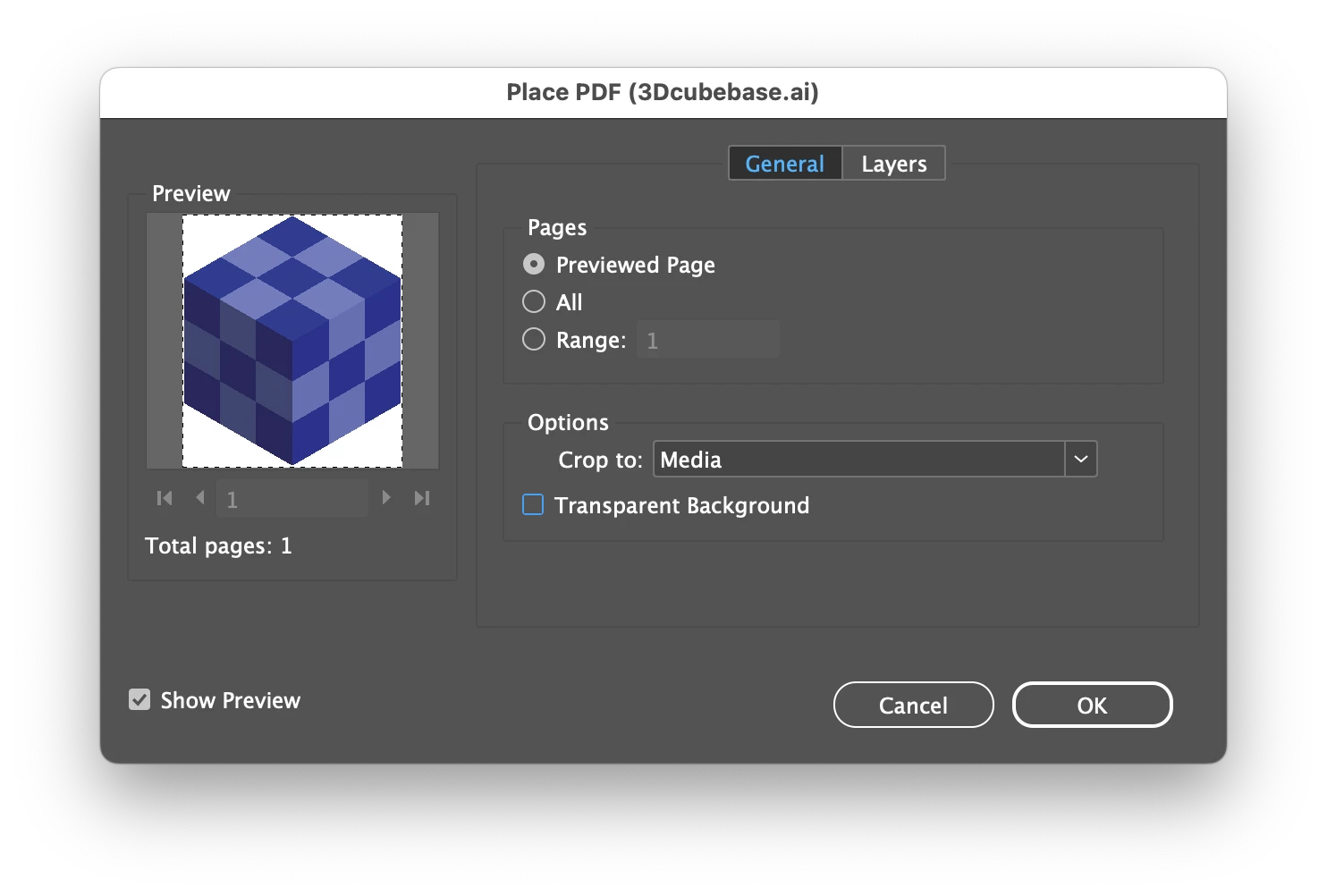
I use both Illustrator on Windows and Mac machines. I have an issue when I create a graphic, like an Icon, and try to add it to a CC Library from my Mac it will not transfer the transparency information. It displays in the Library panel with a white background as if it were a JPEG. If I drag or place the graphic back from the library panel, into an artboard, it includes the white background. This is a new issue, possibly related to Mac's new operating system, Sequoia but I am not sure. When I go through the same process on my Windows machine it works as normal, with zero transparency issues.
 AdChoices