Another way.
This is a job for Pathfinder > Minus Front.
First, expand any white strokes to outline, either by using Object > Expand or Object > Path > Outline Stroke.
Once all your white strokes are now filled objects, select All the white filled objects, then select Pathfinder > Unite. They should all be together as one group.. if not, you can make them a Compound Path, which will help in the final step
Same with the Black objects...make them a Compound as well.
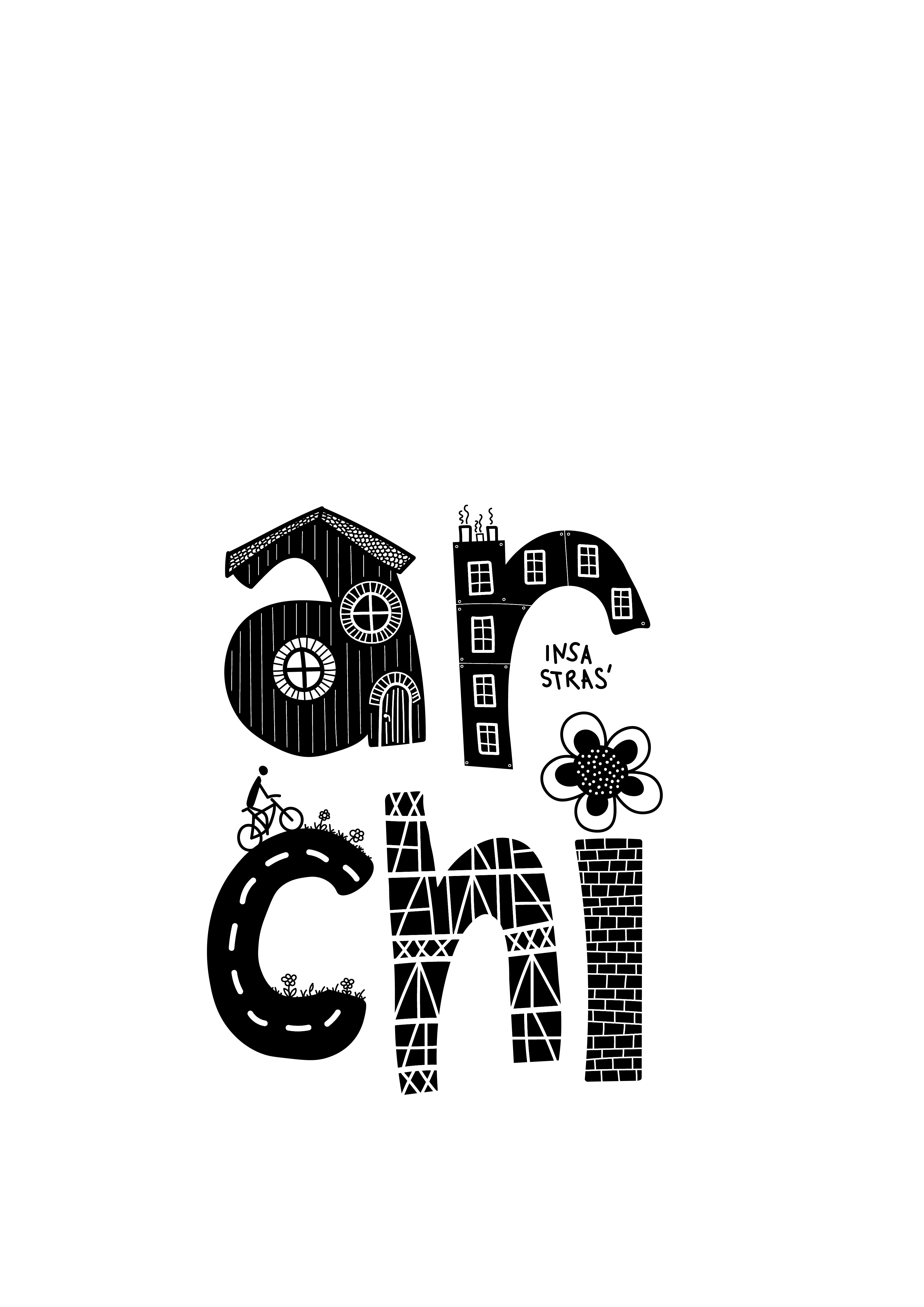
Now, select the White object compound on front, then the Black objects compound in back, then select Pathfinder > Minus Front.
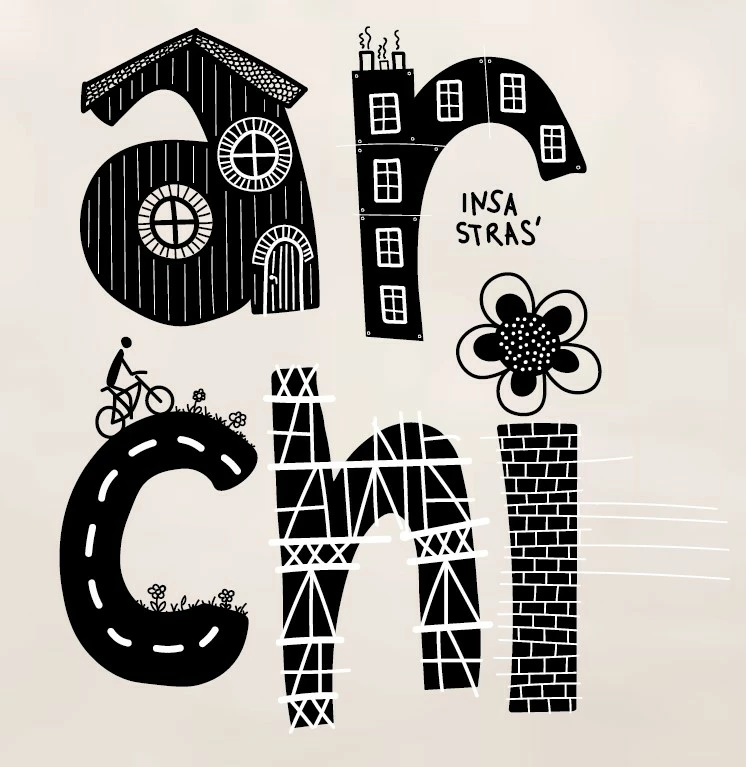
This should chop out all the white objects and leave just your black objects
Remember, this is a destructive chnage, so keep a copy of your original working version in case you need it.

 AdChoices