Participant
July 9, 2024
Answered

Trouble copy and pasting into illustrator

  • July 9, 2024
  • 2 replies
  • 538 views

Worked last week and not this week.

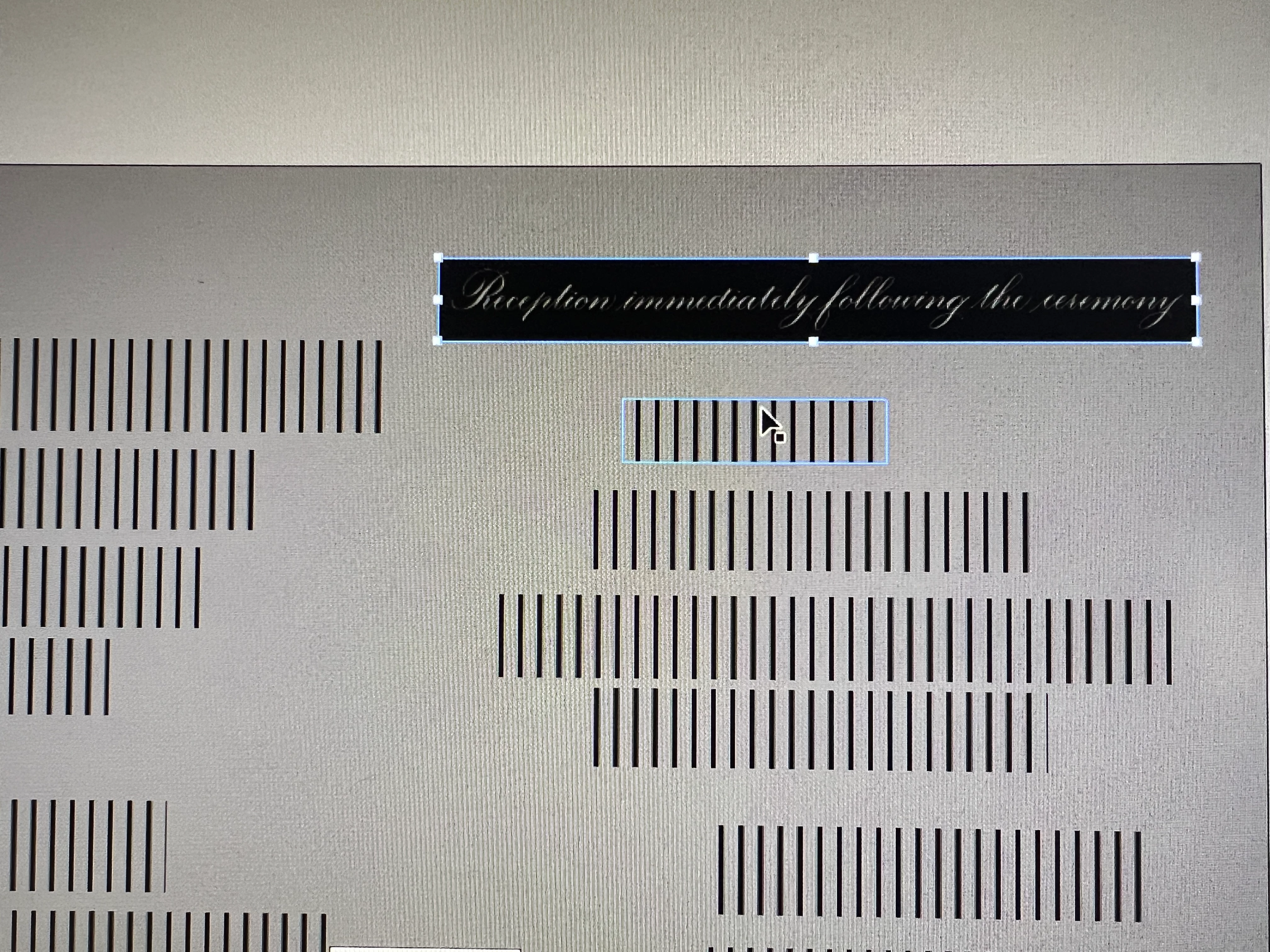
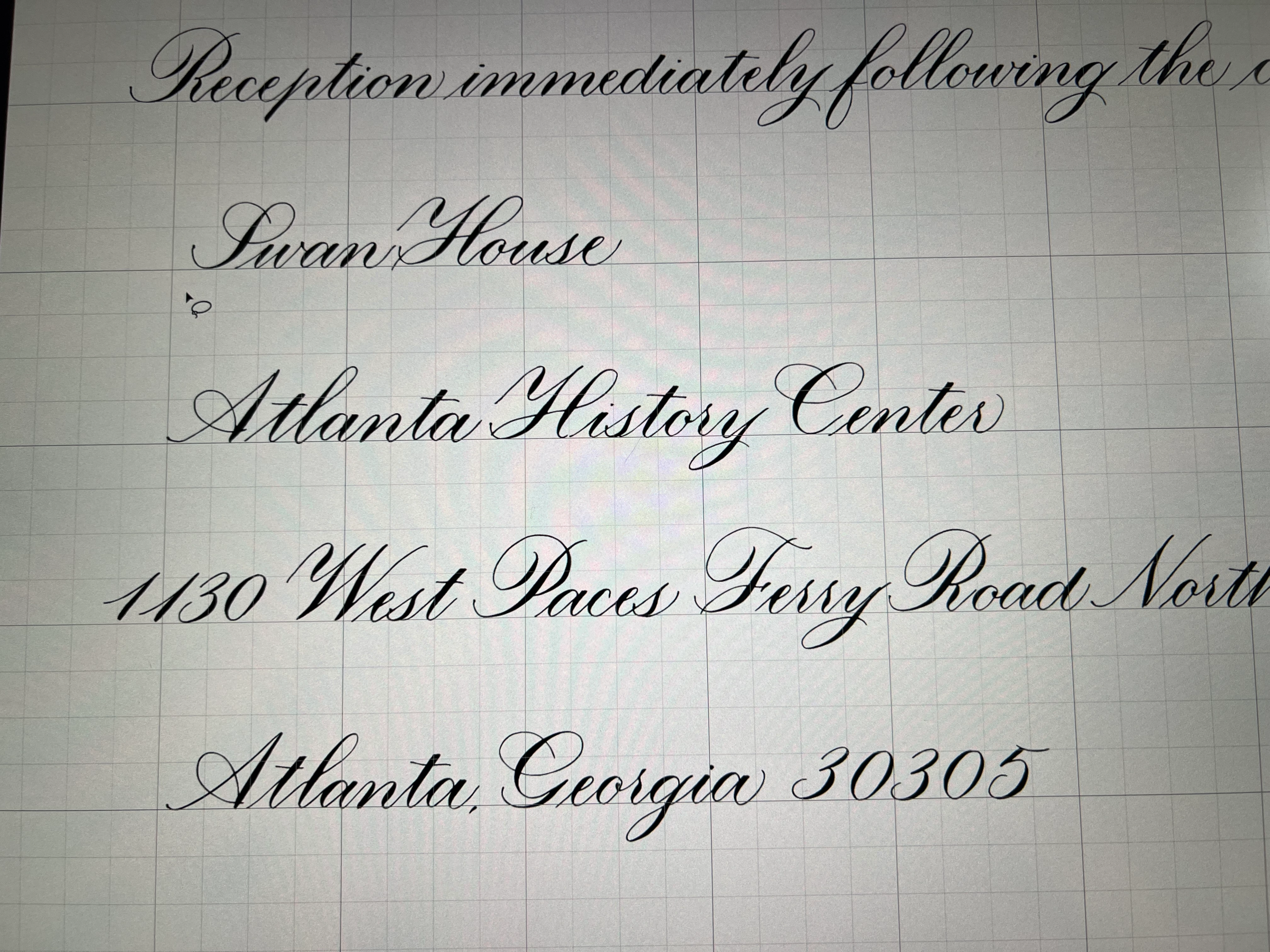
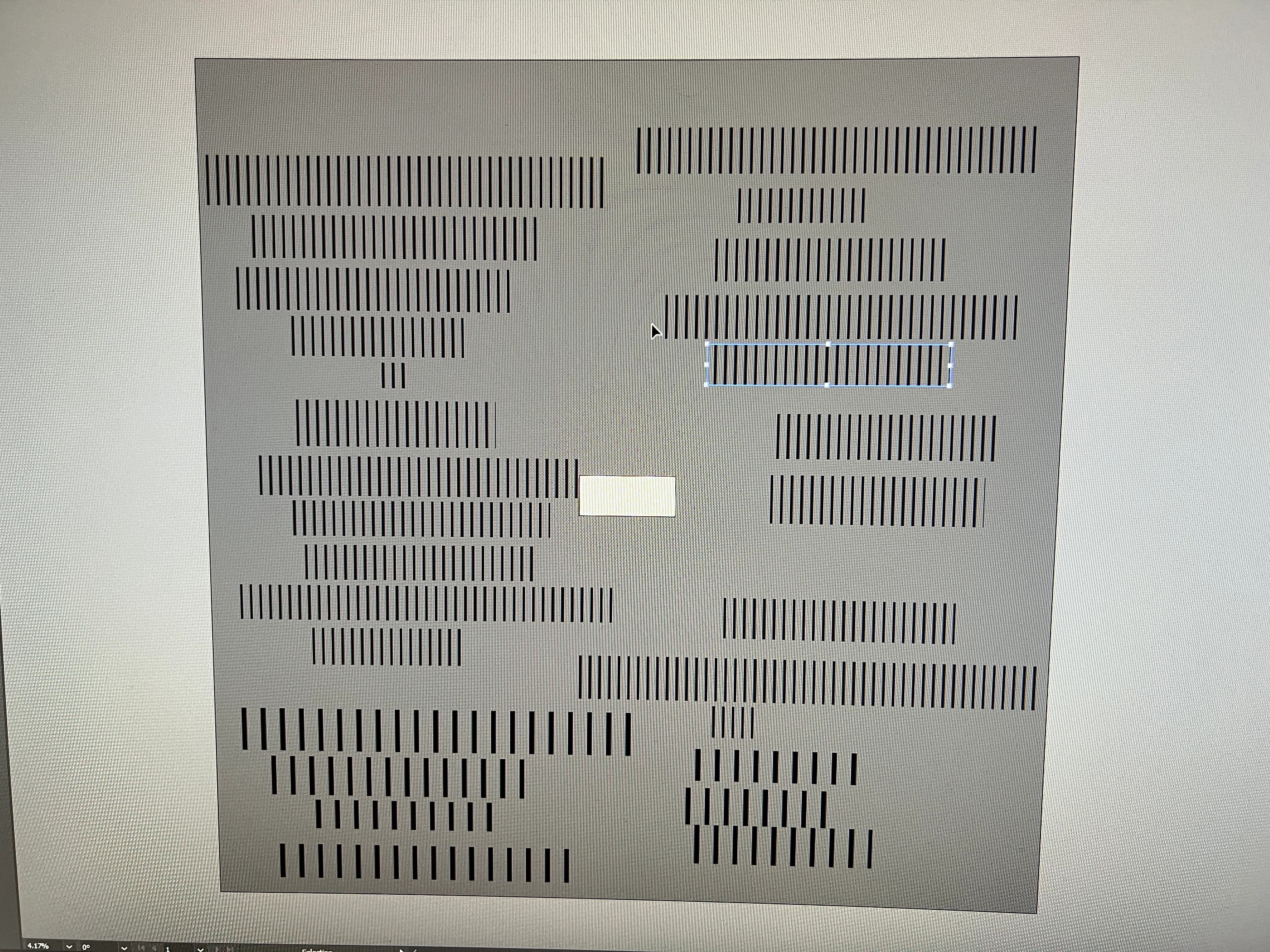
Cannot copy from a photoshop b/w .bmp document and paste into illustrator without this happening. (same thing happened when saved as tiff and tried to open in illustrator)

Converting to greyscale will not work for my needs.  And I need to maintain the transparent background.

Before I could just lasso and copy and paste - now it's giving either black background or crazy lines.

I've attached photo of what it used to look like v. what I'm getting now.  Can anyone help?  I'm about to lose it.
This topic has been closed for replies.
Correct answer Ton Frederiks

If it is an image, than it is probably this problem (fixed in beta and prerelease):

https://illustrator.uservoice.com/forums/601447-illustrator-desktop-bugs/suggestions/48471191-bitmaps-display-as-vertical-lines-in-gpu-preview-i

2 replies

Ton Frederiks
Community Expert
Ton FrederiksCommunity ExpertCorrect answer
Community Expert
July 9, 2024
Participant
July 9, 2024

this is the problem.  Thank you!

Ton Frederiks
Community Expert
Community Expert
July 9, 2024

Glad to hear that you know what the problem is. Let's hope for a quick update.

Community Expert
July 9, 2024

Is the font used in the Photoshop BMP document still live, preserving editable text? Is the font in OpenType or TrueType format?

Participant
July 9, 2024

It's not a font but a scan of hand calligraphy so it's best to think of it as line art.

Community Expert
July 9, 2024

Have you tried saving a copy of the document in PNG format? It supports transparency and can index down to a limited number of colors.

Quick edit: have you tried using the Place command in Illustrator to import the BMP file into an Illustrator document?