

Trouble with importing/exporting SVG files
I am currently updating an existing set of SVG icons with a new colour scheme and have had no problems with the other 20+ icons, but one SVG file won't export and import properly.
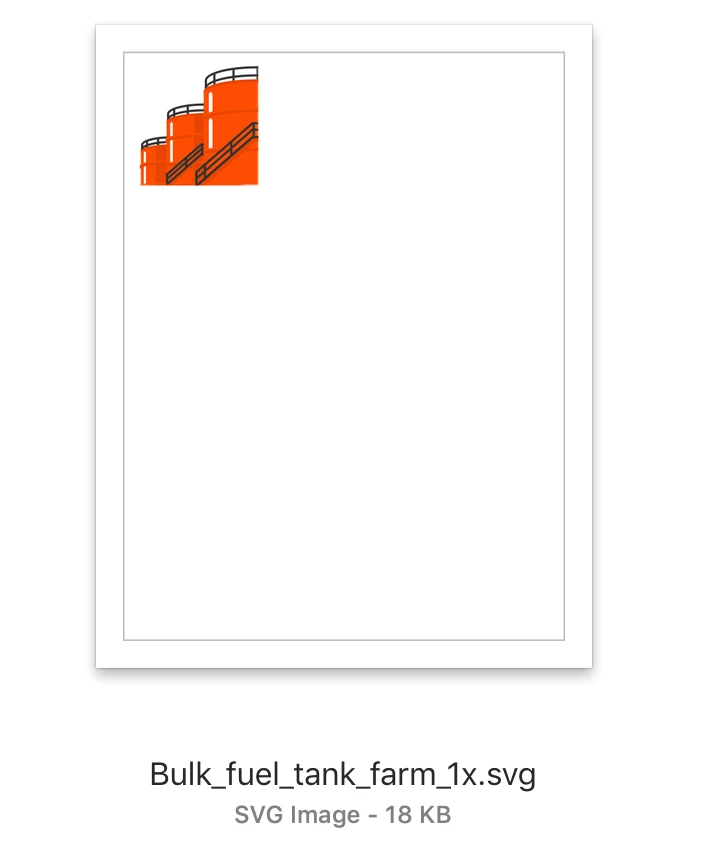
This is the original SVG file I am having trouble with:
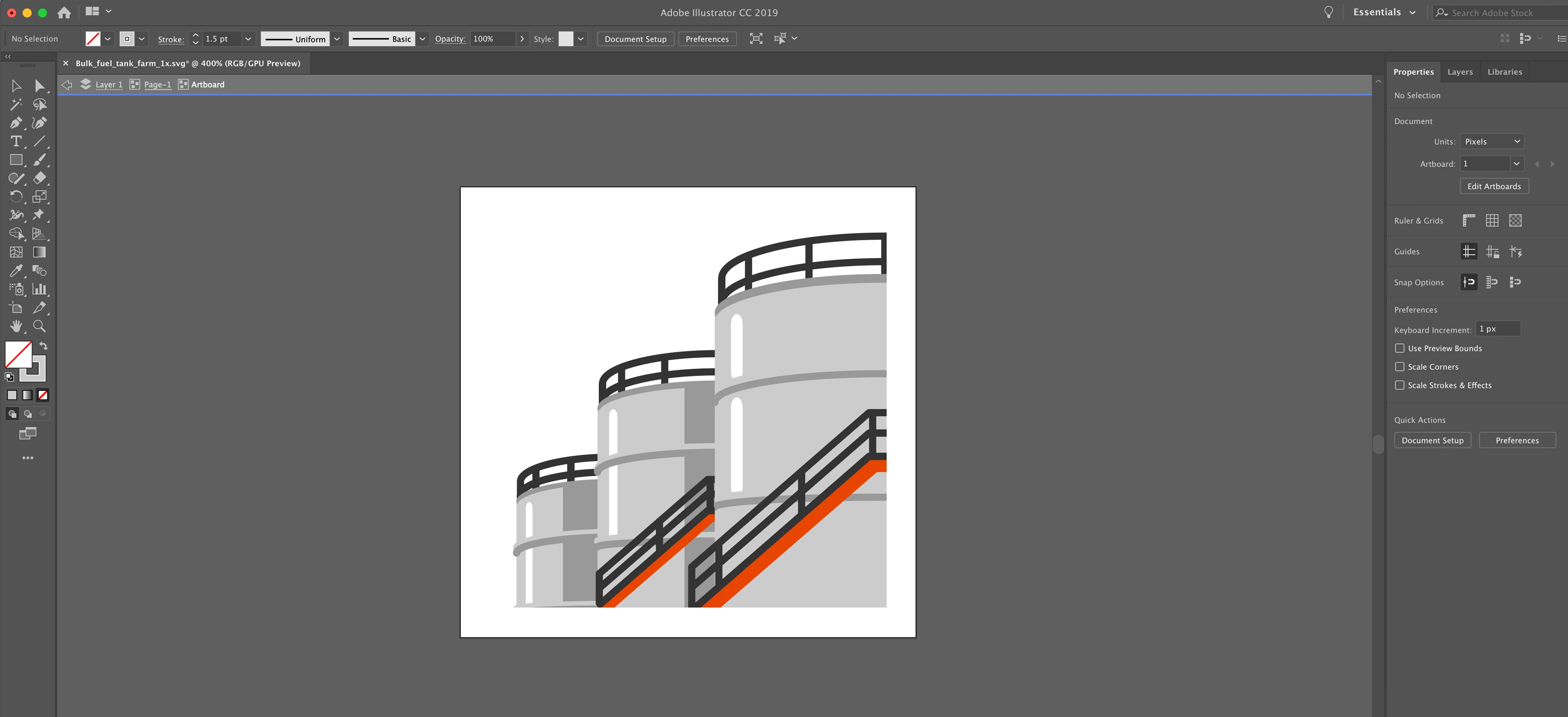
After editing the colour scheme (screenshots attached of mid-edit and finished edit, and all I'm doing with the existing files is changing the fill colour and moving a few layers up/down), I can export to PNG with no problems, but SVG won't work - even though I've done the same thing for 20 other icons with no problems.

When I export, I go to Export > Export As and use the following settings:

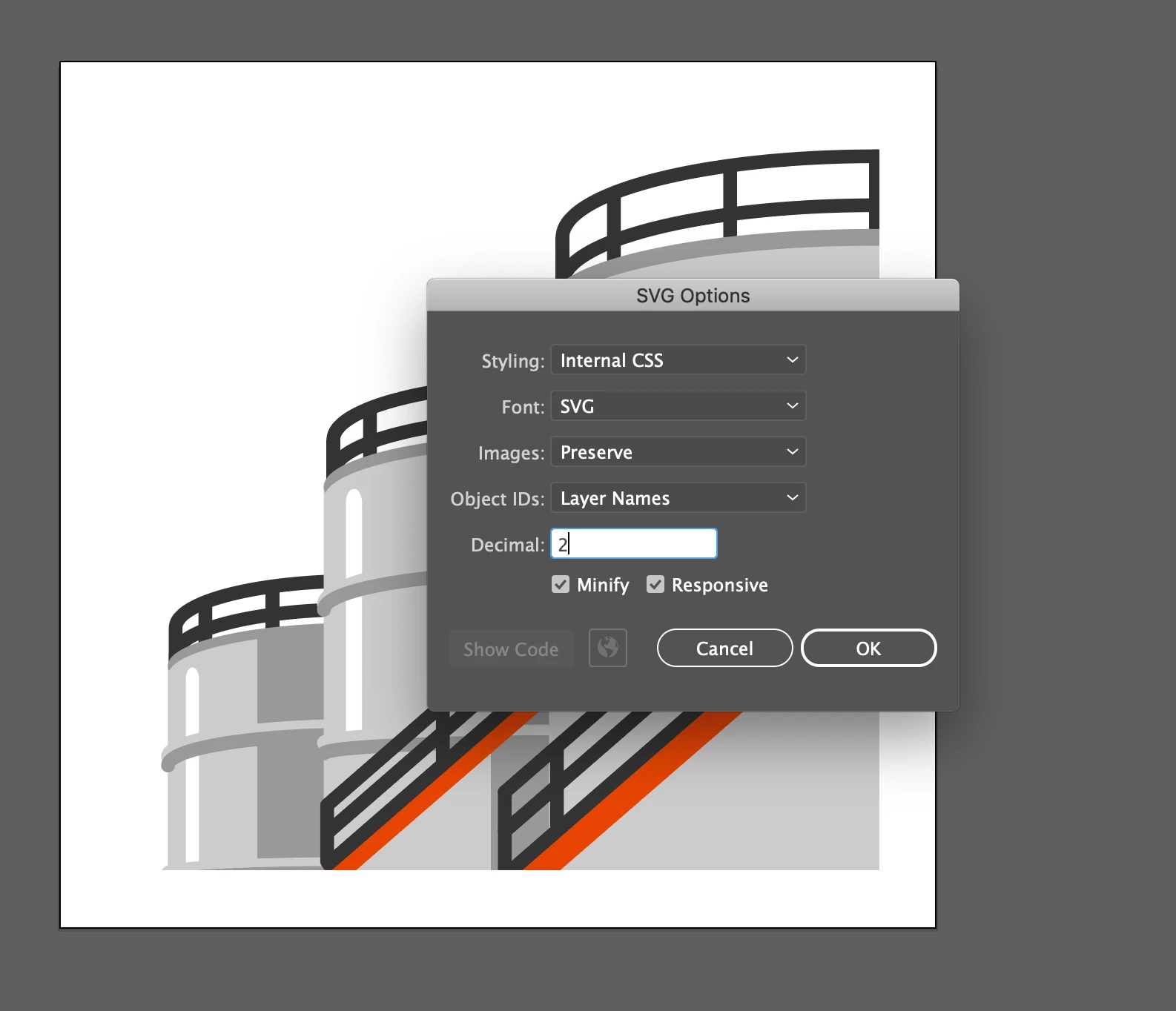
The thumbnail looks fine but when I open the file again in Illustrator I get the full version without the border and can't figure out how to change this, this didn't happen with the previous 20+ icons I updated. The same happens if I do Export > Export for Screens. If I try and import this SVG file into other programs and tools (for example, Lucidchart), it shows up as a blank transparent square.
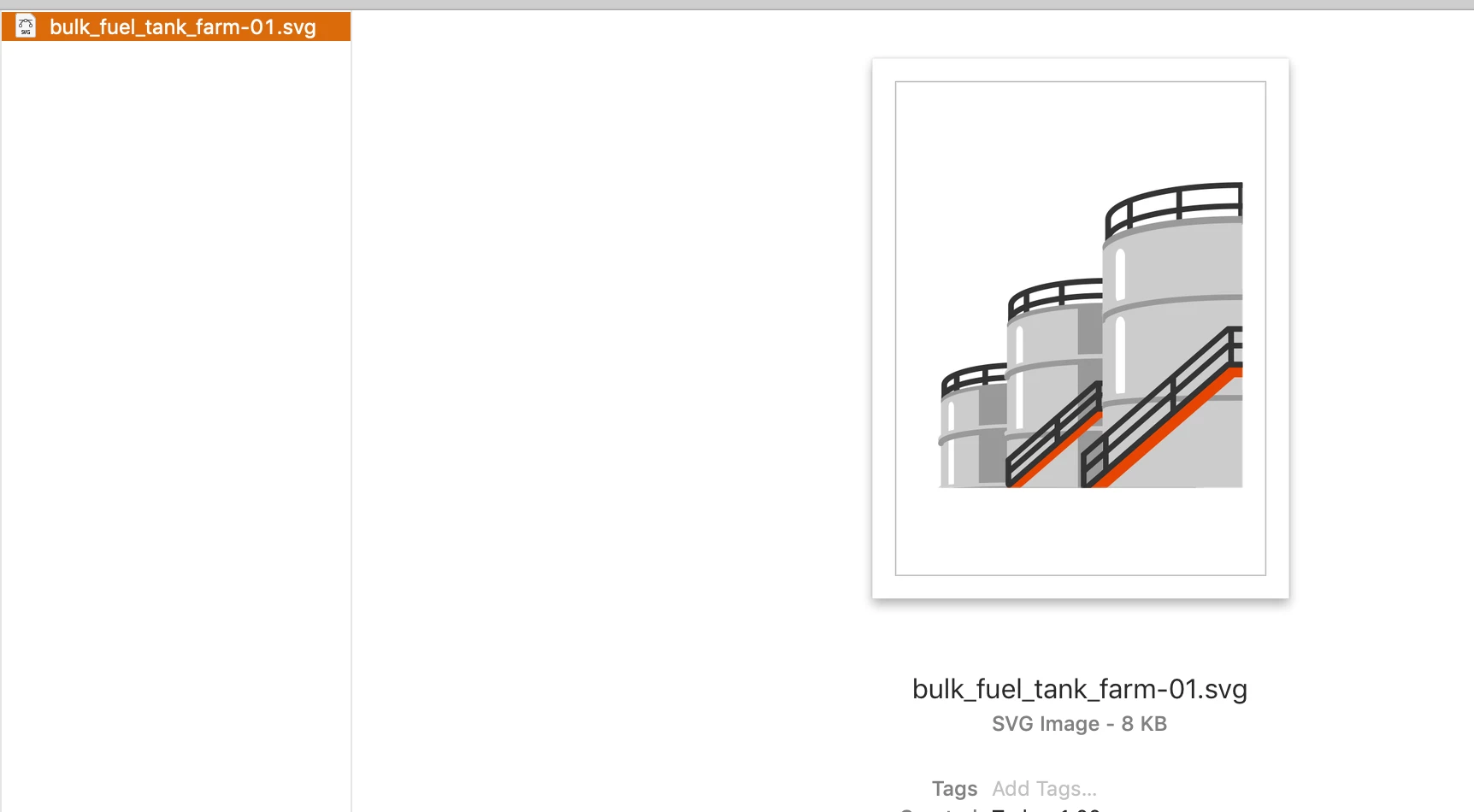
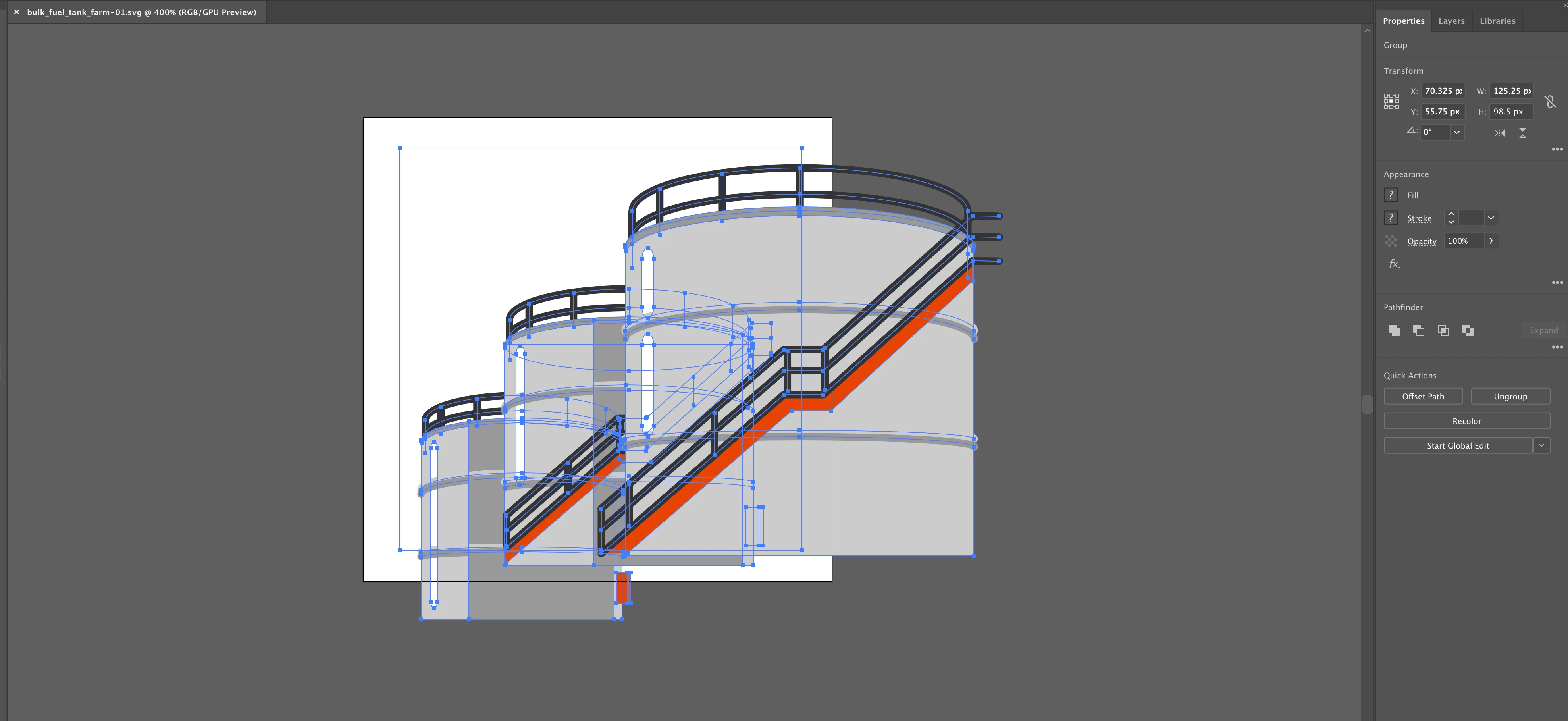
I tried using Save As but the opened file looks the same, while the thumbnail looks like this:
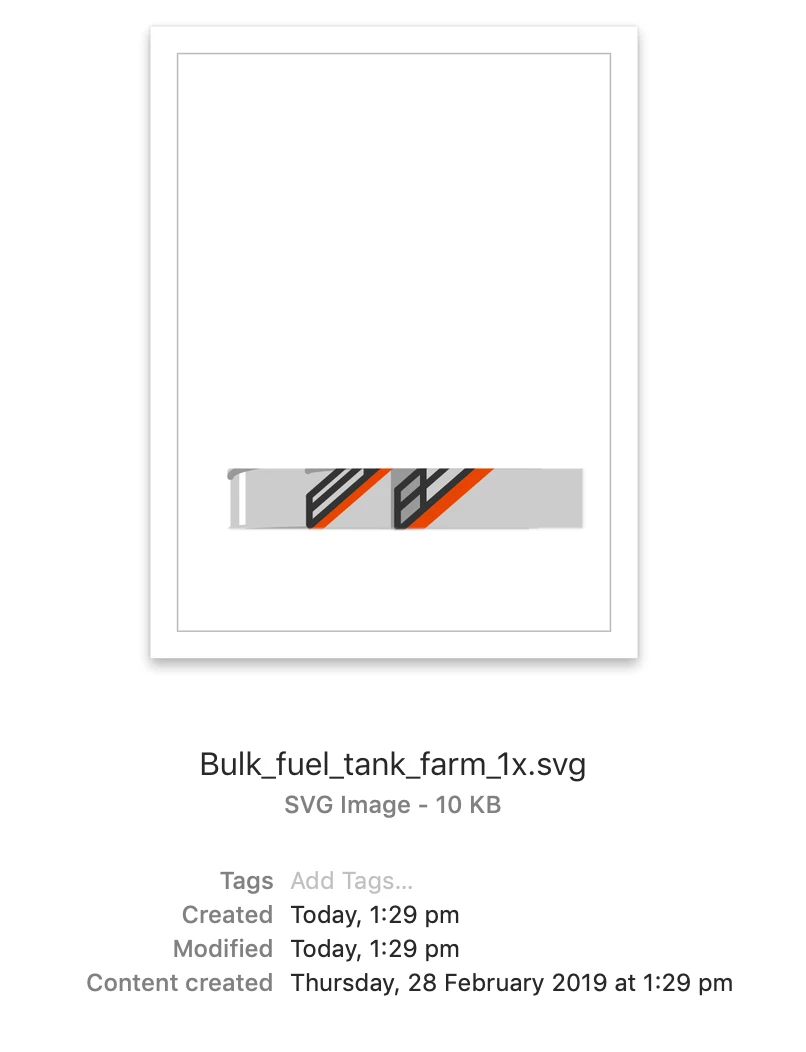
I can't figure out how to fix this and it's so frustrating, especially when the other icons have all worked and I haven't changed what I'm doing for this one.
Any help would be so appreciated, thanks!
 AdChoices