
Participant
February 23, 2022
Question

Trouble with Transparent Background from .bmp in CC Library

  • February 23, 2022
  • 2 replies
  • 403 views

Hello! 

I'm having trouble placing a bitmap from my CC Library into Illustrator with a transparent background. I found a previous help article that helped troubleshoot for InDesign, but nothing for Ai. The file needs to be a bitmap for the photopolymer plate making process for letterpress. I have to make the background disappear while still having the fine detail from the bitmap, so image tracing this is not an option. 


Here is what the bitmap looks like when placed in Indd:
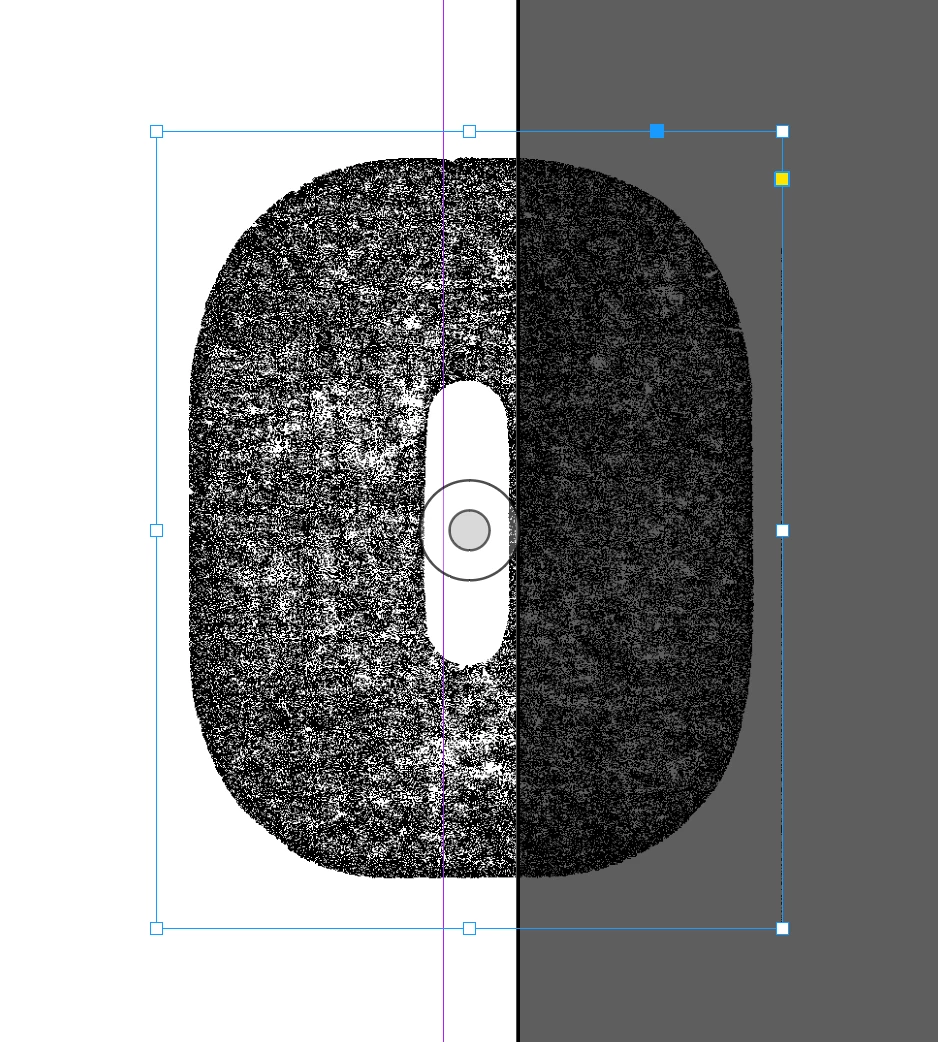
I am placing this image by right clicking and selecting "place copy".


And here is what the same bmp looks like placed the exact same way in Ai from the same CC Library. 
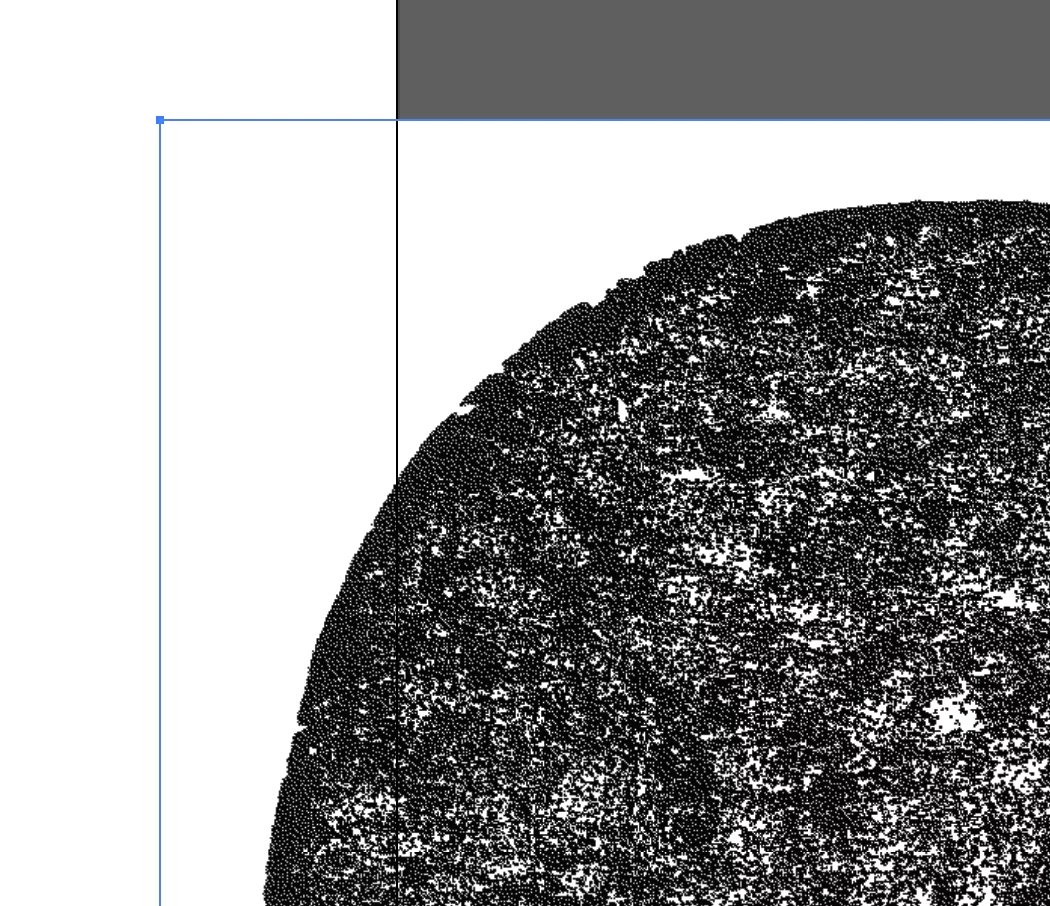
 

Does anyone know why the background is still present in Ai? And do you have any possible solutions? 


Many thanks in advance! 

This topic has been closed for replies.

2 replies

Participant
May 14, 2024

I'm trying to figure this out too. BMP files used to always place into AI with transparency (what is white in PS, is transparent in AI--this is how it has always worked), and it still works this way on my work computer (using 28.4.1). However, it recently stopped working that way on my home computer. It's placing into AI with a white background. Saving the bmp as a png or tif is the only work around I've found so far. I'll have to check my home computer, maybe it's something Adobe broke on an update? 

Ton Frederiks
Community Expert
Community Expert
May 14, 2024
Ton Frederiks
Community Expert
Community Expert
February 24, 2022

How did you add it to the Library?

Seems to work fine when added from Photoshop.