
Participant
March 26, 2023
Answered

Trying to Colorize Smoke, but checkered Layer is Showing.

  • March 26, 2023
  • 4 replies
  • 1672 views

Hello All, 

I am trying to make a vector graphic for a t-shirt design, but I downloaded the smoke element as white. The smoke needs to match the brand color red. I was able to place red over the white smoke to create an overlay, but when I remove the checkered layer that came inside the smoke file, the smoke doesn't remain transparent. When I replace the checkered layer with the overlay, the smoke is still wrong.(Not transparent.)
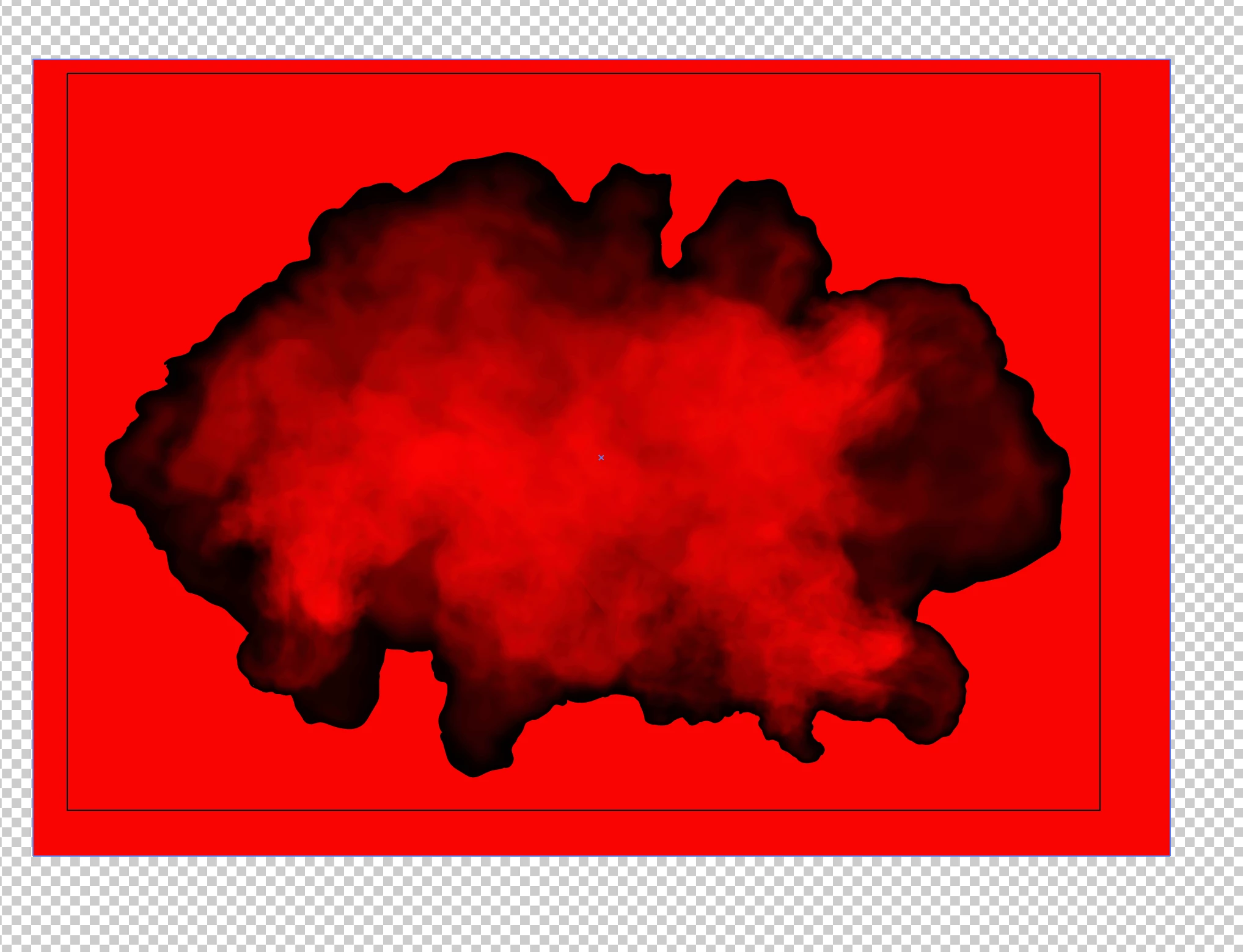
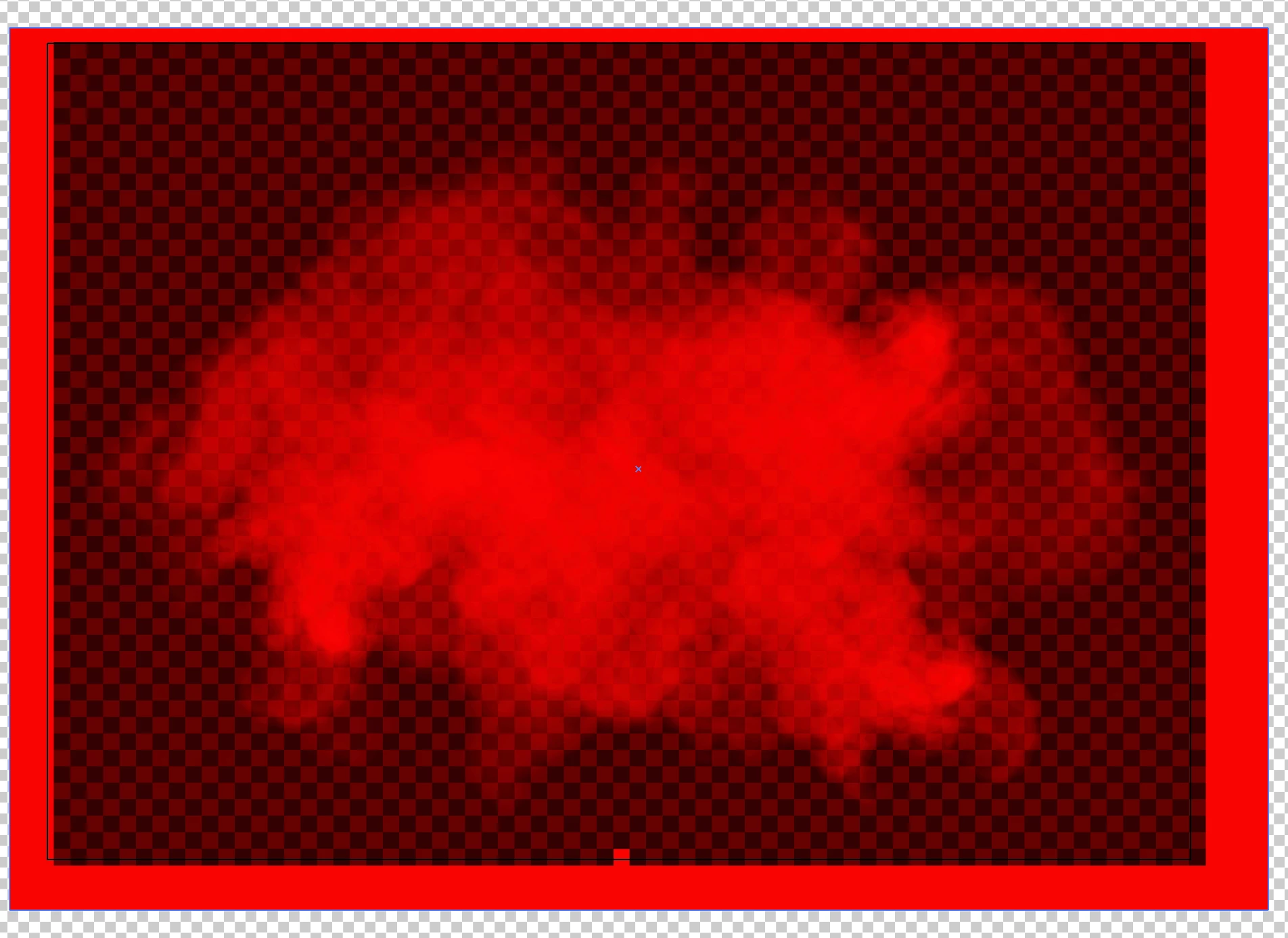
 The goal is export the soke as a vector in red with a transparent background. What am I doing wrong?
 

This topic has been closed for replies.
Correct answer Brad @ Roaring Mouse

The fact it was delivered in an EPS does not mean vector.. the smoke is very definitely raster based (edit: or raser effect e.g. mesh gradient) and can never be vector itself, but CAN be placed in a vector file. You also have to consider the printing process you intend to use, and what your substrate is. e.g. if you want to print a red cloud on a black t-shirt, you must use opaque red ink or print a white underlayer. But let's ignore this for the moment.

Monika's link shows you why these files are they way they are, but if you simply want the smoke to be red with a transparent background, you can easily do this in Photoshop.

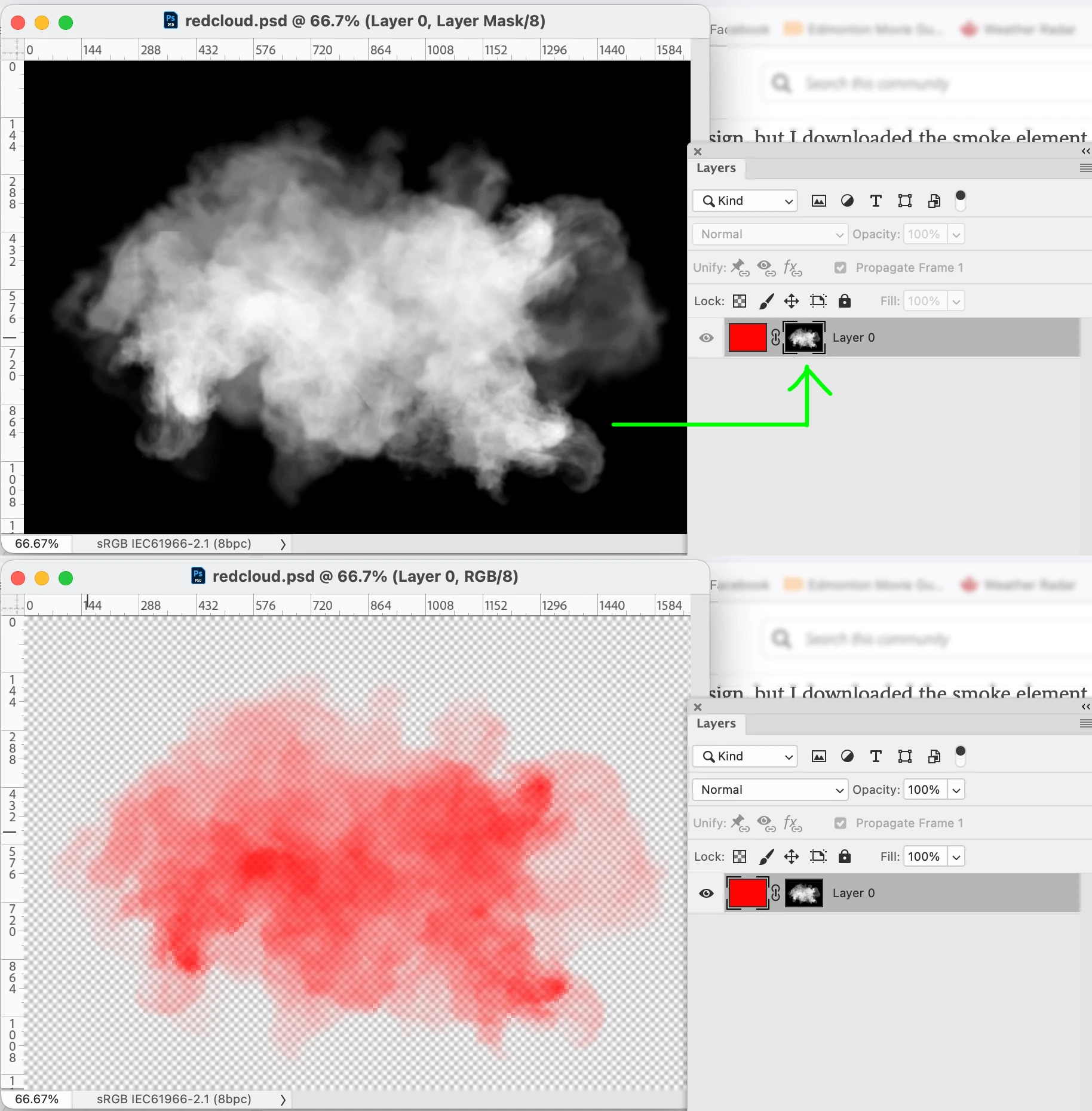
Place a black layer behind the cloud in your Illustrator, then open (render) this file in Photoshop as a Grayscale image. You can now use this image as a mask in another PS document with a layer coloured Red.  like so:

Save this file as a .PSD file and then Place into your Illustrator file with your other elements.


4 replies

Participant
September 21, 2023

Background must bring colors

Mike_Gondek10189183
Community Expert
Community Expert
March 27, 2023

If the item is vector and you want to keep it vector, copy the outer shape of the smoke cloud to your clipboard, and use that as a mask.


That type of art though I doubt is vector. While you can use gradient mesh with opacity file to make something like that, ultimately it gets bitmapped to the raster effects settings resolution.


If you want further help would be good to explain your file construction, Even if you post a screenshot in outline view we can beter understand what you are asking us to advise upon.

Met1
Legend
March 27, 2023

>That type of art though I doubt is vector.


It's vector, I downloaded it...

Brad @ Roaring Mouse
Community Expert
Community Expert
March 27, 2023

Even if it's a vector gradient mesh, it might be easier to handle by rendering it into PS. Otherwise, one would need to find all the applied color points (which, based on what it appears are probably just different levels of grey) and recolor to levels of red. Even so, you will still have an object that has the Screen transparency effect applied which means it requires the Black to properly work. You can't assign No Fill to a mesh point as far as I know.

Brad @ Roaring Mouse
Community Expert
Brad @ Roaring MouseCommunity ExpertCorrect answer
Community Expert
March 27, 2023

The fact it was delivered in an EPS does not mean vector.. the smoke is very definitely raster based (edit: or raser effect e.g. mesh gradient) and can never be vector itself, but CAN be placed in a vector file. You also have to consider the printing process you intend to use, and what your substrate is. e.g. if you want to print a red cloud on a black t-shirt, you must use opaque red ink or print a white underlayer. But let's ignore this for the moment.

Monika's link shows you why these files are they way they are, but if you simply want the smoke to be red with a transparent background, you can easily do this in Photoshop.

Place a black layer behind the cloud in your Illustrator, then open (render) this file in Photoshop as a Grayscale image. You can now use this image as a mask in another PS document with a layer coloured Red.  like so:

Save this file as a .PSD file and then Place into your Illustrator file with your other elements.


Ares Hovhannesyan
Community Expert
Community Expert
March 26, 2023

Do I understand right that smoke image is bmp(raster) not vector?

Participant
March 26, 2023

Hi @Ares Hovhannesyan,


Yes, I believe it is. It's an EPS version. (FILE #: 177745457)


Thank you!


Ethan

Monika Gause
Community Expert
Community Expert
March 26, 2023

Might get difficult. This is probably not a raster file. Talkto your print service if a raster file would work for the print. Then you could use Photoshop. This is how these files work:

The Vector Clip Art Missing Manual: Glow