

Chris Panny
Inspiring
February 6, 2022
Answered

Trying To Create Dotted Brush Stroke With Random Colors For Dots

  • February 6, 2022
  • 1 reply
  • 2414 views

Mac OS Big Sur 11.6 — Ai 26.0.3

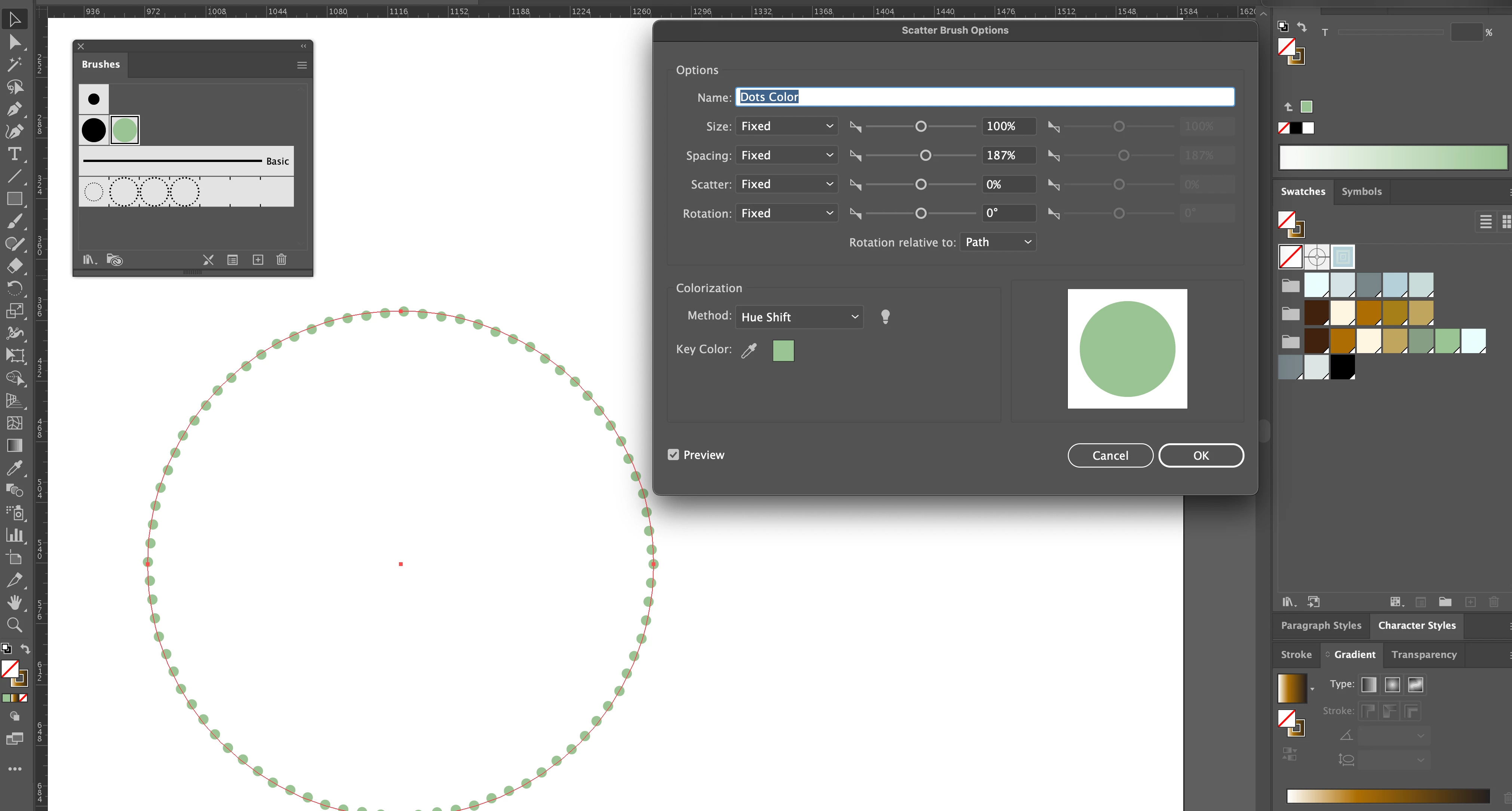
I created a Scatter Brush based on a 6 px circle, set to a medium green and increased the spacing to 187% to give them some breathing room. I applied this to the Stroke of a 300 px circle.


How could I get the dots to diplay a more random range of colors, such as the ones I have in my Swatches panel? I'd like to get a mix of the greens, blues and ambers swatches.


This topic has been closed for replies.
Correct answer femkeblanco

You need to expand the brush (Object > Expand Appearance) and then ungroup, so that each dot is a path. You can then apply random colors.

1 reply

femkeblanco
femkeblancoCorrect answer
Legend
February 6, 2022

You need to expand the brush (Object > Expand Appearance) and then ungroup, so that each dot is a path. You can then apply random colors.

Chris Panny
Inspiring
February 6, 2022

What if I wanted to get the effect in the screenshot below. I will need to generate about 35 of these circles. Each one would be scaled 108% larger than the previous. To implement your idea would be a huge task. I was hoping to automate this, if possible. 


(Maybe this effect below was created with a plugin?)


It's only an island if you look at it from the water.
Ton Frederiks
Community Expert
Community Expert
February 6, 2022

It is easily done with a blend between circles and the script mentioned by femkeblanco.

Create a Dotted stroke (dashed line with round caps)

Scale a copy and make a blend with a specific number of steps.

Object > Blend > Expand

Object > Path > Outline Stroke

Object > Compound Path > Release

Object > Ungroup

Use the script