
Participant
March 9, 2020
Question

Trying to make a detailed vector out of flat image

  • March 9, 2020
  • 1 reply
  • 544 views

Greetings,


I'm currently trying to make a flat image into a vector, make it 100% black, and keep the same detail.


There was example work as the following: 
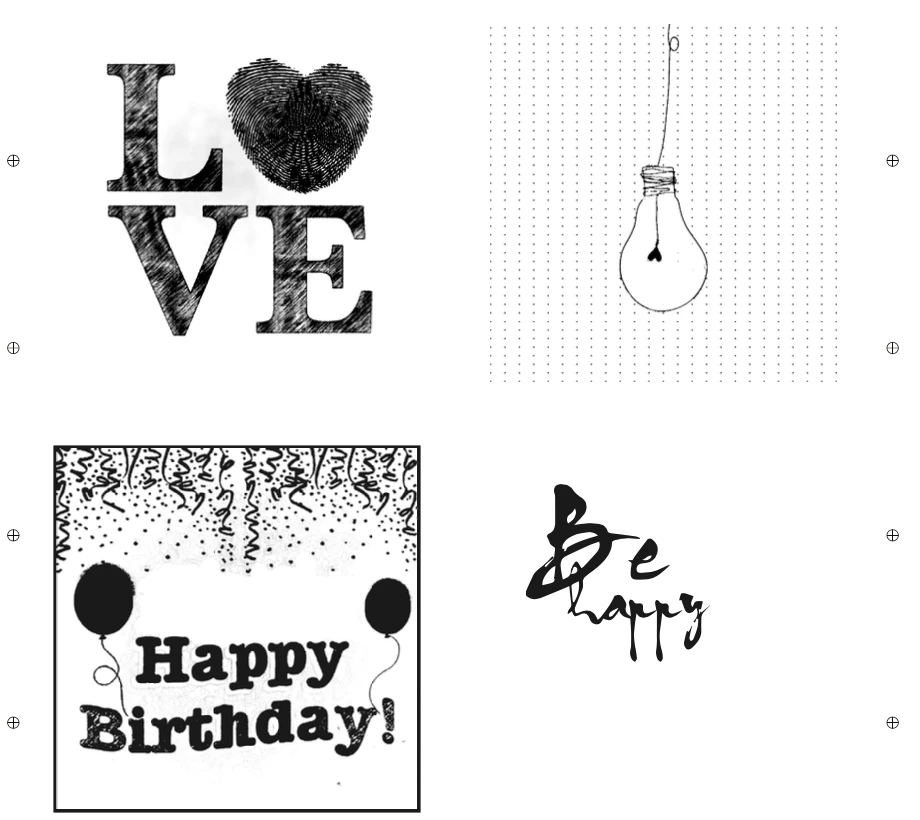
 

Some of these were very detailed and had a lot that had to be taken away. 


Say I'm working with this image: 
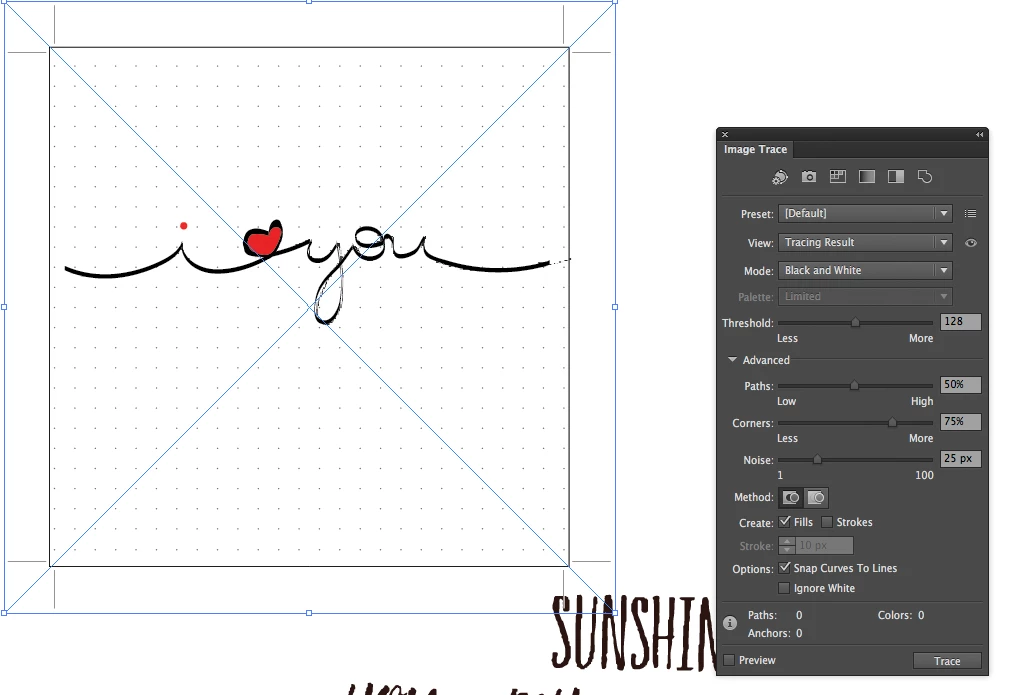
I want it to look like the light bulb image, but when I trace it my result is pretty much the following with every setting:
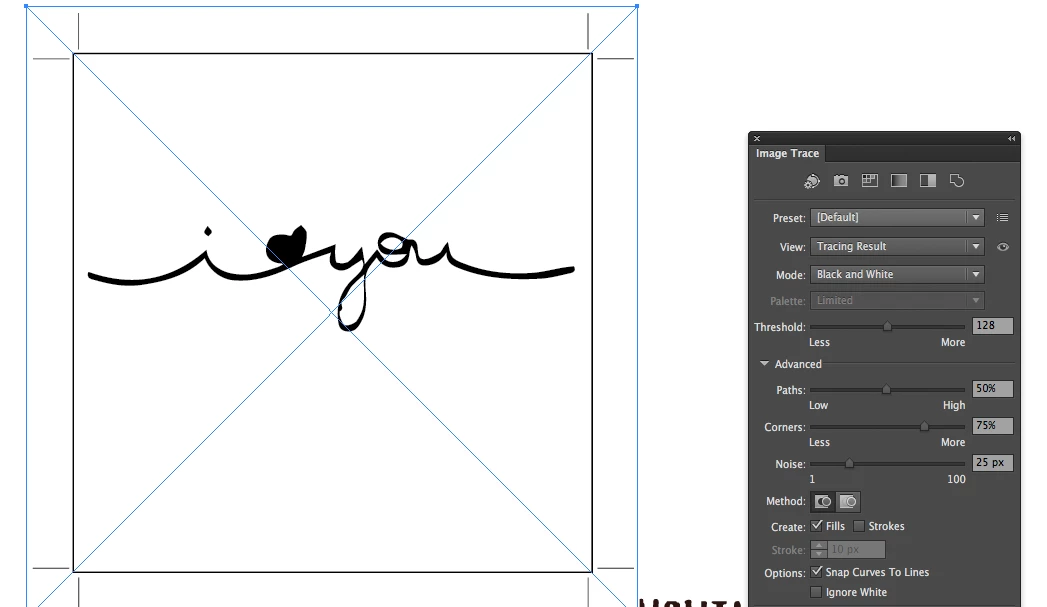


What do I need to learn to get to the results of the first image?

    This topic has been closed for replies.

    1 reply

    Theresa J
    Community Expert
    Community Expert
    March 10, 2020

    You have the mode set to black and white. That's why you are losing the red. 

    Participant
    March 10, 2020

    The color is not what I'm trying to keep, it's the detail of the source picture. Is there a way to vectorize the image as it is, but in black and white?


    Participant
    March 10, 2020

    From these images I can't see what you are referring to.

    Please zoom in and then point out what you mean.


    There are limits to what the Image trace can do for you.


    I've written something about Image trace on the function: https://helpx.adobe.com/illustrator/using/image-trace-results-optimization.html


    If you can't achieve it with adjusting the options then you can't achieve it. It's not magic.


    Thanks for the response.


    So what sorcery got the original colored Happy Birthday image to the stripped and black and white Happy Birthday image?