fung15789751
Participant
July 26, 2017
Beantwortet

Trying to make background transparent on my vector image, not working for inside of lines.

  • July 26, 2017
  • 1 Antwort
  • 1283 Ansichten

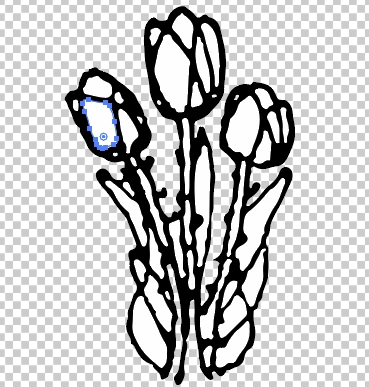
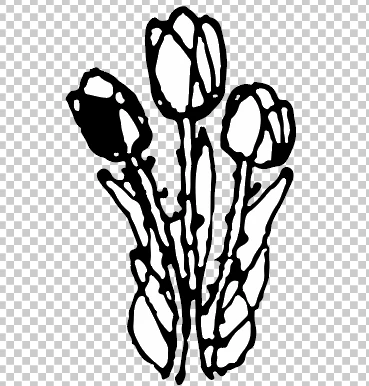
After turning on transparency, image tracing, and expanding the image I can delete the background but can't make it transparent on the inside of lines instead, the path fills black (photos below).

My main goal is to have this vector image have a transparent background for everything except the black lines.

Any help is appreciated, thanks.
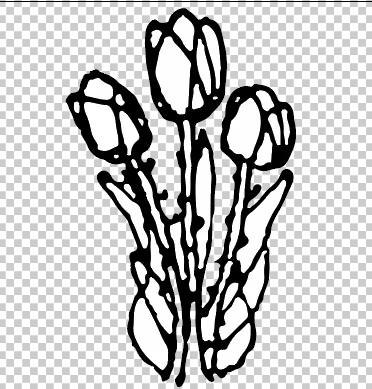
The third photo is after I hit delete on the path.

Dieses Thema wurde für Antworten geschlossen.
Beste Antwort von Monika Gause

When tracing the object just check the option "Ignore white".

This will solve you a lot of headaches.

To inspect your current file, use the layers panel.

1 Antwort

Monika Gause
Community Expert
Community Expert
July 26, 2017

When tracing the object just check the option "Ignore white".

This will solve you a lot of headaches.

To inspect your current file, use the layers panel.