

Question
Turn Off Pen Tool Guide Line (Rubber Band) - Illustrator CC 2014
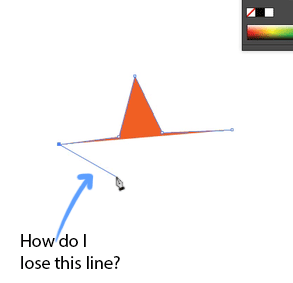
Working in Illustrator CC 2014. There is a guide line that follows the pen tool as I create my paths and shapes. I don't remember this from earlier versions of AI and I find it very distracting especially when creating curves,changing directions or once I've finished drawing a stroke. Does anyone know how to turn this feature off?
UPDATE:
If you want to turn this feature off here's how...
Preferences > Selection and Anchor Display > Uncheck the Enable Rubber Band for Pen Tool
 AdChoices