
Participant
September 12, 2018
Answered

Type on a Path Sideways (perpendicular)?

  • September 12, 2018
  • 2 replies
  • 8902 views

Ok so I have this client of mine, I swear I've done it before however I'm having trouble figuring it out so here goes nothing.  I need to basically make a list on a path so that they "stick out" sideways from the path, aka perpendicular to the path.  Here's a screen shot of part of the file.  It's a circle is my problem.
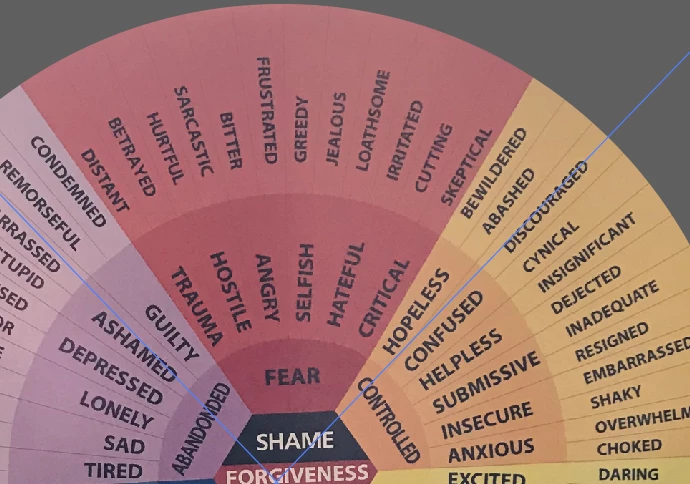
So I've retyped it in order they need it and I was hoping to wrap it around a path perpendicular to that path to and then make the background.  So I have this....
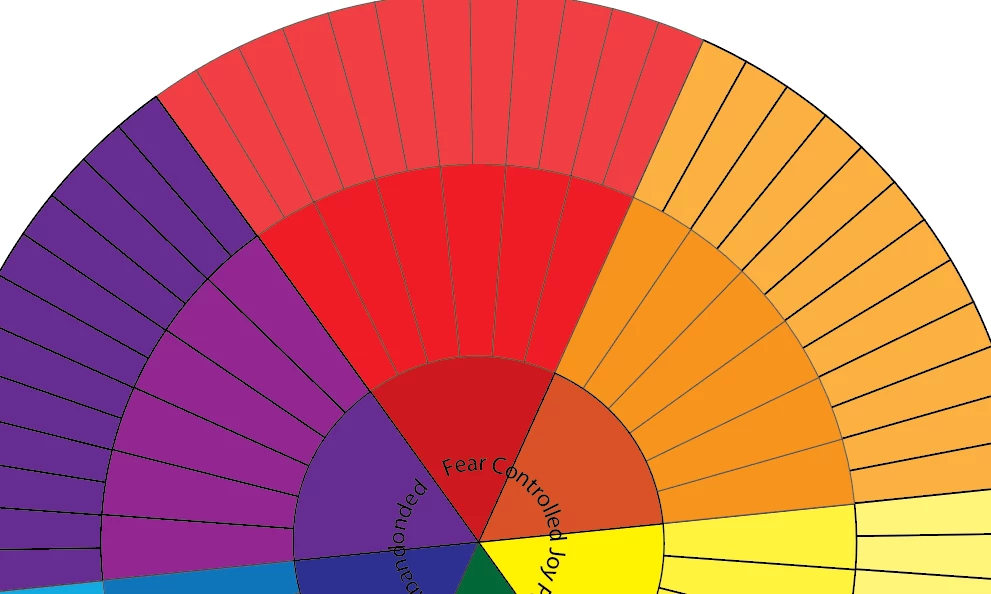
Which is VERY unfinished of course however how do I get those words in the circle without A LOT of work?  Ideas anyone?
This topic has been closed for replies.
Correct answer hammer0909

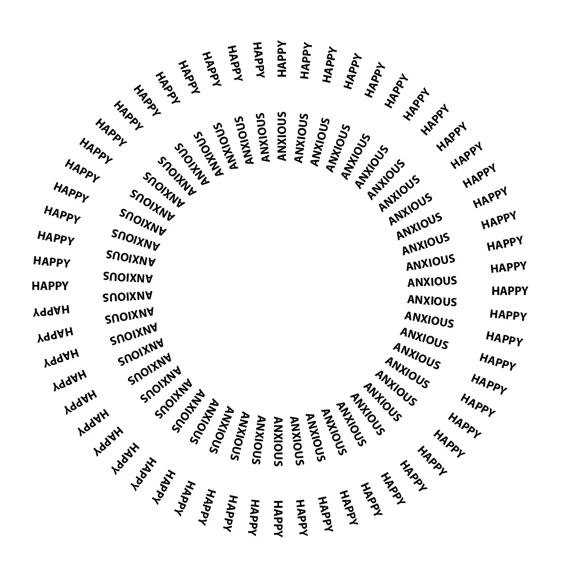
I wouldn't even use type on a path to be honest. I'd just create regular point type objects and transform them. Here's an article I wrote that includes what I'm talking about https://creativepro.com/5-essential-tips-new-illustrator-users/  Read item 2 on transforming objects. I've attached a screenshot of a quick example that I created.

2 replies

Doug A Roberts
Community Expert
Community Expert
September 12, 2018

It is possible to do this with circular paths, but is a little bit of a pain to set up:

Re: Text on a path..

hammer0909
Community Expert
hammer0909Community ExpertCorrect answer
Community Expert
September 12, 2018

I wouldn't even use type on a path to be honest. I'd just create regular point type objects and transform them. Here's an article I wrote that includes what I'm talking about https://creativepro.com/5-essential-tips-new-illustrator-users/  Read item 2 on transforming objects. I've attached a screenshot of a quick example that I created.

Participant
September 13, 2018

Chad Chelius,

This is great information and I'm feeling seriously really dumb here however how does this help me? I just can't figure out how to apply what you've just given me to my project!  I'm sorry that I'm being totally ignorant about this!  I'm moving and have lots going on right now so my brain is only 1/2 on work, my apologies, however if you could please lay it out a bit more for me this would be a bit more useful to me!

Thanks!

jessi

hammer0909
Community Expert
Community Expert
September 14, 2018

Not a problem Jessi. Your original post shows what appears to be the start of the project that you're trying to create. You ask in your post how to make a list on a path so they stick out sideways. I inferred from the fact that the text was missing from your design that this is what you were trying to do. So in my reply, I'm just explaining that you don't need to use Type on a Path to do this as a matter of fact it probably would make things a lot more complicated. Instead, I'm suggesting just create one type object and position it at an appropriate location relative to your art and then transform it while making a copy to achieve the result that you see in the original image that you showed us (what you are trying to achieve). Using the transform technique above, I quickly whipped up a replica of what you were trying to produce. The proportions are off because I did it quickly but hopefully you get the idea.