Participant
January 23, 2025
Question

Unable to Download Illustrator - Windows 11

  • January 23, 2025
  • 3 replies
  • 735 views

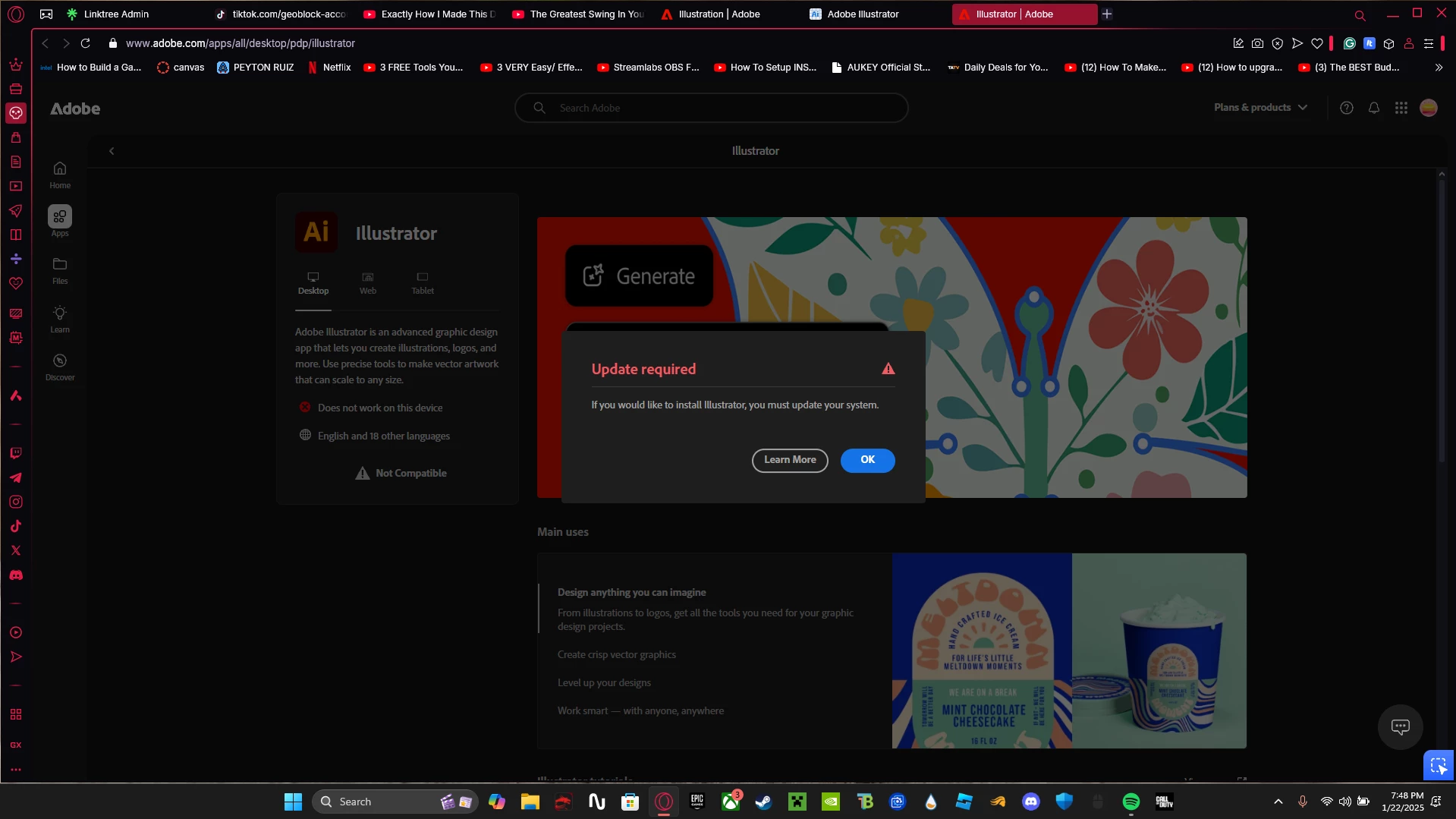
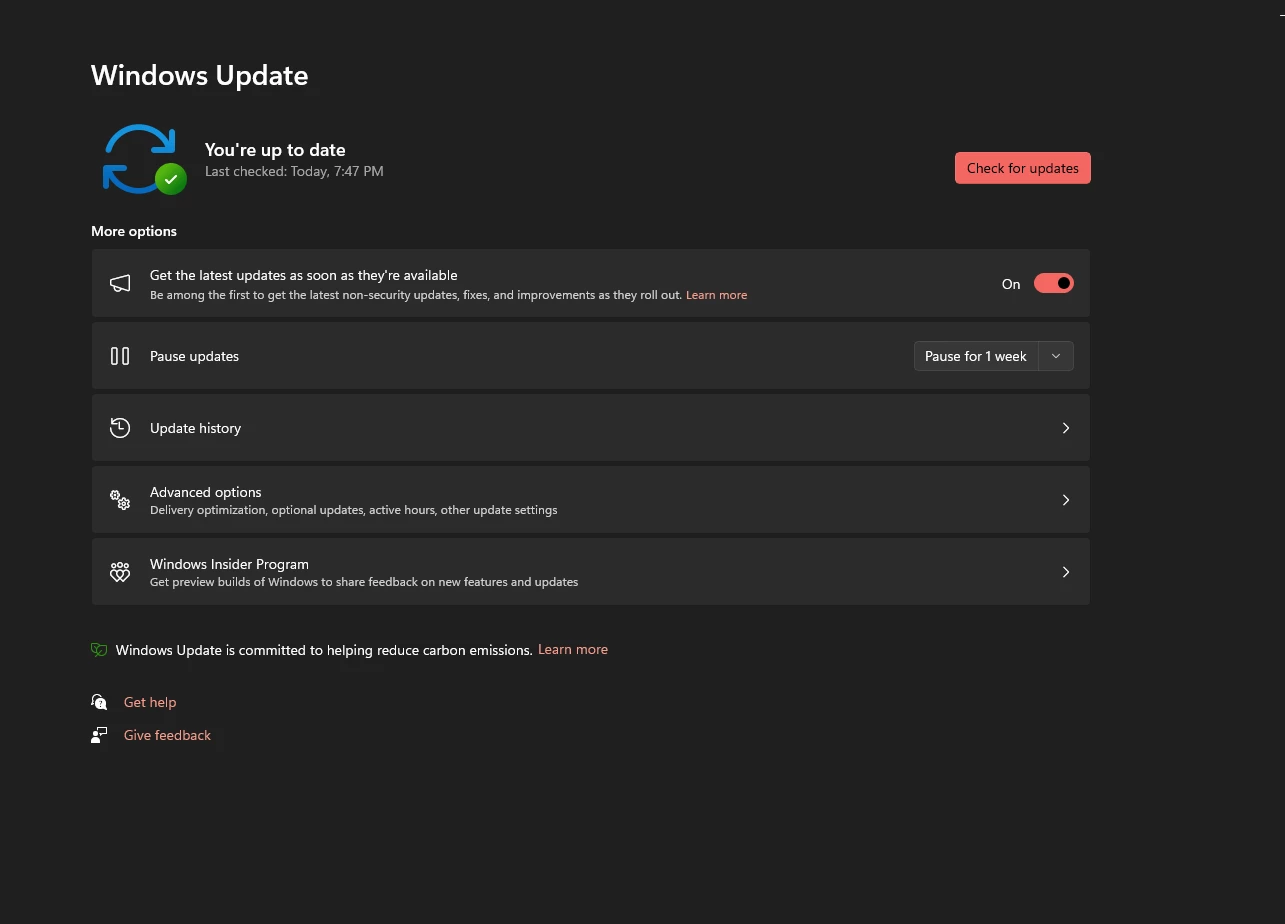
I cannot download Illustrator however I meet all system requirements on my laptop and everything is updated. what should I do?


3 replies

Community Manager
January 30, 2025

Hello @peyton_8207,

I hope Bobby's suggestions helped resolve the problem. If not, kindly try using a different web browser or downloading the Creative Cloud Desktop application (https://helpx.adobe.com/download-install/kb/creative-cloud-desktop-app-download.html) to see if it helps.

Looking forward to hearing from you.


Anubhav

Community Expert
January 23, 2025

The first step I would do is reboot the system (if you haven't done that already) and then try to run the installer. I would also double-check for things like driver updates for the computer's graphics card/chipset. Also, make sure there isn't other applications running in the background that could trip up the installation. It could be a VPN, a virus scan in progress, etc.


How much RAM is installed in the noteook? I don't agree with the official minimum system requirements for Illustrator. IMHO, 16GB of RAM should be the minimum spec and 32GB is a more comfortable standard.


Have you tried installing any previous builds of Illustrator to see if they'll work? In the CC Desktop app you can open the Apps panel, look at the tile for Illustrator and click the little three dots icon in the lower corner. A flyout menu will show "other versions" as an option.

Participant
January 23, 2025

I have a MSI GF65 Thin 9SD laptop
